⚡ Key Takeaways
- In a gaming build, the graphics card almost always dominates the budget, often consuming 35 to 45 percent of the total.
- The table below outlines realistic 2026 price brackets for self-built desktops, excluding peripherals like a monitor, keyboard, and mouse.
- A common budgeting mistake is spending every dollar on the tower and forgetting that you still need a screen, input devices, and audio.
- The build-versus-buy question hinges on more than just the sticker price.
Figuring out the gaming PC cost that fits your needs is the first real decision in any build journey. The honest answer is that a capable gaming PC in 2026 can cost anywhere from $700 to well over $3,000, and the right number depends entirely on the resolution you play at, the frame rates you chase, and how long you want the machine to last. Spending more does not always mean a better experience; spending wisely does. This guide breaks down what your money actually buys at each tier so you can budget with confidence.
Related: best gaming PC upgrade kits.
Related: best CPU coolers for gaming.
Related: fixing RGB not detected.
Quick answer: Our top pick in 2026 is the Budget / Entry — our #1 rated choice. See the full ranked comparison, alternatives and buying advice below.
What Drives the Price
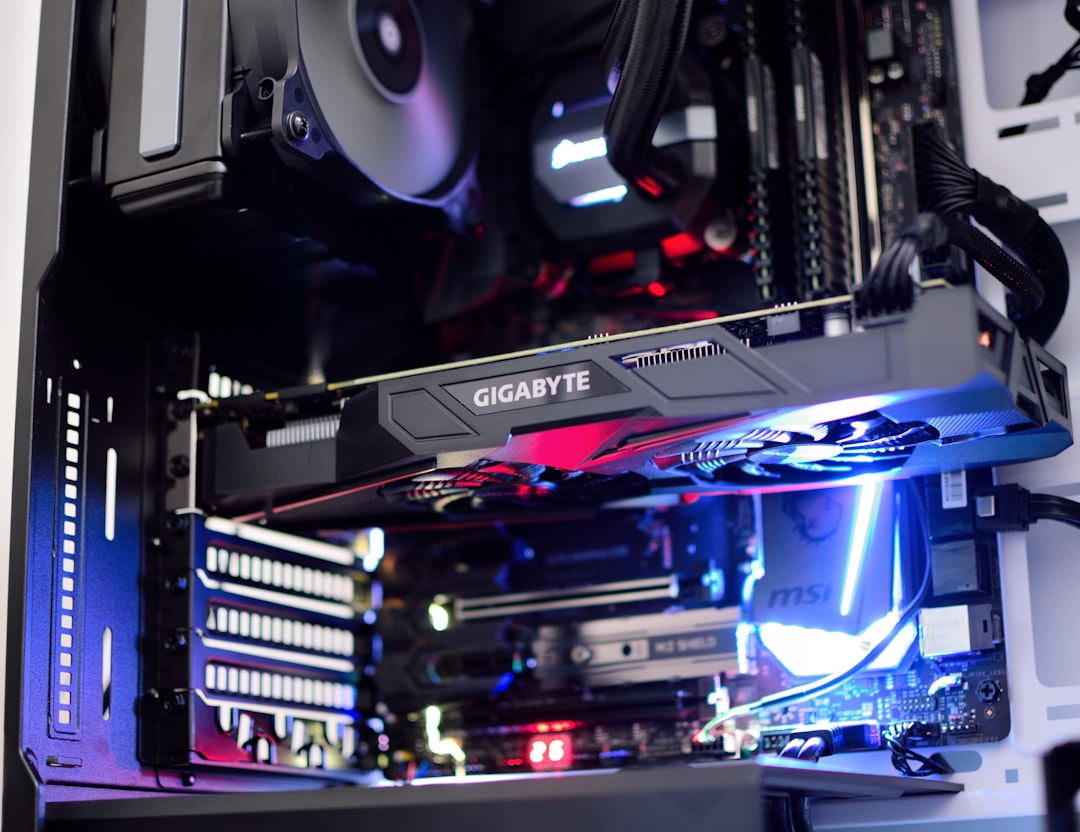
In a gaming build, the graphics card almost always dominates the budget, often consuming 35 to 45 percent of the total. The CPU, motherboard, memory, storage, power supply, case, and cooler split the remainder. Because the GPU sets your gaming ceiling, deciding your target resolution first is the smartest way to anchor your spending. Everything else should be balanced around the card you choose, avoiding the classic mistake of pairing a powerful GPU with a weak CPU or skimping on the power supply.
Gaming PC Cost by Performance Tier
The table below outlines realistic 2026 price brackets for self-built desktops, excluding peripherals like a monitor, keyboard, and mouse.
| Tier | Price Range | Target Experience | Example GPU Class |
|---|---|---|---|
| Budget / Entry | $700–$900 | 1080p high, 60+ fps | RTX 5060 / RX 9060 |
| Mainstream | $1,000–$1,400 | 1440p high, 100+ fps | RTX 5070 / RX 9070 |
| High-End | $1,600–$2,200 | 1440p ultra / 4K high | RTX 5070 Ti / RX 9070 XT |
| Enthusiast | $2,500+ | 4K ultra, ray tracing | RTX 5080 / 5090 |
Budget Builds ($700
An entry-level build delivers a genuinely good 1080p experience. Expect a 6-core CPU, 16GB of DDR5 (ideally upgradeable to 32GB later), a 1TB NVMe SSD, and a current-generation 8GB graphics card. This tier handles esports titles at very high frame rates and AAA games at high settings around 60 fps. It’s the best entry point for most newcomers and leaves room to upgrade the GPU down the road.
Mainstream Builds ($1,000
This is the value sweet spot for 2026. A strong 6- or 8-core CPU, 32GB of DDR5-6000, a 1TB or 2TB Gen4 SSD, and a 12GB to 16GB GPU let you play at 1440p with high settings and frame rates above 100 fps in most games. This tier balances cost and longevity better than any other and is what we recommend for the majority of buyers.
High-End and Enthusiast Builds
Above $1,600 you enter territory built for 4K gaming, maxed-out ray tracing, and high-refresh 1440p competitive play. Enthusiast builds over $2,500 pair flagship GPUs with top CPUs, 32GB or more of fast memory, and premium cooling. Diminishing returns set in here; the jump from high-end to enthusiast costs a lot for a modest real-world gain, so only spend this much if 4K ultra is your goal.
Don’t Forget the Peripherals
A common budgeting mistake is spending every dollar on the tower and forgetting that you still need a screen, input devices, and audio. These can add several hundred dollars but dramatically shape your experience. Your monitor in particular deserves real attention, since the best GPU is wasted on a poor display. Browse a quality gaming monitor to match your build, and if you play competitively, a 240Hz 1440p monitor pairs perfectly with a mainstream or high-end rig. Good gaming speakers and a tidy desk with a monitor arm complete a setup that feels worth the investment.
Prebuilt vs. Custom: The Cost Trade-Off
The build-versus-buy question hinges on more than just the sticker price. Building yourself almost always saves money on labor and lets you cherry-pick parts during sales, typically yielding a $100 to $300 advantage over an equivalent prebuilt. Just as important, a self-built machine uses the exact quality components you select, avoiding the generic power supplies, proprietary motherboards, and weak cooling that some prebuilt vendors use to cut costs invisibly. You also gain full knowledge of your machine, making future upgrades and repairs straightforward.
Prebuilts do have their moments. During GPU shortages, system integrators sometimes receive priority stock and can sell complete systems for less than the cost of the graphics card alone on the open market. They also bundle a warranty covering the whole system and assembly, which appeals to buyers who value support over savings. For most enthusiasts, though, building remains the better value and the more satisfying path. If you do buy prebuilt, scrutinize the power supply and motherboard, the two parts vendors most often economize on.
Total Cost of Ownership Over Time
Sticker price is only part of the story; a smart buyer considers the cost of owning and upgrading a PC over several years. A slightly more expensive build with a strong platform, a quality power supply, and ample RAM can outlast two cheaper machines because it accepts future upgrades gracefully. For example, choosing a current-generation socket and a 750W PSU means you can drop in a faster GPU in two years without replacing the surrounding parts, spreading your spending efficiently.
| Strategy | Upfront Cost | Long-Term Value |
|---|---|---|
| Buy cheap, replace often | Low | Poor; frequent full rebuilds |
| Buy mainstream, upgrade GPU later | Moderate | Excellent; longest useful life |
| Buy enthusiast flagship | High | Good, but diminishing returns |
The mainstream-with-headroom approach almost always wins on a multi-year view. It avoids both the false economy of underspending and the diminishing returns of buying the most expensive parts, which lose value quickly as newer generations arrive.
Where to Save and Where to Spend
Smart builders know which corners are safe to cut. You can save money on the case (function over flash), the CPU cooler (a quality air cooler beats a cheap liquid one), and storage capacity, which is easy to expand later. Never cut corners on the power supply, where a reputable unit with the right wattage protects your entire investment, and avoid pairing an underpowered CPU with a strong GPU, which creates a bottleneck that wastes money. Buying components during seasonal sales can shave 10 to 20 percent off the total.
Timing Your Purchase to Save
When you buy can affect the total cost almost as much as what you buy. Major sales events throughout the year routinely knock 10 to 20 percent off individual components, and graphics cards, memory, and storage all fluctuate in price as new generations launch and older stock clears. If your timeline is flexible, watching prices for a few weeks and pouncing during a sale can shift your build up an entire performance tier for the same money. Price-tracking tools that alert you when a part drops to a target price make this painless.
There’s also value in buying right after a new generation launches, when the previous generation’s still-capable parts often see steep discounts. A last-generation GPU or CPU can deliver excellent gaming performance at a markedly lower price once its successor arrives. The opposite trap is buying an aging part at full price just before its replacement appears, so a quick check of upcoming release schedules before a big purchase is always worthwhile. Patience, here, is quite literally money in your pocket.
Top-Rated Picks


Save $40.00

Save $10.00

| Product | Brand | Rating | Reviews | Price |
|---|---|---|---|---|
| Redragon K552 Mechanical Gaming Keyboard, 87-Key Comp… | REDRAGON | ★ 4.5 | 51.6k | $36.99 |
| Redragon S101-3 PRO Gaming Keyboard and Mouse, RGB Ba… | REDRAGON | ★ 4.5 | 51.3k | $39.99 |
| HyperX Alloy Origins 60 – Mechanical Gaming Keyboard,… | HyperX | ★ 4.7 | 15.1k | $59.99 |
| Redragon K556 RGB LED Backlit Wired Mechanical Gaming… | REDRAGON | ★ 4.6 | 8.1k | $49.99 |
| RK ROYAL KLUDGE S108 Typewriter Keyboard, Retro Mecha… | RKROYALKLUDGE | ★ 4.6 | 7.7k | $59.99 |
Frequently Asked Questions
What is the minimum I should spend on a gaming PC?
Around $700 to $800 gets a genuinely capable 1080p machine in 2026. Spending much less usually means used parts or compromises that hurt the experience. Below that, a console may offer better value.
Is a $1,000 gaming PC worth it?
Absolutely. The $1,000 to $1,400 range is the value sweet spot, delivering smooth 1440p gaming with strong longevity. Most players are happiest in this bracket.
Why are graphics cards so expensive?
GPUs are complex, in high demand from gaming and AI markets, and represent the most performance-critical part of a gaming PC. They typically account for the largest share of a build’s cost.
Can I build a PC cheaper than buying a prebuilt?
Usually yes, by $100 to $300, while also getting better-quality individual parts. Prebuilts sometimes win during GPU shortages when system integrators get priority stock at lower prices.
How much should I budget for a monitor and peripherals?
Plan for $200 to $500 on top of the tower for a good monitor, keyboard, mouse, and headset. The monitor deserves the largest share of that budget.
Conclusion
A gaming PC’s cost scales with your ambitions, from roughly $700 for solid 1080p play to $2,500 and beyond for 4K enthusiast rigs. Anchor your budget to your target resolution, let the GPU lead the build, and avoid false economies on the power supply. For most people, the $1,000 to $1,400 mainstream tier offers the best blend of performance, longevity, and value, leaving a comfortable margin for the monitor and peripherals that bring the whole setup together.
Ready to decide? Our #1 pick for 2026 is the Budget / Entry.
Live price & availability on Amazon.