⚡ Key Takeaways


Save $40.00


Save $10.00
- For a new gaming PC built today, 32GB of RAM is the recommended sweet spot.
- A few years ago 16GB was the gold standard, but several trends have eroded that comfort.
- RAM speed, measured in megatransfers per second (like DDR5-6000), directly affects gaming performance, especially with AMD Ryzen CPUs that are sensitive to memory speed.
- If you're building a new system in 2026 on a current platform, you'll use DDR5, which is faster and the standard going forward.
Figuring out how much RAM for gaming you actually need is one of those decisions where it’s easy to overspend or, occasionally, to undershoot and pay for it in stutter. System memory, or RAM, holds the data your CPU is actively working with: the game itself, your operating system, and every background app. Too little forces the system to swap data to slow storage, causing hitches; too much sits idle and wastes money. In 2026 the answer for most gamers has settled into a clear sweet spot, but the details of speed and configuration matter as much as raw capacity.
Quick answer: Our top pick in 2026 is the 8GB — our #1 rated choice. See the full ranked comparison, alternatives and buying advice below.
The Short Answer
For a new gaming PC built today, 32GB of RAM is the recommended sweet spot. While 16GB still runs the majority of games acceptably, it has become tight as games grow more demanding and as players keep browsers, Discord, and streaming software open alongside their games. 32GB provides comfortable headroom that prevents memory-related stutter and keeps you covered for years. Going beyond to 64GB offers no gaming benefit for almost everyone and only makes sense for heavy content creation or professional workloads.
| Capacity | Suitability for Gaming |
|---|---|
| 8GB | Insufficient for modern gaming; expect stutter |
| 16GB | Acceptable minimum; tight with multitasking |
| 32GB | Recommended sweet spot for 2026 and beyond |
| 64GB | Overkill for gaming; useful only for heavy creative work |
Why 16GB No Longer Feels Like Enough
A few years ago 16GB was the gold standard, but several trends have eroded that comfort. Modern AAA games increasingly use 12GB or more of system RAM on their own, leaving little room for everything else. Most gamers don’t game in isolation; they run a browser with many tabs, a chat app, music, and perhaps streaming software simultaneously. When the combined demand exceeds your physical RAM, the system pages data to your SSD, and you feel it as stutter and longer load times. 32GB simply gives breathing room that eliminates these scenarios.
Speed and Latency Matter More Than You Think
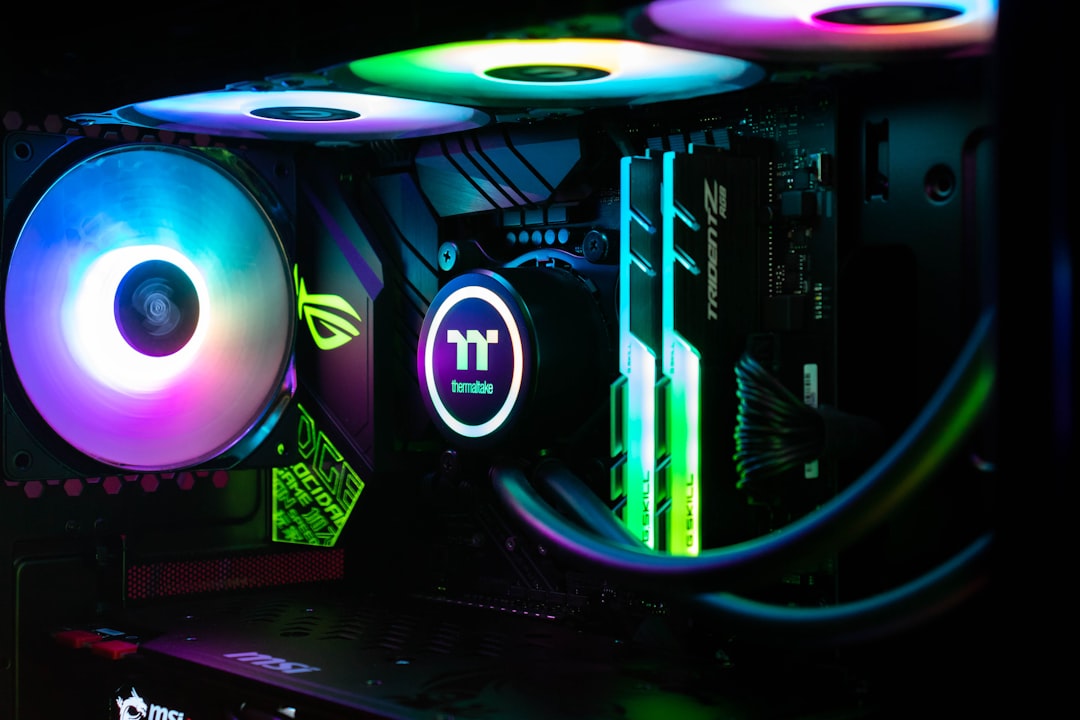
Capacity is only half the story. RAM speed, measured in megatransfers per second (like DDR5-6000), directly affects gaming performance, especially with AMD Ryzen CPUs that are sensitive to memory speed. Faster RAM feeds the CPU data more quickly, raising minimum frame rates and smoothing gameplay. For a current DDR5 platform, DDR5-6000 with reasonable timings is the value sweet spot, offering excellent performance without the premium of exotic high-speed kits. Critically, you must enable the EXPO (AMD) or XMP (Intel) profile in your BIOS, or the RAM will run at a slow default speed and waste its potential.
The Dual-Channel Rule
Always buy RAM in a matched kit of two sticks rather than a single stick of the same capacity. Two sticks enable dual-channel mode, which roughly doubles memory bandwidth and can improve gaming performance significantly, sometimes by ten percent or more in CPU-bound situations. A single 32GB stick performs noticeably worse than two 16GB sticks. This is one of the most common and impactful mistakes new builders make, so plan for a two-stick configuration from the start.
DDR4 vs. DDR5
If you’re building a new system in 2026 on a current platform, you’ll use DDR5, which is faster and the standard going forward. DDR4 still exists on older or budget platforms and remains capable for gaming, but new builds should embrace DDR5 for longevity. Don’t try to mix the two; they use different slots and are entirely incompatible. When choosing a motherboard and CPU, that decision locks in your memory type, so plan the platform as a whole.
How RAM Affects Different Game Genres
Not all games stress memory equally, and understanding the pattern helps you decide whether you genuinely need more capacity. Fast-paced competitive shooters like Valorant or CS2 are light on RAM and run comfortably even on 16GB. The heavy consumers are sprawling open-world titles, simulation and strategy games with large maps, and heavily modded games. A modded RPG or a city-builder with a massive population can easily push past 16GB on its own, leaving nothing for your background apps and triggering stutter.
This genre sensitivity is why a blanket recommendation of 32GB makes sense for a new build: it covers the demanding cases without forcing you to predict exactly which games you’ll play over the next several years. If you exclusively play lightweight esports titles and never multitask, 16GB will serve you well and save a little money. But for a versatile machine that handles whatever catches your interest, including the memory-hungry blockbusters and mod-heavy setups, the extra capacity removes a variable you’d otherwise have to worry about every time you install something new.
Memory Timings and Why They Matter
Beyond the headline speed figure, RAM has timings (latency values like CL30) that describe how quickly the memory responds to requests. Lower timings mean lower latency, which benefits gaming because games depend heavily on fast access to small pieces of data. The interplay between speed and timings produces an effective latency, and the best value kits balance a high data rate with reasonably tight timings rather than maximizing one at the expense of the other. For most builders, a well-regarded DDR5-6000 CL30 kit hits this balance perfectly.
You don’t need to become an expert in memory subtimings to build a great gaming PC. Choosing a reputable kit at DDR5-6000 with CL30 timings, confirming it appears on your motherboard’s compatibility list, and enabling its EXPO or XMP profile gets you the vast majority of the available performance with none of the manual tuning. Chasing exotic high-speed kits or hand-tuning timings yields small gains that rarely justify the cost or effort for a gaming-focused machine, so the value sweet spot remains the smart choice.
Practical Buying Advice
To get memory right without overspending, follow these guidelines:
- Buy a matched 2 x 16GB (32GB) DDR5-6000 kit for the best blend of capacity, speed, and value.
- Enable EXPO or XMP in the BIOS immediately after building, or you’re leaving performance on the table.
- Don’t pay extra for 64GB unless you do serious video editing, 3D rendering, or run virtual machines.
- Prioritize a reputable kit on your motherboard’s compatibility list over chasing the absolute highest advertised speed.
With memory sorted, the rest of your experience depends on the parts you see and hear every day. A great display does more for immersion than extra RAM, so invest in a quality gaming monitor or a competitive 240Hz 1440p panel, and round things out with good gaming speakers for a complete setup.
Frequently Asked Questions
Is 16GB of RAM enough for gaming in 2026?
It’s the bare minimum and runs most games acceptably, but it’s increasingly tight, especially if you multitask. For a new build, 32GB is the safer, more future-proof choice that prevents memory-related stutter.
Does more RAM increase FPS?
Only up to a point. Moving from insufficient RAM to enough RAM eliminates stutter and can raise frame rates, but adding capacity beyond what games use gives no further benefit. RAM speed often matters more than extra capacity.
Should I get one stick or two?
Always two matched sticks. Dual-channel mode roughly doubles memory bandwidth and can boost gaming performance meaningfully. A single stick of the same total capacity performs noticeably worse.
Do I need to enable XMP or EXPO?
Yes, absolutely. Without it, your RAM runs at a slow default speed regardless of what you paid for. Enabling the profile in BIOS unlocks the rated speed and is one of the most important post-build steps.
Is 64GB worth it for gaming?
Not for gaming alone; it sits mostly unused. It’s only worthwhile if you also do memory-intensive work like video editing, 3D rendering, or running virtual machines alongside your games.
Conclusion
For gaming in 2026, 32GB of DDR5-6000 in a matched two-stick kit is the clear recommendation, balancing capacity, speed, and value while future-proofing your build. 16GB still works but feels cramped, and 64GB is overkill for pure gaming. Whatever you choose, buy in dual-channel pairs and enable EXPO or XMP in the BIOS, because the right configuration matters just as much as the number on the box.
Ready to decide? Our #1 pick for 2026 is the 8GB.
Live price & availability on Amazon.