⚡ Key Takeaways
- What VRAM Actually Stores
- How Resolution Drives VRAM Use
- Signs You’re Running Out of VRAM
- VRAM vs. GPU Power: Don’t Confuse Them
- Settings That Reduce VRAM Demand
- Matching VRAM to Your Display
- Why VRAM Requirements Keep Climbing
- Shared Memory and the System RAM Fallback
- Top-Rated Picks
- Related Guides
- Frequently Asked Questions
- Conclusion
- Related Articles
- VRAM holds the data your GPU needs instantly while rendering a frame.
- Resolution is the single biggest driver of VRAM consumption because higher resolutions require larger frame buffers and benefit from higher-resolution textures.
- Unlike running low on the GPU's processing power, which lowers your frame rate evenly, running out of VRAM produces distinct symptoms.
- A frequent mistake is assuming more VRAM automatically means a faster card.
One of the most common questions new builders ask is “how much VRAM do I need for gaming?” Video memory, or VRAM, is the dedicated high-speed memory on your graphics card, and in 2026 it has become one of the most important specifications to get right. As games adopt higher-resolution textures, ray tracing, and advanced upscaling, VRAM requirements have climbed sharply. Buying a card with too little can leave you stuttering and slashing texture quality even when the GPU’s raw power is otherwise plenty. This guide explains what VRAM actually does and exactly how much you need.
As an Amazon Associate we earn from qualifying purchases at no extra cost to you. Product prices and availability are accurate as of the date shown and are subject to change.





Related: best gaming PC upgrade kits.
Related: fixing RGB not detected.
🛒 Best Price Today on Amazon
Prime members get fast, free shipping on everything above, plus member-only deals. New members get a 30-day free trial — cancel anytime.
Quick answer: Our top pick in 2026 is the 1080p — our #1 rated choice. See the full ranked comparison, alternatives and buying advice below.
What VRAM Actually Stores
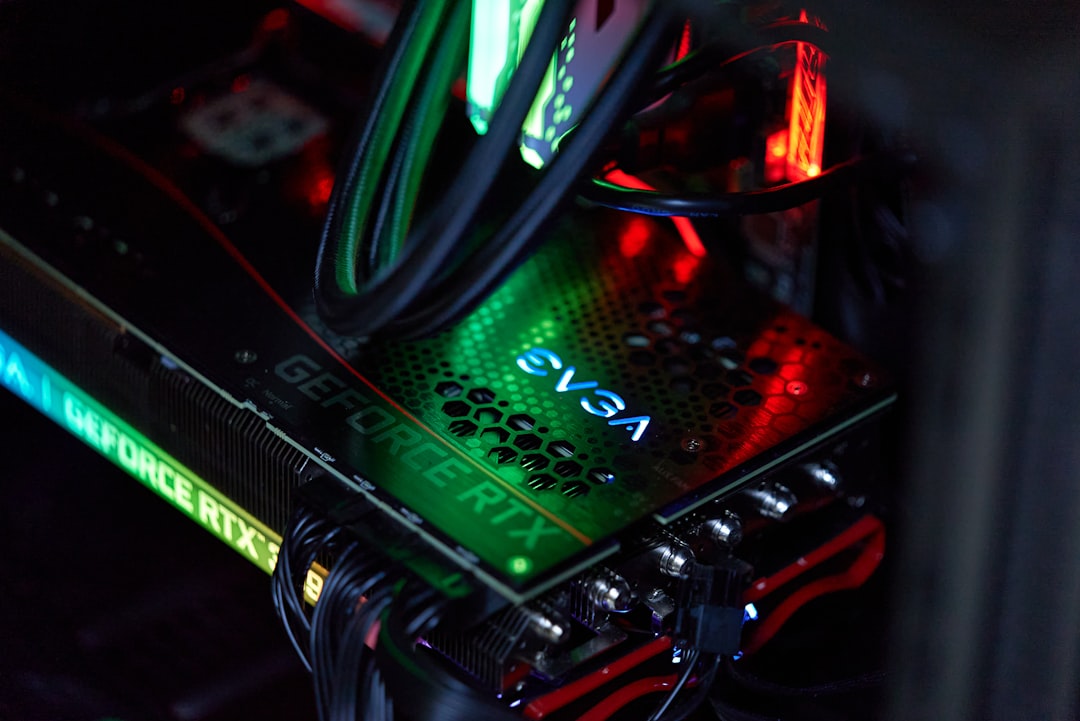
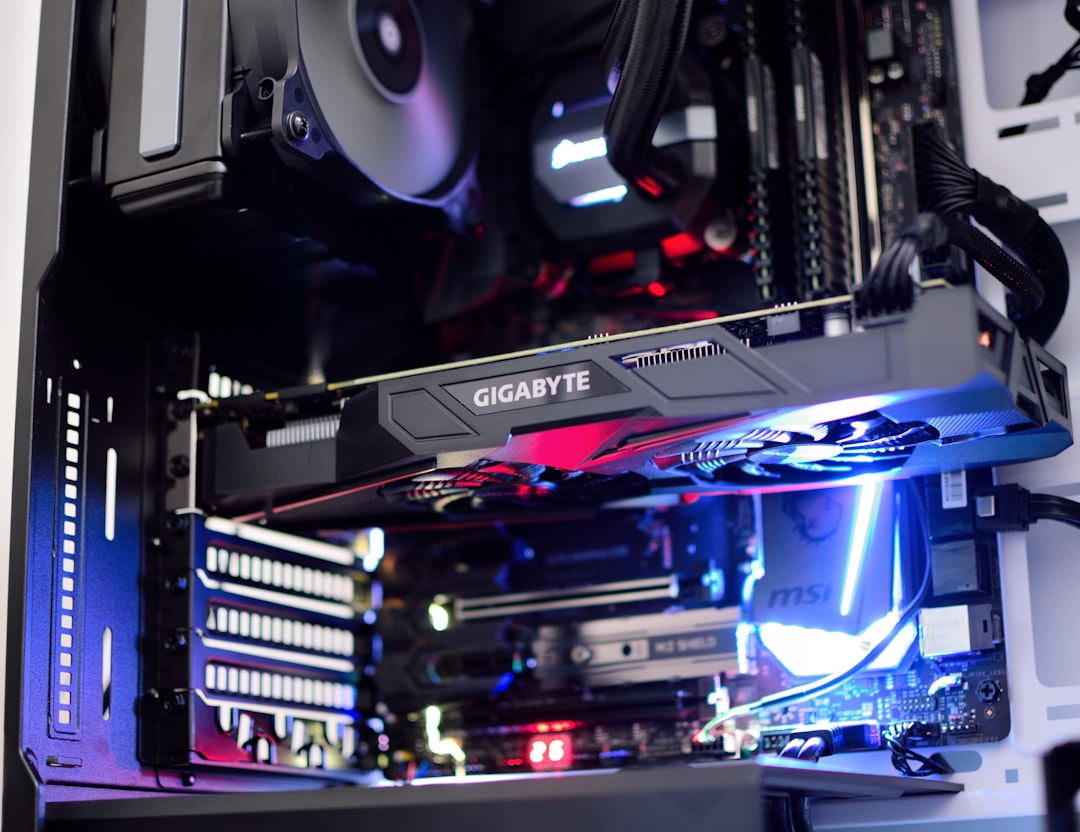
VRAM holds the data your GPU needs instantly while rendering a frame. That includes texture maps, the frame buffer, geometry, shadow maps, and assets for ray-traced effects. When a game needs an asset that isn’t in VRAM, it must fetch it from system RAM or storage, which is dramatically slower. The result is the dreaded texture pop-in, frame-time spikes, and stuttering. Think of VRAM as your GPU’s desk: a bigger desk lets it keep everything it needs within arm’s reach instead of constantly walking to a filing cabinet.
How Resolution Drives VRAM Use
Resolution is the single biggest driver of VRAM consumption because higher resolutions require larger frame buffers and benefit from higher-resolution textures. Ray tracing and frame-generation features add another layer of demand on top.
| Resolution | Comfortable VRAM | Ideal for Future-Proofing |
|---|---|---|
| 1080p | 8GB | 12GB |
| 1440p | 12GB | 16GB |
| 4K | 16GB | 20GB+ |
These figures assume high or ultra settings in modern AAA titles. Competitive esports games like Valorant or CS2 use far less and run happily on 8GB even at 1440p. The trouble appears in graphically demanding single-player games with high-resolution texture packs.
Signs You’re Running Out of VRAM
Unlike running low on the GPU’s processing power, which lowers your frame rate evenly, running out of VRAM produces distinct symptoms. Watch for these:
- Severe stuttering or hitching, especially when turning the camera quickly into a new area.
- Blurry textures that fail to load in, or pop in a second or two after you enter a scene.
- Sudden frame-rate cliffs when you raise texture quality one notch, far beyond what the GPU should lose.
- Crashes to desktop in extreme cases when memory is fully exhausted.
You can confirm a VRAM bottleneck using the overlay in your GPU software or a tool like MSI Afterburner, which reports “dedicated memory” usage in real time. If your usage is pinned at the card’s maximum during stutters, VRAM is the culprit.
VRAM vs. GPU Power: Don’t Confuse Them
A frequent mistake is assuming more VRAM automatically means a faster card. It does not. VRAM is capacity, not speed. A budget card with 16GB will not outperform a more powerful card with 12GB in most games, because the powerful card simply renders frames faster. VRAM only becomes the deciding factor when you exceed the smaller card’s capacity. The goal is balance: enough VRAM that you never hit the ceiling, paired with a GPU powerful enough to drive your target frame rate. Manufacturers occasionally pair weak GPUs with large VRAM as a marketing tactic, so judge the whole card.
How Much Do Current Cards Have?
In 2026, the landscape has improved. Mainstream cards now commonly ship with 12GB to 16GB, midrange options around 16GB, and high-end models with 16GB to 24GB or more. The 8GB tier still exists at the budget end and remains fine for 1080p esports but is increasingly limiting for 1080p AAA gaming with high textures. If you intend to keep a card for four or more years, lean toward the higher VRAM option in your price bracket.
Settings That Reduce VRAM Demand
If you own a card with limited VRAM, a few settings recover the most memory with the least visual cost. Texture quality has by far the largest impact, so drop it one notch first. Shadow resolution, ray-traced effects, and high-resolution texture packs are the next biggest consumers. Anti-aliasing methods like high MSAA also eat memory; modern temporal or upscaling-based anti-aliasing is far lighter. Enabling an upscaler such as DLSS or FSR renders the game at a lower internal resolution, which reduces VRAM pressure as a bonus.
Matching VRAM to Your Display
Your VRAM target should follow the resolution and refresh rate of your monitor. There’s little point pairing a 24GB card with a 1080p screen, or an 8GB card with a high-refresh 4K display. If you’re choosing hardware around a new panel, it helps to first decide on your gaming monitor, then size the GPU and its VRAM to drive it. High-refresh competitive players eyeing a 240Hz 1440p monitor need 12GB to 16GB to sustain those frame rates with headroom, while a clean desk setup with a monitor arm makes a dual-display productivity-plus-gaming rig easier to manage.
Why VRAM Requirements Keep Climbing
VRAM needs have grown faster in the last few years than at almost any point in PC gaming history, and understanding why helps you plan a card that lasts. The biggest driver is texture resolution. As games target 4K displays, artists ship high-resolution texture packs that look stunning but occupy enormous amounts of memory. Ray tracing compounds the demand, because the acceleration structures and denoising buffers it relies on consume additional VRAM on top of everything else. Frame generation, now common on modern cards, also stores extra frame data in memory.
On top of these, console parity plays a role. Current consoles dedicate a generous pool of shared memory to graphics, and PC ports increasingly assume similar headroom. A game designed with that baseline in mind will lean on more VRAM at equivalent settings. The practical takeaway is that a card which feels comfortable today should have a margin of safety, because the games released over the next three or four years will only ask for more. Buying the larger VRAM option in your price tier is the cheapest form of future-proofing available.
Shared Memory and the System RAM Fallback
When a game exceeds your card’s physical VRAM, modern drivers spill the overflow into your system RAM, a mechanism sometimes called shared GPU memory. This prevents an outright crash, but the cost is steep: system RAM is many times slower than dedicated VRAM, and the data must travel across the PCIe bus, introducing the latency that you feel as stutter and texture pop-in. This is precisely why a VRAM shortage produces hitching rather than a smooth, even drop in frame rate. It also explains why two cards with identical GPUs but different VRAM can behave so differently in demanding titles.
Because of this fallback behavior, the symptoms of a VRAM limit often appear suddenly rather than gradually. A game may run flawlessly until you cross an invisible threshold, at which point performance falls off a cliff. Keeping a small buffer of unused VRAM, rather than running right at the edge, keeps your frame delivery consistent and avoids these abrupt drops during intense moments.
Top-Rated Picks



| Product | Brand | Rating | Reviews | Price |
|---|---|---|---|---|
| Redragon K552 Mechanical Gaming Keyboard, 87-Key Comp… | REDRAGON | ★ 4.5 | 51.6k | $36.99 |
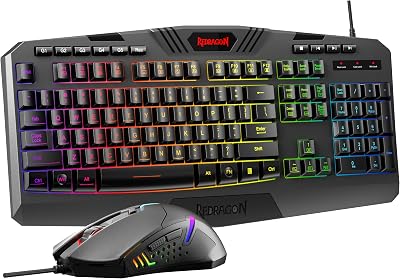
| Redragon S101-3 PRO Gaming Keyboard and Mouse, RGB Ba… | REDRAGON | ★ 4.5 | 51.3k | $39.99 |
| HyperX Alloy Origins 60 – Mechanical Gaming Keyboard,… | HyperX | ★ 4.7 | 15.1k | $59.99 |
| Redragon K556 RGB LED Backlit Wired Mechanical Gaming… | REDRAGON | ★ 4.6 | 8.1k | $49.99 |
| RK ROYAL KLUDGE S108 Typewriter Keyboard, Retro Mecha… | RKROYALKLUDGE | ★ 4.6 | 7.7k | $59.99 |
Frequently Asked Questions
Is 8GB of VRAM still enough in 2026?
For 1080p esports and older titles, yes. For modern AAA games at 1080p with high textures, 8GB is increasingly tight and may force you to lower settings. For 1440p, 12GB or more is strongly recommended.
Does more VRAM increase frame rates?
Only when you would otherwise run out. Adding VRAM beyond what a game uses gives no extra performance. It prevents stutters and texture loading problems rather than raising your average frame rate.
Can I add more VRAM to my graphics card?
No. VRAM is soldered directly to the card and cannot be upgraded. The only way to get more is to buy a different graphics card.
How do I check my VRAM usage while gaming?
Use an overlay like MSI Afterburner with RivaTuner, or the performance overlay built into your GPU’s software. Look for “dedicated GPU memory” and watch whether it maxes out during stutters.
Does VRAM matter for 1080p gaming?
Yes, but less than at higher resolutions. 8GB covers most 1080p scenarios, though 12GB provides comfortable headroom for the most demanding titles and future releases.
Conclusion
VRAM is no longer a spec to ignore. For smooth, future-proof gaming, target 12GB at 1440p and 16GB or more at 4K, while 8GB remains serviceable for 1080p and esports. Remember that VRAM is capacity, not speed, so balance it against the GPU’s raw power and your monitor’s resolution. Get that balance right and you’ll enjoy crisp textures and stutter-free frames for years.
Ready to decide? Our #1 pick for 2026 is the 1080p.
Live price & availability on Amazon.
Top picks from this guide
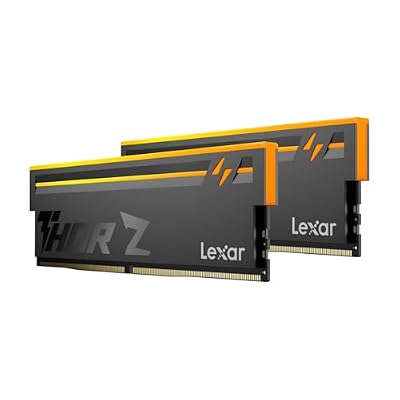 LexarLexar Thor Z RGB DDR5 RAM 32GB Kit (2x16GB) 6000MHz…$440 \xc2\xb7 99/100
 OLOyOLOy DDR4 RAM 16GB (2x8GB) Black Owl 2666 MHz CL19…$104 \xc2\xb7 98/100
 HyperXHyperX Alloy Origins 60 - Mechanical Gaming Keyboard, Ultra Compact…$80 \xc2\xb7 97/100
 RK ROYAL KLUDGERK ROYAL KLUDGE S108 Typewriter Keyboard, Retro Mechanical Gaming Keyboard…$48 \xc2\xb7 96/100