⚡ Key Takeaways
- What PCIe Bandwidth Means
- The Verdict for Graphics Cards
- Where PCIe 5.0 Genuinely Shines: SSDs
- Should You Pay Extra for PCIe 5.0?
- Backward and Forward Compatibility
- How to Check Your Current PCIe Configuration
- Spend Your Money Where It Counts
- Related Guides
- Frequently Asked Questions
- Conclusion
- Related Articles



As an Amazon Associate we earn from qualifying purchases at no extra cost to you. Product prices and availability are accurate as of the date shown and are subject to change.



- PCIe (Peripheral Component Interconnect Express) is the high-speed data lane that connects your graphics card and NVMe SSDs to the CPU.
- The GPU simply doesn't push enough data across the bus to benefit.
- The more compelling case for PCIe 5.0 is storage.
- For pure gaming, the honest answer is that PCIe 5.0 is a future-proofing feature rather than a present-day necessity.
When you’re choosing a motherboard or graphics card, the question of PCIe 5.0 vs 4.0 gaming performance inevitably comes up. Marketing materials trumpet the newer standard’s doubled bandwidth, and it’s easy to assume that PCIe 5.0 is a must-have for serious gaming. The reality is more nuanced and, frankly, more reassuring for your wallet. For the overwhelming majority of gamers, the difference between these two interface generations is negligible today. Let’s unpack what PCIe versions actually do and where, if anywhere, the newer standard earns its keep.
Related: best gaming PC upgrade kits.
🛒 Best Price Today on Amazon
Prime members get fast, free shipping on everything above, plus member-only deals. New members get a 30-day free trial — cancel anytime.
Quick answer: Our top pick in 2026 is the PCIe 4.0 — our #1 rated choice. See the full ranked comparison, alternatives and buying advice below.
What PCIe Bandwidth Means
PCIe (Peripheral Component Interconnect Express) is the high-speed data lane that connects your graphics card and NVMe SSDs to the CPU. Each generation roughly doubles the bandwidth per lane of the one before it. A graphics card uses 16 lanes, while an NVMe SSD typically uses four. The key question is whether your components actually saturate the available bandwidth. If a device doesn’t use all the bandwidth PCIe 4.0 provides, moving to 5.0 gives it nothing extra to work with.
| PCIe Version | Bandwidth per Lane | x16 Slot Total | x4 SSD Total |
|---|---|---|---|
| PCIe 4.0 | ~2 GB/s | ~32 GB/s | ~8 GB/s |
| PCIe 5.0 | ~4 GB/s | ~64 GB/s | ~16 GB/s |
The Verdict for Graphics Cards
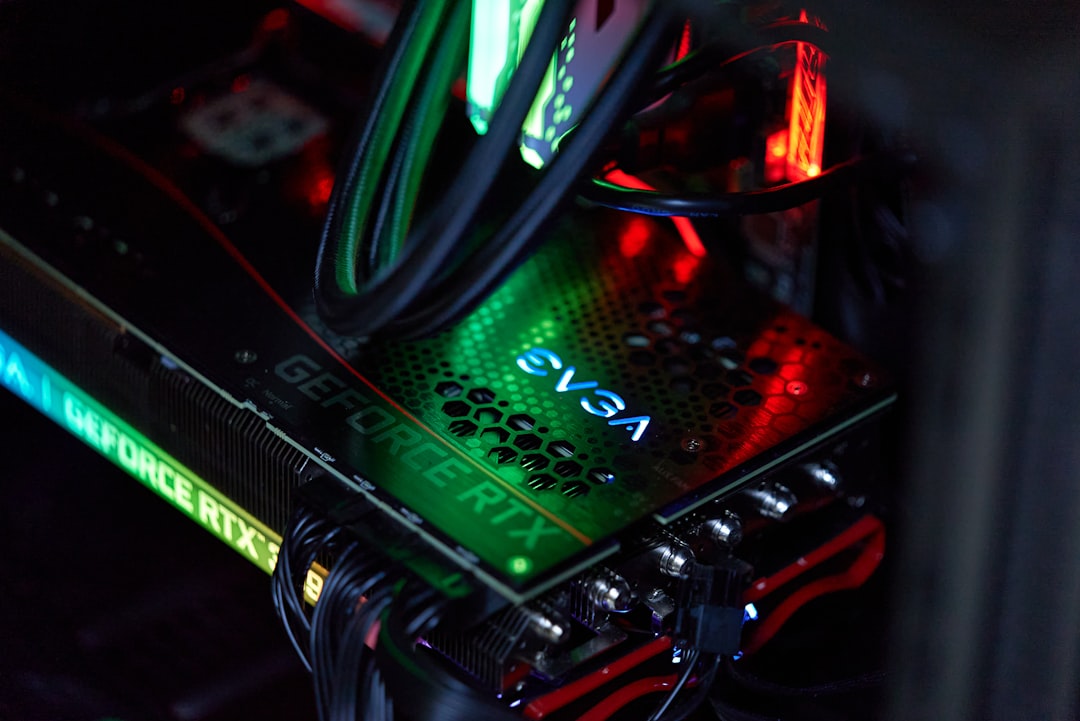
Here’s the crucial fact: no current gaming GPU comes close to saturating a PCIe 4.0 x16 connection. Independent testing consistently shows that running even a flagship card on PCIe 4.0 versus 5.0 produces a performance difference of roughly one to two percent, which is within the margin of error and completely imperceptible while playing. The GPU simply doesn’t push enough data across the bus to benefit. This means that if your motherboard or CPU only supports PCIe 4.0 for the graphics slot, you are not leaving meaningful gaming performance on the table.
The One Exception: Reduced Lane Counts
PCIe 5.0 does matter in one specific scenario. Some budget graphics cards use only eight lanes instead of sixteen to cut costs. On a PCIe 4.0 motherboard, an x8 card runs at half of x16 bandwidth, which can cause a small performance loss in certain games, particularly when VRAM is tight. On a PCIe 5.0 board, those same eight lanes carry as much data as sixteen PCIe 4.0 lanes, erasing the penalty. So if you pair a lane-limited budget card with an older board, the interface version can matter at the edges.
Where PCIe 5.0 Genuinely Shines: SSDs
The more compelling case for PCIe 5.0 is storage. PCIe 5.0 NVMe drives can hit sequential read speeds around 14,000 MB/s, roughly double the fastest PCIe 4.0 drives. That’s an impressive number, but here’s the catch for gamers: these massive sequential speeds barely affect game load times. Games rely more on random access performance and how quickly small files are fetched, and there both generations of NVMe feel nearly identical in practice. A PCIe 5.0 SSD shines in professional workloads like video editing and large file transfers, not in shaving seconds off a level load.
Should You Pay Extra for PCIe 5.0?
For pure gaming, the honest answer is that PCIe 5.0 is a future-proofing feature rather than a present-day necessity. Consider these factors:
- If 5.0 comes standard on a platform you already want, great — it costs you nothing and provides headroom.
- Don’t pay a large premium for a 5.0 motherboard solely for gaming benefits you won’t notice.
- PCIe 5.0 SSDs run hot and often require chunky heatsinks; their gaming benefit is minimal, so a quality 4.0 drive remains the value pick.
- Future GPUs may eventually use 5.0 meaningfully, but by then you’ll likely be due for a platform upgrade anyway.
Backward and Forward Compatibility
One of the most reassuring facts about PCIe is that it is fully compatible across generations in both directions. A PCIe 4.0 graphics card works perfectly in a PCIe 5.0 slot, and a PCIe 5.0 card works in a 4.0 slot, automatically negotiating the fastest speed both ends support. This means you are never locked out of using a part because of a version mismatch; the worst case is that a 5.0 device runs at 4.0 speeds, which, as we’ve seen, makes no meaningful difference for gaming. This compatibility gives you freedom to mix component generations without worry.
This forgiving design also protects your upgrade path. If you build on a PCIe 4.0 platform today and later buy a PCIe 5.0 graphics card, the card simply runs at 4.0 speeds with no perceptible gaming penalty. Likewise, dropping a 4.0 SSD into a 5.0 board costs you nothing in real-world game load times. The practical upshot is that you should choose components based on their actual performance and price, not on matching PCIe version numbers, because the interface adapts itself automatically.
How to Check Your Current PCIe Configuration
If you’re curious what your system is actually running, you can verify your PCIe link speed easily. Free utilities like GPU-Z display the current and maximum PCIe link speed for your graphics card, showing both the generation and the lane count (for example, “PCIe 4.0 x16”). There’s a handy render test button that loads the GPU briefly so you can confirm it ramps up to its full link speed under load rather than sitting in a low-power state, which can otherwise make the reading look slower than it really is.
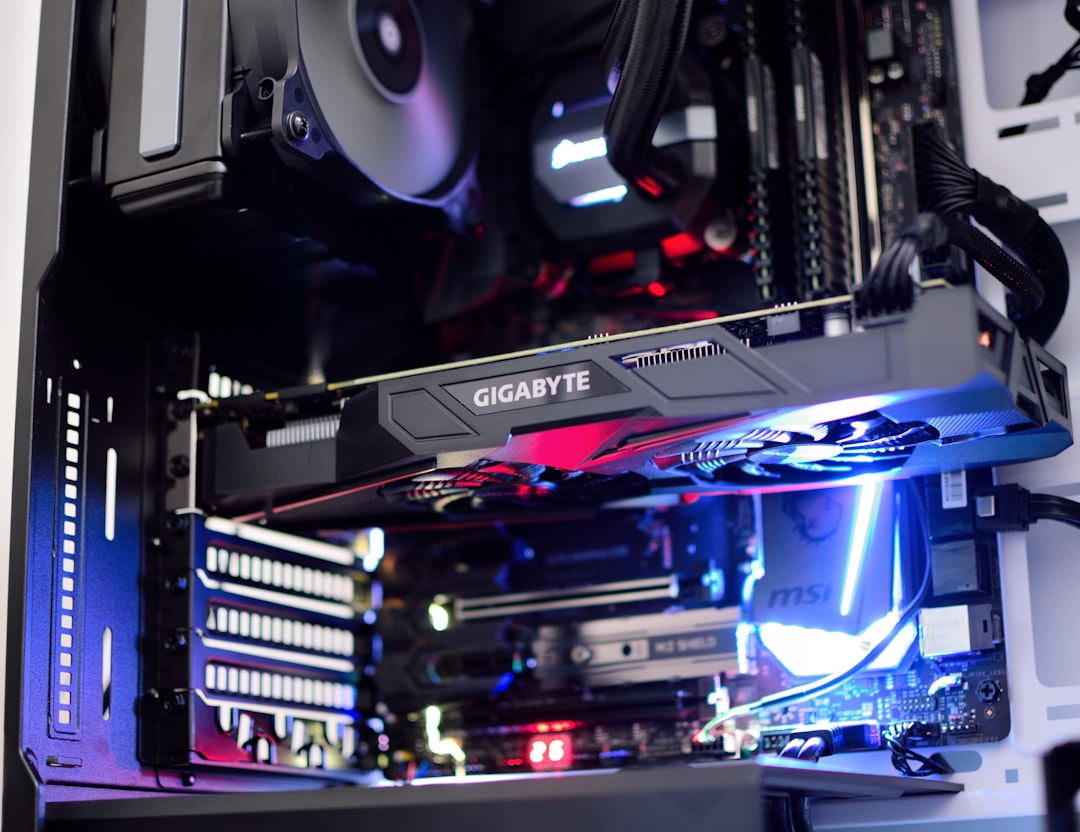
Checking this is worthwhile mainly to catch misconfigurations rather than to chase performance. Occasionally a card seats improperly or a motherboard setting limits the slot, dropping a card to x8 or even x4, which can genuinely hurt performance regardless of PCIe generation. If GPU-Z shows fewer lanes than expected, re-seat the card and check that you’re using the primary x16 slot wired directly to the CPU rather than a secondary slot fed by the chipset.
Spend Your Money Where It Counts
Rather than chasing PCIe 5.0 for negligible gaming gains, put that budget toward parts that visibly improve your experience. A faster GPU tier, more VRAM, or a better display all deliver far more value. In particular, upgrading to a high-quality gaming monitor or a fast 240Hz 1440p panel transforms how your games look and feel in a way no interface version ever could. Even small touches like dedicated gaming speakers add more to immersion than doubled bus bandwidth your hardware can’t use.
Frequently Asked Questions
Will a PCIe 4.0 GPU work in a PCIe 5.0 slot?
Yes, completely. PCIe is fully backward and forward compatible. A 4.0 card runs fine in a 5.0 slot and vice versa, automatically negotiating the highest speed both devices support.
Does PCIe 5.0 improve gaming FPS?
Not meaningfully. For full-bandwidth graphics cards, the difference versus PCIe 4.0 is one to two percent, well within margin of error and imperceptible in actual gameplay.
Are PCIe 5.0 SSDs worth it for gaming?
Not really. Their huge sequential speeds barely affect game load times, which depend more on random access. A good PCIe 4.0 drive offers nearly identical gaming feel for less money and less heat.
Do PCIe 5.0 SSDs need cooling?
Often yes. Their high speeds generate significant heat, and many require large heatsinks or even active cooling to avoid thermal throttling, adding cost and complexity for little gaming benefit.
Should I buy a PCIe 5.0 motherboard?
Only if it comes at little to no premium on a platform you already want. Don’t pay a large markup for 5.0 purely for gaming, since you won’t notice the difference today.
Conclusion
The PCIe 5.0 versus 4.0 debate sounds important but matters little for gaming in 2026. Graphics cards don’t saturate even 4.0 bandwidth, and 5.0 SSDs barely affect load times. Treat PCIe 5.0 as welcome future-proofing if it comes standard, but never pay a steep premium for gaming gains you simply will not perceive. Spend that money on a stronger GPU or a better monitor instead, where it makes a real, visible difference.
Ready to decide? Our #1 pick for 2026 is the PCIe 4.0.
Live price & availability on Amazon.
Top picks from this guide
 HyperXHyperX Alloy Origins 60 - Mechanical Gaming Keyboard, Ultra Compact…$80 \xc2\xb7 97/100
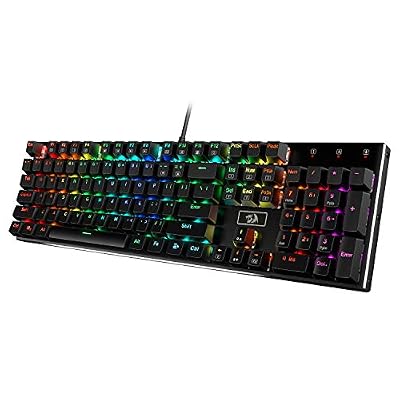 RedragonRedragon K556 Wired RGB Mechanical Gaming Keyboard, 104-Key Aluminum Board$47 \xc2\xb7 95/100
 RedragonRedragon S101-3 PRO Gaming Keyboard and Mouse, RGB Backlit Programmable…$40 \xc2\xb7 95/100
 RedragonRedragon K552 Mechanical Keyboard, LED Gaming Keyboard with Red Switches$37 \xc2\xb7 95/100