🛒 Best Price Today on Amazon
Prime members get fast, free shipping on everything above, plus member-only deals. New members get a 30-day free trial — cancel anytime.
- First decision: which RX 9060 XT?
- The proportional pick: Ryzen 5 9600X
- The keep-it-longer pick: Ryzen 7 9700X
- The high-refresh exception: Ryzen 7 9850X3D
- The Intel-value branch: Core Ultra 5 250K Plus
- A resolution-based spending rule
- Cooling and power without overbuilding
- Upgrade preparation that costs almost nothing
- Why bottleneck calculators mislead this build
- Pairing shortlist by buyer scenario
- Primary official sources
CPU Pairing Guide for RX 9060 XT Builds
The Ryzen 5 9600X is a proportional six-core candidate for an RX 9060 XT build because its 65W specification limits cooling demands and can leave budget for the 16GB graphics-card variant, monitor, or storage. A Ryzen 7 9700X may fit heavier multitasking and a longer upgrade horizon. An X3D processor makes sense only when independent evidence for the buyer’s games shows a genuinely CPU-bound, high-refresh use case.
This guide approaches the decision as a budget allocation problem. The objective is not to attach the costliest possible processor to a midrange GPU. It is to reach the desired frame rate, protect frame consistency, and avoid buying capacity that sits idle.
As an Amazon Associate we earn from qualifying purchases at no extra cost to you.






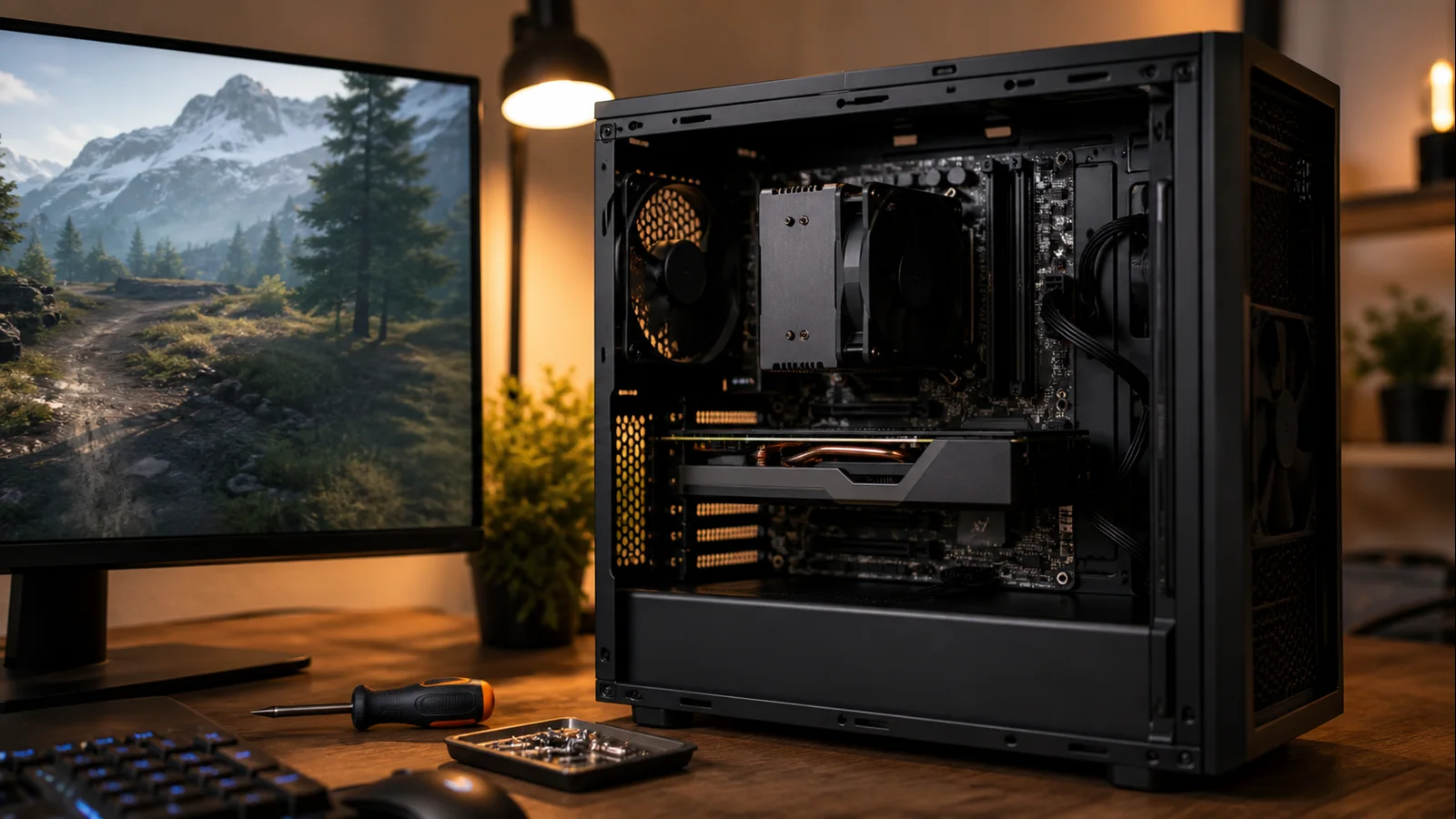
AI-created editorial illustration; not product photography or benchmark evidence.
First decision: which RX 9060 XT?
AMD’s current product page focuses on the RX 9060 XT 16GB. It specifies 32 compute units, up to a 3.13GHz boost frequency, 16GB of GDDR6 on a 128-bit interface, 160W typical board power, and a 450W minimum PSU recommendation. AMD also introduced an 8GB version, so confirm capacity on the exact card listing rather than assuming every RX 9060 XT is identical.
For a new system intended for 1440p, the 16GB model is the safer target. Texture packs, ray-tracing data, high-resolution assets, and background GPU applications can consume memory, and capacity pressure may show up as stutter or forced compromises before raw compute becomes the only issue. That does not mean 16GB makes the card a guaranteed 4K powerhouse; memory capacity and rendering speed are separate characteristics.
The CPU choice barely changes between the two GPU capacities. The more important effect is the total budget: if buying the 16GB card forces a weaker platform, compare the complete system rather than optimizing one specification in isolation.
The proportional pick: Ryzen 5 9600X
AMD lists the Ryzen 5 9600X with six Zen 5 cores, 12 threads, boost clocks up to 5.4GHz, and a 65W default TDP. That is the right shape for an RX 9060 XT gaming build. Modern games receive fast cores, background tasks receive enough threads, and the cooler does not have to dominate the case.
At 1440p High, the GPU frequently has more work per frame than this processor. Spending hundreds more on the CPU may therefore change little in the games and settings that define the build. At 1080p, the 9600X still provides a strong base for a 144Hz or 180Hz monitor, although a few simulation-heavy or competitive titles can benefit from more cache or CPU throughput.
The 9600X also gets you onto AM5 with DDR5 and PCIe 5.0 support. A mainstream B650 or B850 motherboard can be enough; motherboard price does not create game frames. Select for the M.2 slots, USB ports, networking, and firmware features you need.
Local price remains decisive. Compare current options in our best CPUs under $300 guide, because a discounted eight-core chip or motherboard bundle may beat the 9600X’s normal value proposition.
The keep-it-longer pick: Ryzen 7 9700X
The Ryzen 7 9700X adds two cores while retaining a 65W default TDP. AMD specifies eight Zen 5 cores, 16 threads, and boost clocks up to 5.5GHz. Games that scale beyond six cores, background streaming tools, and general multitasking receive more headroom without pushing the build into flagship thermals.
Buy it when the processor is expected to survive a later GPU upgrade. The extra cores may not transform performance with the RX 9060 XT today, but they reduce the chance that a future faster card or heavier workload prompts a platform change. It is also the cleaner choice for users who edit video, compile code, or run many applications alongside games.
If the 9700X premium prevents you from buying the 16GB GPU, enough SSD space, or a better display, the 9600X system may deliver a better experience now. Future value is uncertain; current compromises are immediate.
The high-refresh exception: Ryzen 7 9850X3D
An RX 9060 XT can justify a Ryzen 7 9850X3D in one narrow but real scenario: the build targets very high frame rates in esports or CPU-limited simulation. AMD specifies eight cores, 16 threads, up to 5.6GHz boost, 96MB of L3 cache, and a 120W default TDP. The large cache can help games that repeatedly access latency-sensitive data.
At 1080p Low on a 240Hz or faster monitor, the GPU workload may be light enough for CPU differences to emerge. Minimum frame rates and frame-time consistency can matter to competitive play even when the average is already high. In that situation, the premium processor is serving a measurable target.
For 1440p visual-quality gaming, it is usually an over-allocation. Once the RX 9060 XT is limiting performance, unused CPU headroom produces no frames. The X3D chip has no included cooler, and AMD recommends liquid cooling for optimal performance. That combined spend may be better used on a stronger GPU.
The Intel-value branch: Core Ultra 5 250K Plus
Intel’s Core Ultra 5 250K Plus is an alternative for buyers who want the LGA1851 platform or run mixed workloads. Intel lists six Performance-cores, 12 Efficient-cores, 18 threads in total, up to 5.3GHz maximum turbo, 125W processor base power, and 159W maximum turbo power.
The additional E-cores can handle background and threaded work, while the integrated Intel Graphics on this K model provides a fallback display path and supported media acceleration. Do not interpret “18 cores” as 18 equivalent game cores. The two core types have different roles, and actual results depend on the game’s scheduling and the operating system.
This branch makes sense when a CPU-and-motherboard bundle is competitive, Intel Quick Sync matters, or the required ports are available at a better platform price. Include a suitable cooler in the total. Even though games rarely sustain the published maximum turbo power, the 159W figure shows why the cooling plan differs from a 65W Ryzen build.
A resolution-based spending rule
For 1080p high refresh, begin with the Ryzen 5 9600X. Move to the 9700X for broader workload headroom or to the 9850X3D only when independent testing shows your favorite games are CPU-limited at the target refresh. Lower graphics presets and upscaling can increase CPU visibility because the GPU completes each frame more quickly.
For 1440p, favor the 9600X and spend on the 16GB graphics card, display quality, or storage. The 9700X is an ownership-longevity choice rather than a requirement. Our resolution comparison explains why moving from 1080p to 1440p increases the graphics workload substantially.
For 4K, understand the card’s limits before upgrading the CPU. The RX 9060 XT can output 4K and may handle lighter games or upscaled settings, but a more expensive processor cannot replace missing GPU throughput. In demanding titles, adjust image quality, ray tracing, and upscaling based on observed performance.
Cooling and power without overbuilding
AMD lists a 160W typical board power and 450W minimum PSU recommendation for the 16GB RX 9060 XT reference specification. Those numbers make a compact, efficient system possible, particularly with a 65W Ryzen CPU. Partner cards may change limits, connector layouts, and cooler dimensions, so use the exact card vendor’s manual for the final build.
A quality PSU with the right connectors is preferable to excessive wattage from an unknown platform. Leave sensible headroom for the selected CPU, drives, fans, and transient loads. A future GPU upgrade can justify more capacity, but only if that upgrade is plausible during the unit’s service life.
For the 9600X or 9700X, a competent tower air cooler can support a quiet setup in a ventilated case. Cooler capability, mounting, fan curve, room temperature, and case restriction all influence results. The 9850X3D deserves a more substantial plan and should include AMD’s current cooling guidance in the decision.
Upgrade preparation that costs almost nothing
Before ordering a CPU for an existing AM5 motherboard, check the board manufacturer’s support list and required firmware version. A processor that physically fits may still need a newer BIOS. If an update is necessary, follow the vendor-specific directions and the safety practices in our BIOS update guide.
Use a matched two-stick DDR5 kit and enable a supported memory profile only after the system is stable at defaults. Update chipset and graphics drivers from AMD or Intel, avoid carrying obsolete tuning utilities into a clean installation, and confirm Resizable BAR or Smart Access Memory is active when the platform supports it.
These steps often matter more than a small model-tier change. A thermally constrained premium CPU can fare worse than a correctly configured midrange processor.
Why bottleneck calculators mislead this build
A bottleneck percentage hides the variables that actually control performance. The RX 9060 XT and Ryzen 5 9600X may be CPU-limited in a competitive match at 1080p Low, GPU-limited in a ray-traced 1440p game, or capped by the display in a lighter title. One number cannot describe all three.
Settings, game engine, patch, memory, drivers, background work, and frame caps move the boundary. Diagnose with frame-time data and GPU utilization in the real workload. If lowering resolution and graphics quality does not improve frame rate, investigate a CPU or other system limit. If performance rises immediately, the GPU was likely carrying the longer task.
Pairing shortlist by buyer scenario
Consider the Ryzen 5 9600X for a cost-controlled new platform, the Ryzen 7 9700X for more multitasking headroom, the Ryzen 7 9850X3D only for evidenced high-refresh CPU limits, or the Core Ultra 5 250K Plus when platform bundles or media features match the workload. Treat this as a shortlist and compare independent results for the exact games before buying.
These conclusions use official product specifications and system-level reasoning; they do not imply detailed research or promise benchmark results. Validate the final shortlist with current independent tests for your exact games and settings.
Primary official sources
- AMD Radeon RX 9060 XT 16GB specifications
- AMD Ryzen 7 9850X3D specifications
- AMD Ryzen 9000 Series processor specifications
- Intel Core Ultra 5 250K Plus specifications