🛒 Best Price Today on Amazon
Prime members get fast, free shipping on everything above, plus member-only deals. New members get a 30-day free trial — cancel anytime.
- Top Pick: ASRock Intel Arc B580 Challenger 12GB OC Graphics Card, 2740 MHz GPU Clock, 12GB GDDR6, DisplayPort 2.1, HDMI 2.1a, Dual Fan Cooling, 0dB Silent Operation
- Best Value: Sparkle Intel Arc B580 Titan OC, 12GB GDDR6, Torn Cooling 2.0, Axial Fan, Breathing Light, Metal Backplate, SB580T-12GOC
- Premium Choice: ASRock Intel Arc B580 Steel Legend 12GB OC Graphics Card, 2800 MHz GPU Clock, 12GB GDDR6, DisplayPort 2.1, HDMI 2.1a, Triple Fan Cooling, Polychrome SYNC
CPU Compatibility Guide for Intel Arc B580
Intel Arc B580 compatibility starts with the platform, not a processor leaderboard. A current six-core CPU may be sufficient for many midrange builds, but the purchase still depends on motherboard and memory cost, the games and refresh target, and—most importantly—working Resizable BAR support. Official specifications can confirm those prerequisites; they cannot rank gaming performance by themselves.
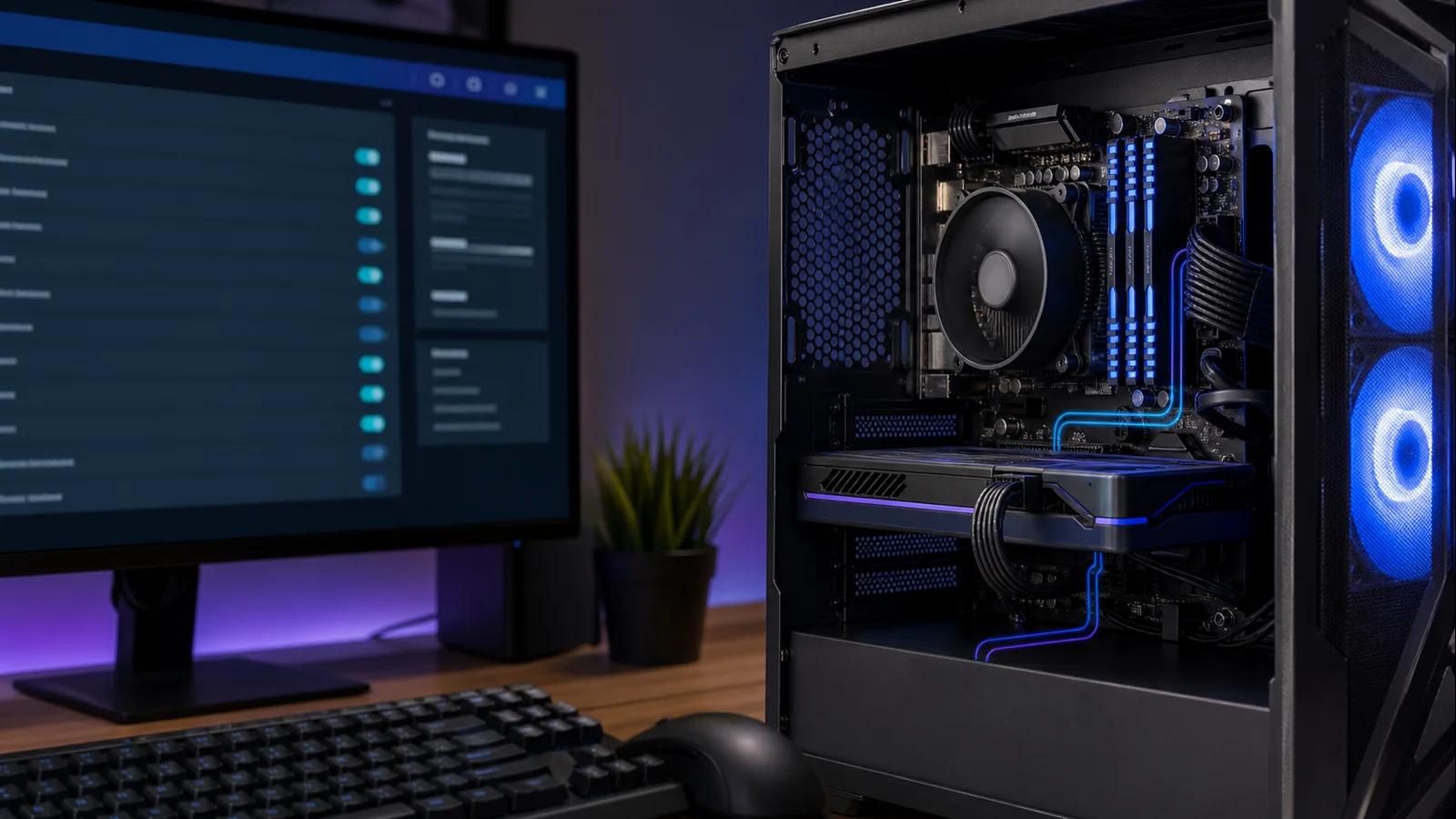
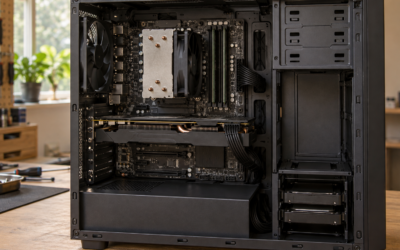
AI-created editorial illustration; not product photography or benchmark evidence.
As an Amazon Associate we earn from qualifying purchases at no extra cost to you.





Begin with platform eligibility
For a new gaming build, the Ryzen 5 7600 is a balanced default when an affordable AM5 motherboard and DDR5 kit make sense locally. It provides six Zen 4 cores, 12 threads, and a modest 65-watt default TDP according to AMD’s official Ryzen 5 7600 specifications. AM5 also leaves a clearer CPU-upgrade route than buying into an older socket.
The Core i5-14400F is a practical alternative when a discounted B760 board, an existing LGA1700 system, or inexpensive compatible memory makes the whole package cheaper. Intel lists six performance cores, four efficient cores, 16 threads, and support for DDR4 or DDR5 on its Core i5-14400F specification page. The “F” model has no integrated graphics, however, so troubleshooting without the B580 is less convenient.
Neither choice is an unconditional winner. Compare CPU, board, memory, cooler, and any required firmware work as one platform bill. If you already have a recent ReBAR-capable six-core system, keeping it can be better value than replacing everything for a small CPU-side gain.
ReBAR is the setup gate
Before ranking processors, confirm Resizable BAR support. The Arc B580 can be installed without it, but pairing advice becomes misleading if the feature cannot be enabled. Intel describes ReBAR as a PCIe capability that lets a device negotiate a larger base address register and explicitly includes the B580 in its ReBAR enablement guidance. Intel’s process calls for UEFI boot, CSM or Legacy Mode disabled, Above 4G Decoding enabled, and Re-Size BAR Support enabled or set to Auto.
Treat those items as a pre-purchase checklist:
- Find the exact motherboard model and revision.
- Read its CPU support list and BIOS notes.
- Confirm the firmware exposes Above 4G Decoding and ReBAR for the intended CPU.
- Verify the Windows installation boots in UEFI mode before disabling CSM.
- After assembly, confirm ReBAR is enabled in Intel’s software rather than assuming the BIOS change worked.
An older board may gain support through firmware, but a BIOS update has model-specific risks and prerequisites. Follow the board vendor’s method and our safe BIOS update walkthrough instead of flashing a similarly named board image. If ReBAR is absent after the latest supported firmware, budget for a platform change or choose a GPU less dependent on that configuration.
Why a midrange CPU is normally enough
Intel’s official Arc B580 specifications list 12 GB of GDDR6, a PCIe 4.0 x8 interface, and 190-watt total board power for the reference design. Those characteristics place the card in a build where platform balance matters more than buying a flagship CPU for prestige.
At 1440p with high visual settings, the GPU will often be the limiting component. At 1080p with low settings and a high-refresh competitive target, the CPU has more opportunity to set the frame-rate ceiling. Simulation, strategy, MMO, emulation, and heavily modded games may also lean harder on CPU performance than a typical single-player action game.
That does not mean “1440p never needs a fast CPU.” Resolution changes GPU work more directly than game logic, draw-call submission, background simulation, or frame pacing. Define the workload: a stable 90 fps in a story game and 240 fps in an esports title are different CPU jobs even on the same monitor.
Three sensible buying routes
Route 1: keep a compatible recent platform
Owners of a healthy recent-generation Ryzen 5 or Core i5 should first test what they have. Confirm ReBAR, install the current chipset and Arc drivers, and measure the games actually played. Replace the CPU only when monitoring shows it is the repeatable limit: GPU utilization falls below its normal loaded range while one or more CPU threads are saturated, lowering graphics settings does not materially raise frame rate, and the same scenes show poor frame times.
Do not upgrade because a generic percentage chart pairs another GPU with another game suite. Existing motherboard, RAM, Windows license, cooler, and labor all have value. A platform retained is money available for a better monitor, storage, or future graphics card.
Route 2: build a value-focused new system
The Ryzen 5 7600 is the clean default for a new, upgrade-minded build. Its included integrated graphics can help diagnose a no-display problem, while the boxed version commonly includes a basic cooler; confirm the exact retail package in your region. Price the least expensive board that supplies the connectivity, firmware support, and power delivery you need—not the one with the largest heatsinks.
The Core i5-14400F fits a value build when LGA1700 board and memory discounts overcome the platform’s narrower future upgrade path. A DDR4 board can reduce entry cost if compatible memory is already available. DDR4 and DDR5 boards are not interchangeable, so match the kit to the exact board before ordering.
For either route, our CPU choices under $300 can widen the shortlist, but compare current total platform prices rather than treating a CPU price ceiling as the whole budget.
Route 3: spend more for a specific CPU-heavy goal
An eight-core or high-cache gaming CPU can make sense for very high refresh targets, CPU-heavy games, streaming or creation work, or a planned faster GPU. It is not required merely because the B580 has 12 GB of memory. Extra cores do not transform a GPU-limited scene, and an expensive CPU paired with a compromised PSU, one memory module, or an inadequate display is poor allocation.
Buy the faster processor only after naming the workload it improves. If the answer is “future-proofing,” compare the premium with the cost of a later drop-in upgrade. Paying much more today for unused performance can be less flexible than choosing a solid platform and upgrading when the need is real.
Budget the parts that protect the pairing
Use two matched memory modules so the CPU has dual-channel bandwidth. For a fresh mainstream build, 32 GB is a comfortable target for modern games and background applications, though capacity needs vary. Prefer a validated, stable memory profile over chasing maximum advertised speed.
Size the power supply for the entire system and transient behavior, not the CPU and GPU labels added together. Intel specifies a 600-watt minimum PSU for its reference B580, while partner cards may differ. Check the card maker’s connector and PSU guidance, then use our PSU wattage selection guide to account for quality, connectors, and upgrade margin.
Also check physical clearance and airflow. A cool, stable midrange CPU at stock settings is preferable to a nominally faster chip throttling under a tiny cooler. Update the Arc driver after installation, but avoid changing BIOS, driver, memory tuning, and overclock settings simultaneously; one change per test makes faults traceable.
Compatibility-based conclusion
Start with ReBAR compatibility. If an existing modern six-core system passes that gate, keep it until real workloads prove a CPU limit. For a complete new build, favor the Ryzen 5 7600 when AM5’s total cost and upgrade path are attractive; choose the Core i5-14400F when an LGA1700 bundle produces the better finished-system price. Step above either only for a defined high-refresh or CPU-heavy requirement.
The appropriate CPU is therefore part of the least expensive stable platform that enables ReBAR, reaches the buyer’s documented frame-rate target, and leaves enough budget for memory, power, cooling, and the display. Use independent game benchmarks to compare the shortlisted processors; do not infer a winner from core counts or official specifications.
FAQ
Will an Intel Arc B580 work with an AMD CPU?
Yes. Arc is not restricted to Intel CPUs. The motherboard, firmware, operating mode, and driver stack matter; confirm that ReBAR or Smart Access Memory is enabled on the AMD platform.
Is a four-core CPU enough for the B580?
It may run many games, but it is not an ideal new-build target. Modern games, launchers, voice chat, and background tasks can make a current six-core processor a more balanced floor. Reusing a four-core system is reasonable only after checking ReBAR and measuring the games you play.
Should I buy a flagship CPU to avoid a bottleneck?
Usually no. Every system has a limiting component, and that limit moves by game, resolution, settings, and frame-rate target. Spend for the performance you can use now or for a clearly planned GPU upgrade, not to eliminate the word “bottleneck.”