🛒 Best Price Today on Amazon
Prime members get fast, free shipping on everything above, plus member-only deals. New members get a 30-day free trial — cancel anytime.
- Read frame time before reading model names
- The gaming specialist: Ryzen 7 9850X3D
- The flagship crossover: Ryzen 9 9950X3D
- The disciplined 4K choice: Ryzen 7 9700X
- Intel’s high-core alternative
- Four owners, four sensible answers
- Power delivery is not a footnote
- Diminishing returns at the top
- Workload-based conclusion
- Official product references
- Top Pick: Corsair Vengeance i7500 Gaming PC – Black
- Best Value: HP OMEN MAX 45L RTX 5090 Ryzen 9 9900X3D 5.5GHz Gaming Desktop
- Premium Choice: FILWY ASUS ROG Astral NVIDIA GeForce RTX 5090 32GB GDDR7 OC Edition Gaming Graphics Card (PCIe 5.0, HDMI/DP 2.1, 3.8-Slot, 4-Fan Design, Axial-tech Fans, Patented Vapor Chamber), 3 Year Warranty
CPU Pairing Guide for RTX 5090 Workloads
An RTX 5090 build can justify very different processors. A Ryzen 7 9850X3D is a gaming-focused candidate for CPU-sensitive high-refresh targets. A Ryzen 9 9950X3D offers more cores for rendering, encoding, compilation, or virtual machines. A Ryzen 7 9700X is a lower-power eight-core option for users whose 4K workloads are predominantly GPU-bound. These positions describe intended use cases, not a tested performance order.
The wrong upgrade is assuming the most expensive GPU obliges you to buy the most expensive CPU. The RTX 5090 creates an unusually high performance ceiling, but the ceiling you reach still depends on the game engine, resolution, settings, upscaling mode, ray tracing, display refresh, and background load.
As an Amazon Associate we earn from qualifying purchases at no extra cost to you.





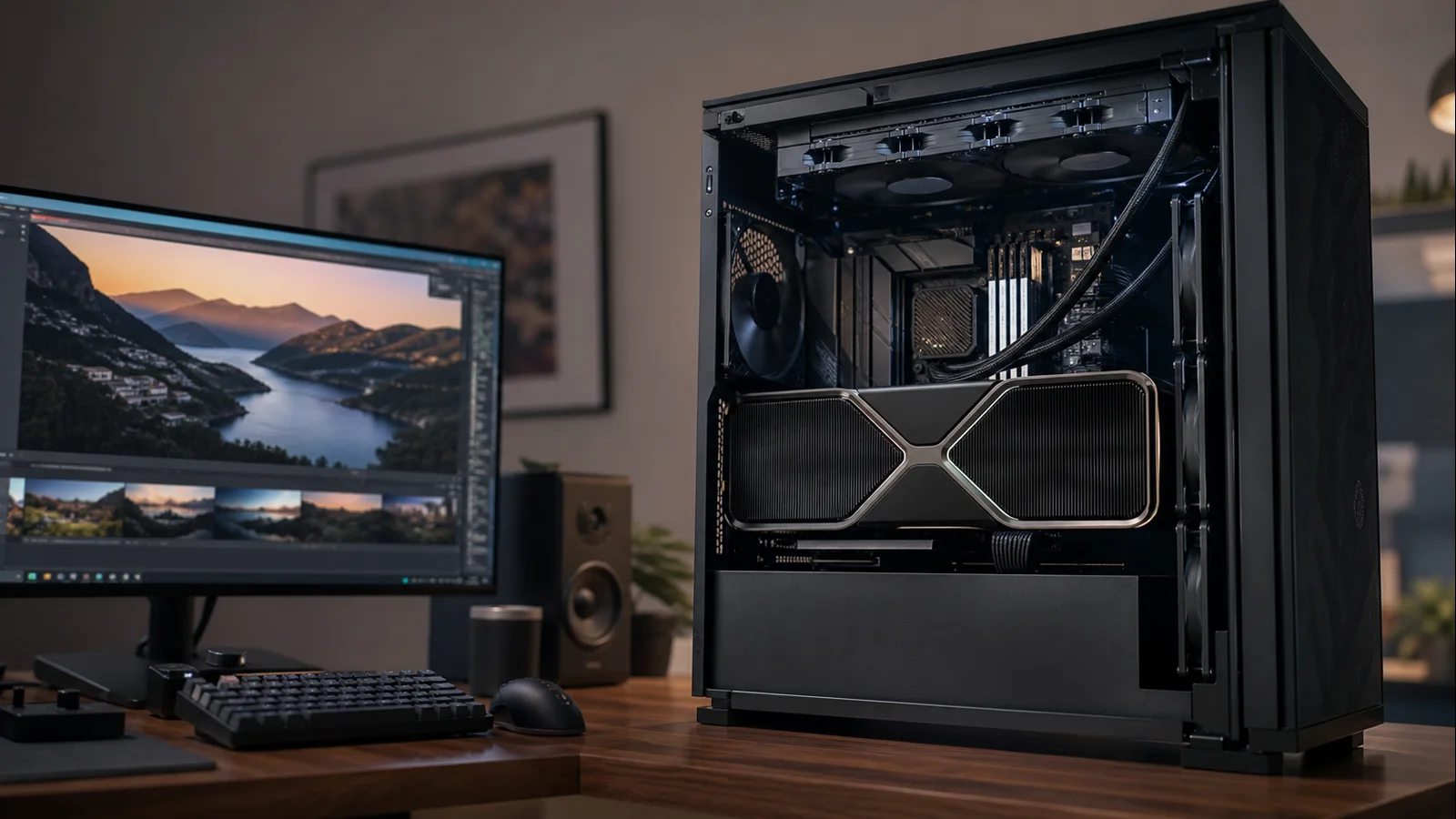
AI-created editorial illustration; not product photography or benchmark evidence.
Read frame time before reading model names
Frame rate is the inverse of frame time. At 60 frames per second, the system has about 16.7 milliseconds to prepare and render each frame. At 240 FPS, that budget falls to roughly 4.2 milliseconds. The CPU must process game logic, simulation, draw calls, asset streaming, and driver work before the GPU can complete its portion.
That is why the RTX 5090 can make processor differences visible at lower resolutions. The GPU finishes its work so quickly that the CPU’s share becomes the limit. Increase resolution to 4K, enable path tracing, or select a heavy quality preset, and GPU frame time grows. The same CPU that looked restrictive at 1080p may then have ample room.
NVIDIA’s published reference specification underscores the scale: 21,760 CUDA cores, 32GB of GDDR7 on a 512-bit interface, 575W total graphics power, and a 1,000W required system power figure. This is not a normal “just gaming” component. Its memory capacity and compute resources also suit demanding creator and AI workflows, which is why the best processor choice can depend as much on work as play.
The gaming specialist: Ryzen 7 9850X3D
AMD lists the Ryzen 7 9850X3D with eight Zen 5 cores, 16 threads, up to a 5.6GHz boost clock, 96MB of L3 cache, and a 120W default TDP. For a gaming-first RTX 5090 system, those specifications are better aligned than a huge core count. Games benefit from fast cores, low latency, and—in engines that respond to it—the large 3D V-Cache pool.
Choose this processor for competitive 1080p or 1440p, high-refresh simulation, or a system intended to keep minimum frame rates as strong as practical. It is also the defensive choice for future GPU upgrades because the AM5 platform and CPU ceiling give the graphics card fewer chances to wait.
There are limits to that logic. The extra cache does not accelerate every title equally. A 4K path-traced game may keep the RTX 5090 occupied regardless of whether the CPU is a 9850X3D or a less expensive current eight-core model. Frame Generation does not turn a CPU-limited simulation into a CPU-free workload.
AMD provides no cooler and recommends liquid cooling for optimal performance. That recommendation belongs in the total platform price. The CPU is rated at 120W default TDP, yet temperatures and fan noise depend on boost behavior, cooler installation, firmware, case intake, and room temperature.
The flagship crossover: Ryzen 9 9950X3D
The Ryzen 9 9950X3D earns its place when the RTX 5090 is both a gaming card and a production accelerator. AMD specifies 16 cores, 32 threads, a boost clock up to 5.7GHz, 128MB of L3 cache, and 170W default TDP. That is substantial parallel CPU capacity for rendering preparation, software builds, video work, and multitasking.
For games alone, those extra cores usually have weak returns. Modern titles rarely scale cleanly across 32 threads, so the processor’s advantage is not “twice the cores, twice the FPS.” Its value appears when you can use the second chiplet outside games while retaining 3D V-Cache for gaming.
Keep motherboard firmware, AMD chipset drivers, and Windows current so scheduling behavior can identify games properly. If a board predates the processor, verify BIOS support before assembly. Our BIOS update walkthrough explains the precautions, but the motherboard manual controls the exact procedure.
Cooling is a first-class component here. AMD recommends liquid cooling for optimal performance and supplies no boxed cooler. Long all-core workloads can heat the case differently from games, while the RTX 5090 contributes its own enormous thermal load. Radiator placement, exhaust capacity, and unobstructed GPU intake matter more than decorative fan count.
The disciplined 4K choice: Ryzen 7 9700X
Pairing a 65W Ryzen 7 9700X with an RTX 5090 looks unbalanced only if price is treated as the performance metric. AMD lists eight Zen 5 cores, 16 threads, and boost clocks up to 5.5GHz. Those are modern, fast cores. In a graphically punishing native-4K workload, the RTX 5090 can still be the limit.
The case for this CPU is specific: you play mostly cinematic AAA games at 4K, accept that a few CPU-heavy titles will not reach the platform’s maximum possible rate, and prefer lower cost, easier cooling, or lower CPU-side noise. The money saved can fund a better display, larger SSD, quality power delivery, or acoustic treatment.
It is not the best match for a 500Hz esports monitor or large simulation worlds. Nor should “4K” be considered a guarantee of GPU limitation. Aggressive DLSS modes render internally below the output resolution, and some games remain dominated by simulation no matter how many pixels the GPU draws. Our comparison of 1080p, 1440p, and 4K helps clarify how output resolution changes the balance.
Intel’s high-core alternative
The Core Ultra 7 270K Plus is the Intel option worth evaluating before automatically jumping to a top-tier model. Intel publishes 24 cores—eight P-cores and 16 E-cores—24 threads, up to 5.5GHz maximum turbo, 36MB Smart Cache, 125W processor base power, and 250W maximum turbo power. It uses LGA1851 and DDR5.
This heterogeneous core layout can suit a workstation that keeps many background services active, and Intel Quick Sync may be valuable in supported video pipelines. The processor is not automatically the fastest gaming pick merely because it has 24 cores; E-cores and P-cores are different, and game engines have different scheduling behavior.
Price the Z890-class or other compatible motherboard, cooler, and memory as a package. A favorable bundle or required I/O feature can make the Intel route sensible. Conversely, paying more for the platform while giving up game performance in the titles you care about would defeat the point of building around an RTX 5090. Consult current independent, game-level testing rather than relying on blended marketing averages.
Four owners, four sensible answers
The competitive player: Start with the Ryzen 7 9850X3D. Run a stable two-DIMM DDR5 configuration, minimize unnecessary background processes, and verify that the monitor can expose the frame rate. High average FPS with unstable frame delivery is not the goal; consistent pacing is.
The 4K visual enthusiast: Consider the Ryzen 7 9700X or 9850X3D. If every selected game uses maximum ray tracing on a 120Hz display, the cheaper chip may be enough. If you also play CPU-heavy strategy titles, the X3D premium becomes easier to defend.
The creator who games: Pick the Ryzen 9 9950X3D when CPU production workloads scale with threads. The RTX 5090’s 32GB memory makes it attractive for large GPU workloads, so starving the preparation pipeline with too few CPU cores may waste working time even if games remain smooth.
The Intel-dependent professional: Evaluate the Core Ultra 7 270K Plus against your exact applications. Platform features, media engines, device compatibility, and validated software can matter more than a narrow gaming lead.
Power delivery is not a footnote
NVIDIA’s reference RTX 5090 has a 575W total graphics power rating and specifies 1,000W required system power, based on its stated test configuration. Partner cards may have different power limits and connectors. A Ryzen 7 9700X system and an unlocked high-power Intel system also do not create the same PSU load.
Calculate with the exact CPU, GPU model, drives, pumps, fans, and any power-limit changes. Then choose a quality unit with the correct native cabling and reasonable headroom. Our PSU wattage guide explains the process. Never mix modular cables from unrelated power supplies, and fully seat the GPU connector according to the hardware vendor’s directions.
Case compatibility needs equal attention. NVIDIA’s Founders Edition dimensions do not describe every partner card. Check length, thickness, radiator interference, connector bend clearance, and support-bracket space before ordering. The best CPU cannot rescue a GPU that recirculates hot exhaust or a connector under mechanical strain.
Diminishing returns at the top
An RTX 5090 build is already beyond the value sweet spot. Even so, disciplined allocation matters. Moving from an old CPU platform to a current Zen 5 or Core Ultra system can improve frame delivery and unlock modern I/O. Moving from a fast current eight-core CPU to a flagship may help only in CPU-limited scenarios or productive work.
Define success in advance: a target refresh, resolution, noise level, render time, or upgrade horizon. Without that target, “no bottleneck” becomes an impossible shopping goal. Every computer has a limiting component; an efficient build simply places that limit where it least harms the intended workload.
Workload-based conclusion
Shortlist the Ryzen 7 9850X3D for CPU-sensitive gaming, the Ryzen 9 9950X3D when professional work benefits from 16 cores, the Ryzen 7 9700X for a lower-power 4K-focused platform, or the Core Ultra 7 270K Plus for Intel-specific workflows. Independent application and game benchmarks are still required before purchase.
This guidance is based on official specifications and workload analysis, not claimed detailed research or invented benchmark numbers. Validate the final choice with independent tests covering your exact games, settings, and software.
Official product references
- NVIDIA GeForce RTX 5090 specifications
- AMD Ryzen 7 9850X3D specifications
- AMD Ryzen 9 9950X3D specifications
- Intel Core Ultra 7 270K Plus specifications