🛒 Best Price Today on Amazon
Prime members get fast, free shipping on everything above, plus member-only deals. New members get a 30-day free trial — cancel anytime.
- Start with the RTX 5080’s operating envelope
- Target one: maximum high-refresh gaming
- Target two: a balanced 4K gaming machine
- Target three: gaming plus serious creation
- A fourth route: Intel Core Ultra 7 270K Plus
- Three build sketches, without fake precision
- Power and cooling are part of CPU selection
- Understanding diminishing returns
- Turn the target into a shortlist
- Primary official sources
- Top Pick: STORMCRAFT Phantom RTX 5080 Gaming PC Ryzen 7 9800X3D 32GB DDR5 2TB SSD
- Best Value: Andromeda Insights Ultra 50 V3 – RTX 5080 16GB GDDR7 | Ryzen 7 9800X3D 4.7 GHz (5.2 GHz Turbo Boost) | 32GB DDR5 6000MHz | 2TB Gen4 SSD | 850W Gold PSU | ARGB Fans | Wi-Fi + BT | Win 11
- Premium Choice: ZOTAC MEK Gaming PC Desktop, Ryzen 7 9800X3D, NVIDIA GeForce RTX 5080 16GB
CPU Pairing Guide for RTX 5080 Builds
An RTX 5080 does not require the same processor in every build. A Ryzen 7 9850X3D belongs on a shortlist for CPU-sensitive high-refresh gaming, while a Ryzen 7 9700X represents a lower-power eight-core route for a 4K-focused system. A Ryzen 9 9950X3D is relevant when production applications can use additional cores. Official specifications establish compatibility and design constraints; they do not prove which option wins in a particular game.
Think of the decision as a target-setting exercise. First choose resolution and refresh rate. Then account for non-gaming work, motherboard cost, cooling, and noise. Only after those choices should you decide how far up the CPU stack to climb.
As an Amazon Associate we earn from qualifying purchases at no extra cost to you.


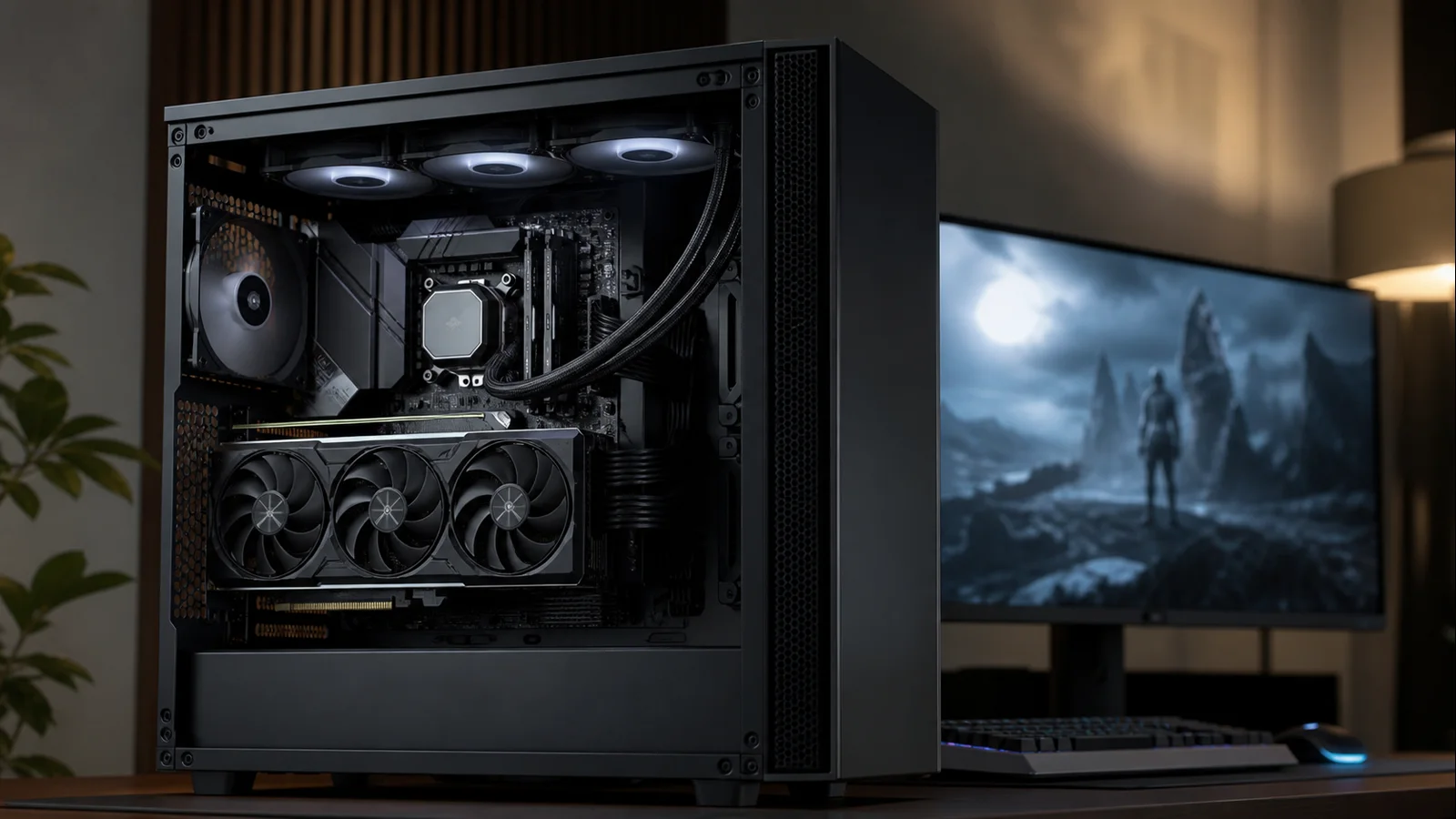
AI-created editorial illustration; not product photography or benchmark evidence.
Start with the RTX 5080’s operating envelope
NVIDIA specifies 10,752 CUDA cores, 16GB of GDDR7 memory on a 256-bit interface, and 360W total graphics power for the RTX 5080 reference design. It is a high-end GPU intended to carry demanding visual settings and high resolutions. NVIDIA also lists an 850W required system power figure for its reference configuration, though partner cards and complete systems can differ.
These specifications create two very different CPU cases. At native 4K with demanding ray tracing, the GPU has a large queue of work, so a competent modern CPU may wait on the graphics card. At 1080p or 1440p with reduced settings and a very high refresh target, the GPU completes work sooner and CPU throughput becomes much more visible.
There is no contradiction. A PC can be GPU-limited in one game and CPU-limited five minutes later in another. Even within one title, moving from a quiet interior to a dense city or large multiplayer battle can change frame pacing.
Target one: maximum high-refresh gaming
Pick: AMD Ryzen 7 9850X3D
The Ryzen 7 9850X3D is the focused gaming choice. AMD’s official specification lists eight Zen 5 cores, 16 threads, a boost clock up to 5.6GHz, 96MB of L3 cache, and a 120W default TDP. Its second-generation 3D V-Cache design provides a large local data pool, which can reduce costly memory trips in cache-sensitive games.
This pairing is most defensible for 1080p or 1440p at 240Hz and above, simulation-heavy games, large online matches, or players who deliberately lower visual settings to maximize response. It also gives the RTX 5080 room to stretch when DLSS lowers the internal rendering resolution.
It is not a magic frame-rate multiplier. Some engines respond strongly to extra cache; others barely change. A locked 120Hz display, a frame cap, or a GPU-intensive preset can hide much of the advantage. Buy it because your use case needs the CPU ceiling, not because the GPU is expensive.
AMD ships no cooler with this CPU and recommends liquid cooling for optimal performance. Cooler choice should reflect your case and noise target as well as CPU power. Our cooler guide for the closely related 9800X3D is a useful starting point for sizing, while the 9850X3D’s own support and thermal guidance should remain authoritative.
Target two: a balanced 4K gaming machine
Pick: AMD Ryzen 7 9700X
The Ryzen 7 9700X changes the character of the build. It still supplies eight Zen 5 cores and 16 threads, but AMD lists a 65W default TDP and boost clocks up to 5.5GHz. That lower power target makes quiet cooling easier and can reduce the money tied up in the CPU side of the system.
At 4K, the RTX 5080 commonly becomes the limiting component before the 9700X. “Commonly” matters: strategy simulations, crowded worlds, shader compilation, and high-refresh upscaled play can still expose processor differences. Nevertheless, the 9700X is a far better fit than an entry-level chip and usually a better budget allocation than buying a flagship only to run GPU-bound games.
Use the savings to support the GPU properly: a quality power supply, a case with unobstructed intake, enough storage for large game libraries, and a display that can show what the card produces. If resolution is still undecided, compare the practical demands in our 1080p vs 1440p vs 4K guide.
Target three: gaming plus serious creation
Pick: AMD Ryzen 9 9950X3D
The Ryzen 9 9950X3D is not necessary for an RTX 5080 gaming-only PC. It becomes attractive when the same machine handles CPU rendering, video encoding, large code builds, virtual machines, or other work that can use many threads. AMD specifies 16 cores, 32 threads, boost clocks up to 5.7GHz, 128MB of L3 cache, and a 170W default TDP.
Its value is consolidation. Instead of choosing a gaming-specialist processor that leaves production performance on the table, the 9950X3D combines a cache-equipped chiplet with a high core count. That complexity also means software, firmware, and Windows scheduling should be current so games are directed appropriately.
Plan for a stronger cooler and more sustained case airflow than a 65W build. AMD recommends liquid cooling for optimal performance and includes no thermal solution. An expensive motherboard is not automatically required, but sustained all-core work deserves reliable power delivery and a case that can exhaust heat from both a 170W-class CPU and a 360W reference GPU.
A fourth route: Intel Core Ultra 7 270K Plus
Builders who prefer Intel should consider the Core Ultra 7 270K Plus. Intel lists 24 cores—eight Performance-cores and 16 Efficient-cores—24 threads, a maximum turbo frequency up to 5.5GHz, 36MB of Smart Cache, 125W processor base power, and 250W maximum turbo power. It uses the LGA1851 socket and supports DDR5.
The hybrid layout is useful for mixed workloads and background work, but 24 cores do not mean 24 identical gaming cores. Performance-cores and Efficient-cores serve different roles. Compare game-specific results from independent reviewers before purchase, especially if minimum frame rates are the priority.
The platform equation can still make this the right pick. A well-priced motherboard bundle, needed Thunderbolt features, Intel Quick Sync use, or software that favors Intel may outweigh a small difference in games. Cooling and PSU calculations should use the complete system’s expected draw rather than treating the processor’s base-power number as a hard maximum.
Three build sketches, without fake precision
Competitive 1440p
Pair the RTX 5080 with the Ryzen 7 9850X3D, a capable B850 or X870 motherboard, two matched DDR5 modules, and strong CPU cooling. Prioritize low-latency input, stable memory, and a monitor fast enough to justify the CPU. Do not assume Multi Frame Generation replaces native responsiveness; generated frames can improve perceived smoothness, while base frame rate and latency still matter.
Quiet 4K
Use the Ryzen 7 9700X, a quality B650/B850 board, a large air cooler, and a high-airflow case at restrained fan speeds. This build spends thermal and acoustic budget on the RTX 5080. A higher-end CPU may raise results in selected games, but the marginal gain often shrinks at a demanding native 4K preset.
Work-and-play tower
Choose the Ryzen 9 9950X3D or Core Ultra 7 270K Plus based on your production applications. Add cooling suitable for long all-core sessions, not just short game loads. More memory capacity and fast scratch storage may improve real work more than another small step in game averages.
Power and cooling are part of CPU selection
The RTX 5080’s reference 360W graphics-power rating makes system design important. NVIDIA’s 850W system recommendation assumes a particular reference configuration; it is not permission to buy any unit with “850” on the label. Connector type, cable routing, component quality, transient response, CPU choice, and partner-card limits all matter. Use our guide to picking PSU wattage as a framework, then check the exact GPU vendor’s manual.
Never bend a high-power GPU cable sharply at the plug, leave the connector partially seated, or reuse modular cables from a different PSU unless the manufacturer explicitly confirms compatibility. Keep intake air available to the GPU and avoid placing a thick radiator where it feeds the card preheated air without considering fan direction.
The CPU side affects noise, too. A 65W Ryzen 7 can leave more thermal headroom for a quieter system than a processor allowed to sustain high package power. Conversely, a large cooler operated slowly may be quieter than a smaller unit constantly ramping. Judge the whole airflow path.
Understanding diminishing returns
Moving from an outdated four-core processor to a current eight-core chip can transform consistency. Moving from a current Ryzen 7 9700X to a top X3D chip may be noticeable in CPU-limited games, yet almost invisible when the RTX 5080 is fully occupied. The second upgrade costs money for a narrower set of conditions.
That does not make the flagship a bad purchase. It means its value depends on monitor refresh, game library, settings, and how long you plan to keep the GPU. A buyer targeting 360Hz has a different definition of value from someone enjoying cinematic games on a 4K 120Hz television.
Turn the target into a shortlist
Consider the Ryzen 7 9850X3D for an ambitious high-refresh target, the Ryzen 7 9700X for an efficient 4K-oriented build, the Ryzen 9 9950X3D when production workloads can use its additional cores, or the Core Ultra 7 270K Plus when its platform features serve the workload.
Check independent benchmarks for your exact games, resolution, and patches before final purchase.
Primary official sources
- NVIDIA GeForce RTX 5080 specifications
- AMD Ryzen 7 9850X3D specifications
- AMD Ryzen 9 9950X3D specifications
- Intel Core Ultra 7 270K Plus specifications
Top picks from this guide
 Skytech GamingSkytech Gaming Azure 3 Gaming PC, AMD Ryzen 7 9800X3D…$3,700 \xc2\xb7 98/100
 CorsairCorsair Vengeance i7500 Gaming PC – Black$3,500 \xc2\xb7 98/100
 AlienwareAlienware Aurora Gaming Desktop, RTX 5080, Intel Core Ultra 9…$3,275 \xc2\xb7 98/100
 STORMCRAFTSTORMCRAFT Phantom RTX 5080 Gaming PC Ryzen 7 9800X3D 32GB…$3,400 \xc2\xb7 96/100