🛒 Best Price Today on Amazon
Prime members get fast, free shipping on everything above, plus member-only deals. New members get a 30-day free trial — cancel anytime.
- The short list
- Balanced-build option: Ryzen 7 9700X
- High-refresh candidate: Ryzen 7 9850X3D
- Value pairing: Ryzen 5 9600X
- Intel route: Core Ultra 5 250K Plus
- Match the CPU to resolution, not a slogan
- Platform, memory, and BIOS details
- What “bottleneck” really means
- Scenario-based conclusion
- Official specifications
- Top Pick: ASUS ROG GR70 Mini PC for Gamers Ryzen 9 9955HX3D RTX 5070 Laptop GPU
- Best Value: iBUYPOWER Y40 Gaming PC Desktop Computer Intel Core Ultra 7 265F CPU, NVIDIA RTX 5070 12GB GPU,32GB DDR5 Non-RGB 5200MHz RAM, 1TB NVMe SSD, Windows 11 Home, Gamer Keyboard and Mouse-Y40BI7N5701
- Premium Choice: Build Redux Gaming Desktop PC – AMD Ryzen 7 9700X CPU, NVIDIA GeForce RTX 5070 GPU, 16GB DDR5 RAM, 1TB NVMe M.2 SSD, 240mm Liquid CPU Cooler, Windows 11 Home, High-Performance Computer
CPU Pairing Guide for RTX 5070 by Resolution
An RTX 5070 does not require one universally superior processor. A Ryzen 7 9700X is one balanced eight-core option for a new 1440p build; a Ryzen 7 9850X3D may suit a buyer prioritizing CPU-sensitive high-refresh games; and a Ryzen 5 9600X or Core Ultra 5 250K Plus can keep more of the budget available for the rest of the platform. These are scenario-based shortlists derived from specifications and workload logic, not measured rankings.
That answer changes with the workload. An esports game at 1080p Low can expose CPU limits that never appear in a graphically demanding game at 4K Ultra. Treat the recommendations below as build targets, not claims that one processor produces the same result in every title.
As an Amazon Associate we earn from qualifying purchases at no extra cost to you.




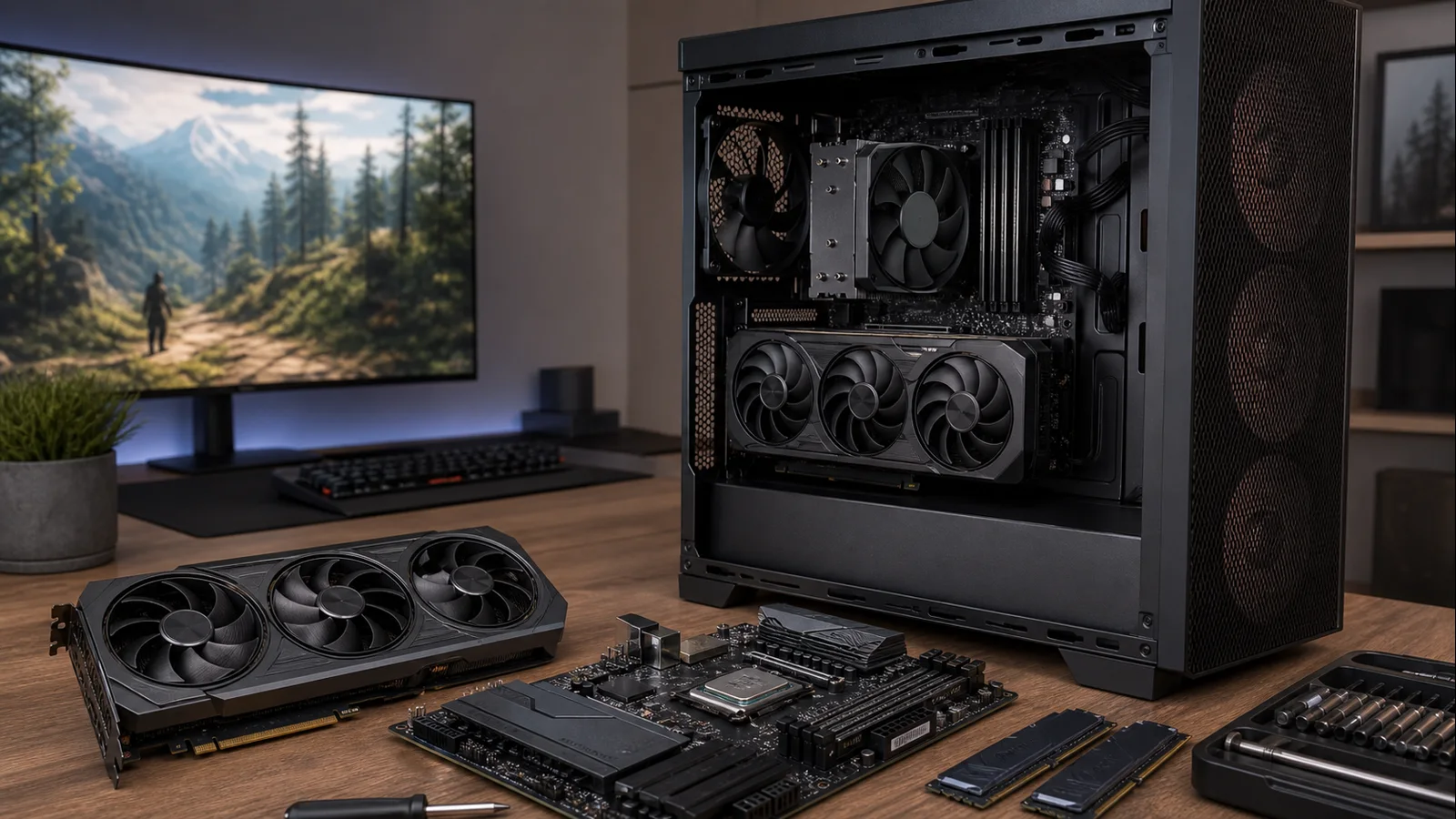
AI-created editorial illustration; not product photography or benchmark evidence.
The short list
| Use case | CPU to shortlist | Why it fits |
|---|---|---|
| Balanced new build | AMD Ryzen 7 9700X | Eight efficient Zen 5 cores and sensible platform balance |
| 1080p high refresh | AMD Ryzen 7 9850X3D | Large L3 cache and maximum gaming headroom |
| Value-focused 1440p | AMD Ryzen 5 9600X | Six fast cores without overspending on unused CPU capacity |
| Intel alternative | Intel Core Ultra 5 250K Plus | Strong mixed-workload core count and current LGA1851 option |
The RTX 5070 itself uses NVIDIA’s Blackwell architecture, carries 12GB of GDDR7 on a 192-bit interface, and has a 250W total graphics power rating in NVIDIA’s reference specification. Those details point toward a 1440p-first build. They do not demand an elite CPU, but the card is quick enough that an old or entry-level processor can hold back high-refresh gameplay.
Balanced-build option: Ryzen 7 9700X
The Ryzen 7 9700X is the rational center of an RTX 5070 build. AMD lists eight cores, 16 threads, boost clocks up to 5.5GHz, and a 65W default TDP. That combination matters because gaming performance is only one part of the purchase: a lower-power CPU is easier to cool quietly, places less pressure on the motherboard’s power delivery, and leaves more of the budget for memory, storage, or a better display.
At 1440p with high or ultra settings, the GPU usually carries more of the rendering load. The 9700X is therefore fast enough to keep the RTX 5070 busy in typical single-player games without paying the X3D premium. Its eight cores also make it a comfortable choice for gaming while running voice chat, browser tabs, capture software, or background launchers.
This is the pairing to choose when you want a current AM5 platform and expect to keep the CPU through a later GPU upgrade. It is less compelling if the sole goal is the highest possible competitive frame rate; cache-heavy X3D models exist for that edge.
High-refresh candidate: Ryzen 7 9850X3D
For a 240Hz or faster 1080p monitor, the Ryzen 7 9850X3D is the no-compromise option. AMD specifies eight Zen 5 cores, 16 threads, up to a 5.6GHz boost clock, 96MB of L3 cache, and a 120W default TDP. The extra cache is particularly useful in games that repeatedly access large working data sets, although the benefit varies substantially by engine.
The important question is whether your monitor and games can use the additional CPU headroom. In a GPU-limited 1440p title with heavy ray tracing, the visible difference between the 9850X3D and a less expensive modern CPU may be small. At 4K, it often makes more sense to spend on the display, SSD capacity, quieter fans, or the next GPU tier. This is diminishing returns in practice: the premium buys a higher CPU ceiling, not a universal increase.
Cooling should be planned as part of the purchase. AMD does not include a boxed thermal solution and recommends liquid cooling for optimal performance. A capable premium air cooler may suit many real builds, but case clearance, fan curves, ambient temperature, and motherboard behavior all affect the result.
Value pairing: Ryzen 5 9600X
The Ryzen 5 9600X is the sensible floor for a fresh, performance-oriented RTX 5070 system. Its six cores and 12 threads are not a handicap for most games, and AMD specifies boost clocks up to 5.4GHz with a 65W default TDP. It makes particular sense at 1440p, where money diverted from an unnecessarily expensive CPU can improve the rest of the setup.
Choose it for mainstream AAA gaming, a 144Hz to 180Hz target, and a build that is primarily for play rather than heavy rendering or constant software compilation. If budget is the deciding factor, compare it with the current options in our CPU guide under $300 before buying; local pricing can change which model is the better value.
The trade-off appears in CPU-intensive simulation games, crowded multiplayer environments, and ambitious background workloads. Six cores still work well, but eight cores provide more breathing room over a long ownership period. The 9600X is a value choice, not the answer for someone intentionally building around a 360Hz display.
Intel route: Core Ultra 5 250K Plus
Intel’s Core Ultra 5 250K Plus offers a different kind of balance. Intel lists 18 cores in total—six Performance-cores and 12 Efficient-cores—18 threads, a maximum turbo frequency of 5.3GHz, 125W processor base power, and 159W maximum turbo power. It also requires an LGA1851 motherboard and DDR5 memory.
This chip is worth considering when the PC will mix gaming with heavily threaded work, or when an LGA1851 motherboard bundle is attractive. Its efficient cores can help with background tasks, but core count alone does not predict game performance. Game scheduling, memory latency, firmware, Windows updates, and the engine itself all matter.
Allow more cooler and power-delivery headroom than for a 65W Ryzen build. The CPU’s maximum turbo rating does not mean it draws that amount in every game, yet it is still a useful planning ceiling. Compare total platform cost—CPU, board, cooler, and memory—rather than a processor price in isolation.
Match the CPU to resolution, not a slogan
1080p high refresh
At 1080p, especially with competitive settings, the RTX 5070 can finish frames quickly enough that the CPU becomes the pacing component. The 9850X3D is the premium answer; the 9700X remains the more economical one. Consistent frame times and one-percent lows can matter more than a headline average here.
1440p
This is the card’s natural pairing point. A Ryzen 7 9700X or Ryzen 5 9600X makes sense because image quality settings shift more work toward the GPU. If you are still deciding on the graphics tier, our best GPUs for 1440p guide provides the wider context.
4K
At native 4K, the graphics workload generally dominates. A modern six- or eight-core CPU can be enough, and an X3D upgrade may deliver poor value unless you also play CPU-heavy games or use aggressive upscaling. DLSS changes the internal render resolution, so Performance mode can move some pressure back toward the CPU even when the output is 4K.
Platform, memory, and BIOS details
AM5 choices here use DDR5 and give you a broad motherboard range. A well-equipped B650 or B850 board is normally sufficient; an expensive flagship board does not add gaming performance by itself. Intel’s 250K Plus uses LGA1851, so it cannot drop into an older LGA1700 board. Price the correct socket before committing.
Use a matched two-stick DDR5 kit supported by the board. Stable, sensible memory settings are preferable to chasing an unstable frequency. Before installing a recently released processor on an older-stock motherboard, confirm CPU support and follow a careful BIOS update process. Do not interrupt power during a firmware flash.
The GPU’s reference 250W rating also belongs in the system calculation. NVIDIA specifies a 650W required system power figure for its reference configuration, but add-in-board cards and the rest of your components vary. Quality, connector support, transient behavior, and appropriate cable installation matter more than buying the largest wattage printed on a box.
What “bottleneck” really means
A bottleneck is the part of the system limiting a particular workload at a particular moment. It is not a permanent percentage attached to a CPU–GPU combination. The same RTX 5070 and Ryzen 5 9600X can be CPU-limited in a low-setting esports match, GPU-limited in a path-traced game, and limited by a frame cap in a third title.
Resolution, quality preset, ray tracing, upscaling, game patches, driver versions, memory configuration, and background software can all move the limit. That is why generic bottleneck calculators are poor buying tools. Decide using the games you actually play, the refresh rate you want, and the settings you accept.
Scenario-based conclusion
Shortlist the Ryzen 7 9700X for a balanced new build, the Ryzen 7 9850X3D for a deliberately CPU-sensitive high-refresh target, the Ryzen 5 9600X when platform cost matters, or the Core Ultra 5 250K Plus for relevant Intel features and mixed workloads. Verify the final choice with independent benchmarks covering your exact games, settings, patches, and memory configuration.
None of these choices guarantees a fixed frame rate, and this guide does not claim detailed research. It uses published platform specifications and workload logic to help you allocate the build budget where it will be noticed.
Official specifications
- NVIDIA GeForce RTX 5070 family specifications
- AMD Ryzen 7 9850X3D specifications
- AMD Ryzen 9000 Series specifications
- Intel Core Ultra 5 250K Plus specifications