Quick answer: For most people in 2026, the best oled gaming monitors 2026 is the ASUS ROG Strix XG32UCWMG — our #1 rated choice. See the full ranked comparison, alternatives and buying advice below.
Top Oled Gaming Monitors Picks for 2026
Here are our current top oled gaming monitors picks, compared on real Amazon owner reviews, price, and features. Live prices update below.


OLED has become the gold standard for gaming displays, and in 2026 it is more attainable than ever. Where IPS and VA panels rely on a backlight that can never fully switch off, OLED lights each pixel individually, so blacks are truly black, contrast is effectively infinite and the picture has a depth that backlit panels cannot match. Add a near-instant response time and high refresh rates, and OLED delivers both the best image quality and the cleanest motion you can buy. This guide rounds up six of the best OLED gaming monitors in 2026, spanning 1440p and 4K and a wide range of prices.
PC Gaming Universe is reader-supported. When you buy through links on our site, we may earn an affiliate commission at no extra cost to you.
The most important spec to understand is the panel technology underneath, because almost every monitor here is QD-OLED. QD-OLED adds a Quantum Dot layer over the OLED emitters, which boosts color volume and brightness compared with traditional WOLED panels — saturated game art and HDR highlights look richer, and the panels can run a touch brighter. The other headline number is the 0.03ms gray-to-gray response time, hundreds of times faster than even a good IPS, which is why OLED motion looks so clean at high refresh rates.
Beyond the panel, the two big decisions are resolution and finish. 1440p OLEDs run higher refresh rates and are easier to drive, making them the competitive sweet spot, while 4K OLEDs deliver stunning detail for immersive single-player games but demand a powerful GPU. Finish matters too: a glossy coating maximises contrast and color pop in controlled light, while a matte layer tames glare in bright rooms. We have picked a spread across both resolutions and finishes, with prices from around $360 to around $899, so you can match an OLED to your GPU, your room and your budget.
Best OLED Gaming Monitors at a Glance
| Model | Key Spec | Price | Rating | Best For |
|---|---|---|---|---|
| ASUS ROG Strix XG32UCWMG | 4K QD-OLED, dual-mode | around $899 | 4.5/5 | Flagship 4K dual-mode |
| Acer Predator 26.5″ QD-OLED | 1440p QD-OLED, 240Hz | around $360 | 4.5/5 | Best value OLED |
| ASUS ROG Strix XG27AQDMG | 1440p glossy OLED, 240Hz | around $549 | 4.4/5 | Premium glossy 1440p |
| Samsung Odyssey OLED G5 | QHD QD-OLED, 180Hz | around $379 | 4.4/5 | Immersive value QD-OLED |
| Samsung Odyssey OLED G6 | QHD QD-OLED, 240Hz | around $590 | 4.7/5 | Top-rated 1440p QD-OLED |
| MSI MPG 321URX QD-OLED | 32″ 4K QD-OLED, 240Hz | around $830 | 4.5/5 | Big-screen 4K 240Hz |
1. ASUS ROG Strix XG32UCWMG 32″ 4K QD-OLED (TrueBlack, Dual-Mode)
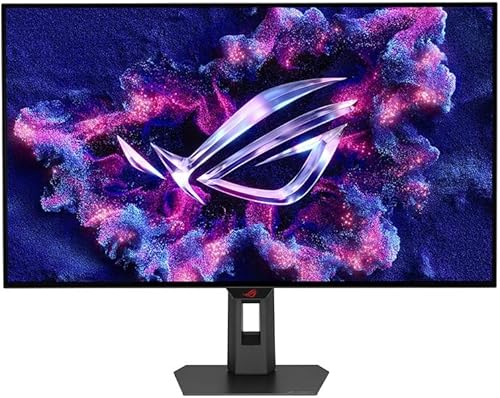
ASUS ROG Strix 32” 4K OLED Gaming Monitor (XG32UCWMG) - TrueBlack Glossy, Dual Mode(4K@240Hz, FHD@480Hz), 0.03ms, G-SYNC Compatible, Neo Proximity Sensor, USB-C, HDMI 2.1, 3 yr Warranty
As an Amazon Associate we earn from qualifying purchases. Product prices and availability are accurate as of the date/time indicated.
The ASUS ROG Strix XG32UCWMG is the flagship of this lineup and the most versatile screen here thanks to its dual-mode feature. It is a 32-inch 4K QD-OLED with a TrueBlack glossy finish, and it can run as a sharp 4K@240Hz panel for immersive single-player games or switch to a lower-resolution high-refresh mode for competitive play, giving you two monitors in one. The Quantum Dot layer delivers rich color and excellent HDR highlights.
At around $899 it is the most expensive monitor in the guide, and it is aimed at the builder who wants one do-everything display and has the GPU to drive 4K. The 32-inch size is generous for immersion, the glossy TrueBlack coating maximises contrast in a controlled-light room, and the dual-mode flexibility means you do not have to choose between cinematic detail and competitive refresh. For a premium, no-compromise OLED, this is the headline pick.
Pros: 4K QD-OLED with dual-mode high refresh, 32″ immersion, glossy TrueBlack.
Cons: Most expensive here; 4K@240 needs a powerful GPU.

2. Acer Predator 26.5″ WQHD QD-OLED 240Hz

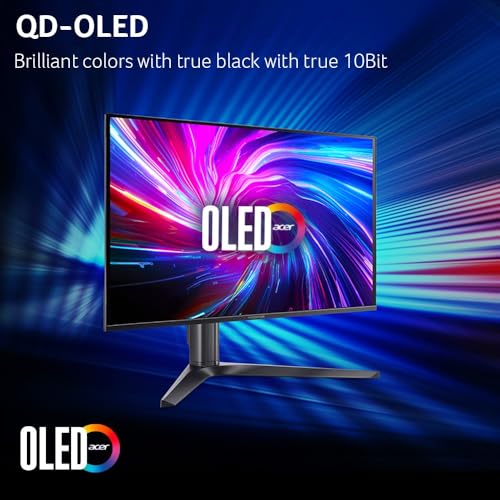
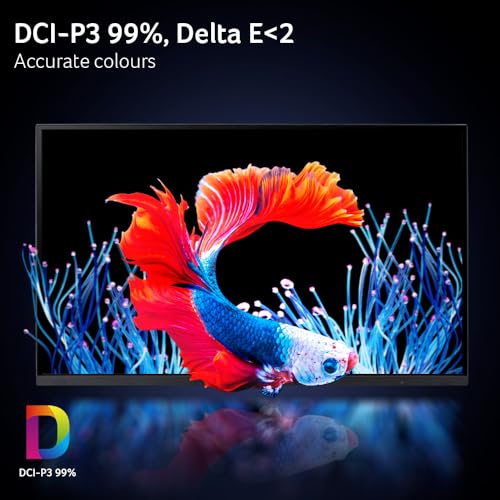
Acer Predator Gaming Monitor | 26.5" WQHD 2560x1440 QD-OLED | AMD FreeSync Premium | 240Hz | 0.03ms | Tilt, Height Adjustment, Pivot & Swivel | DCI-P3 99% | 2 x DP 1.4 & 2 x HDMI 2.1 | X27U W1bmiipprx


As an Amazon Associate we earn from qualifying purchases. Product prices and availability are accurate as of the date/time indicated.
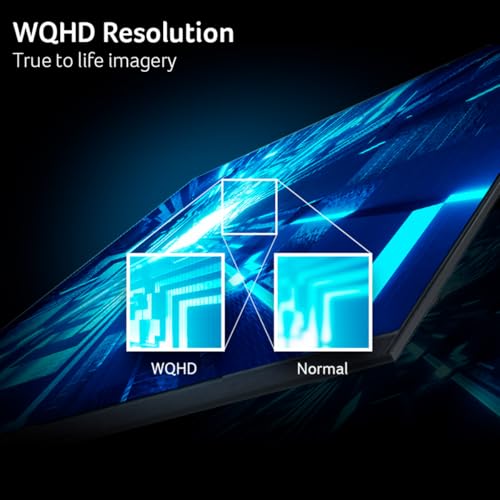
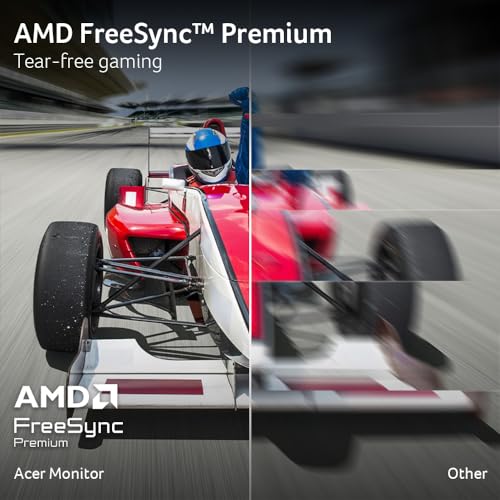
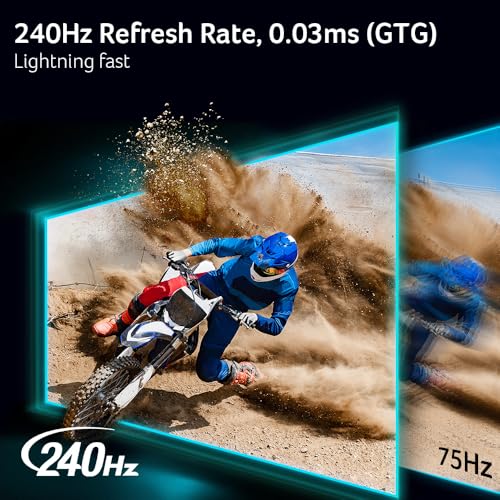
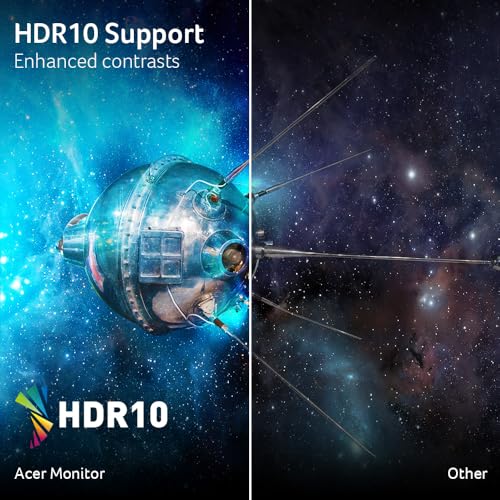
The Acer Predator 26.5-inch is the best-value entry into OLED gaming, and it makes the case that you no longer need to spend a fortune for the OLED experience. It is a 1440p QD-OLED running at 240Hz with the signature 0.03ms response, so you get the perfect blacks, infinite contrast and razor-clean motion that define OLED — at around $360, less than many premium IPS panels.
The 26.5-inch 1440p format is the competitive sweet spot: easy to drive at high frame rates and sized to keep the whole image in view. AMD FreeSync Premium keeps frames in sync. As with any OLED, use the built-in panel-care routines for static HUD elements over long sessions, but for the price this is the most accessible way to switch from a backlit panel to true per-pixel lighting. If you want OLED without stretching the budget, start here.
Pros: OLED quality at a breakthrough price, 1440p 240Hz, 0.03ms, FreeSync Premium.
Cons: Lower brightness than 4K flagships; OLED care needed for static elements.
3. ASUS ROG Strix XG27AQDMG 27″ 1440P Glossy OLED 240Hz

ASUS ROG Strix 27” 1440P OLED Gaming Monitor (XG27AQDMG) - QHD, Glossy OLED, 240Hz, 0.03ms, Custom Heatsink, Anti-flicker,Uniform Brightness, G-SYNC Compatible, 99% DCI-P3, DisplayWidget, 3yr warranty
As an Amazon Associate we earn from qualifying purchases. Product prices and availability are accurate as of the date/time indicated.
The ASUS ROG Strix XG27AQDMG is the premium 1440p glossy OLED pick, and the glossy panel is what sets it apart. The glossy coating avoids the slight veil that matte anti-glare layers add, so colors pop and blacks look genuinely inky in a controlled-light room. Combined with 240Hz and a 0.03ms response, it produces some of the cleanest, most vivid 1440p motion available.
At around $549 it sits above the value Acer and Samsung G5 picks, and it earns the premium with ROG’s build quality, robust stand and mature OLED-care features. It is the choice for a 1440p buyer who wants the best possible contrast and color pop and can manage ambient light to take advantage of the glossy finish. If you play both competitive and immersive titles and want a showcase 27-inch OLED, this is a superb option.
Pros: Glossy 1440p OLED with superb contrast, 240Hz, 0.03ms, premium ROG build.
Cons: Pricier than value OLEDs; glossy finish prefers controlled lighting.
4. Samsung Odyssey OLED G5 (G50SF) 27″ QHD QD-OLED 180Hz
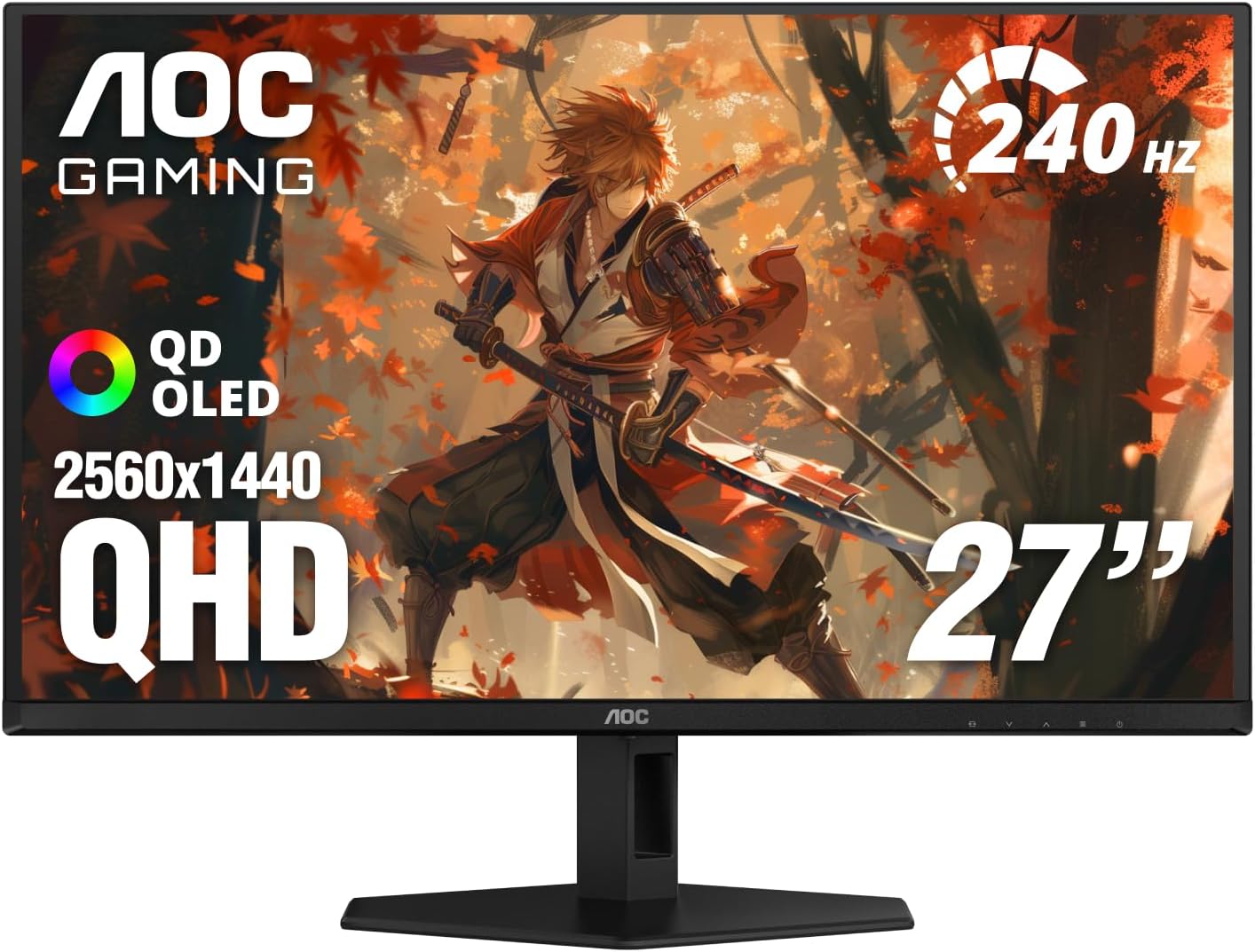
Prime Samsung 27” Odyssey OLED G5 (G50SF) QHD & QD-OLED Gaming Monitor, 180Hz Refresh Rate, 0.03ms (GtG) Response Time, NVIDIA G-Sync Compatible, AMD FreeSync™, LS27FG500SNXZA
As an Amazon Associate we earn from qualifying purchases. Product prices and availability are accurate as of the date/time indicated.
The Samsung Odyssey OLED G5 is the immersive value QD-OLED, and it brings Samsung’s Quantum Dot OLED expertise to a more accessible price. It is a 27-inch QHD QD-OLED with a 0.03ms response, running at 180Hz — a step below the 240Hz panels here, but plenty fast for the vast majority of single-player and most competitive gaming. The QD-OLED panel gives the rich color and perfect blacks Samsung’s Odyssey line is known for.
At around $379 it is one of the more affordable QD-OLED options in this guide, and the 180Hz refresh is part of how Samsung hits that price without compromising the panel quality. If your GPU comfortably feeds 180fps and you prioritise image quality and value over the absolute highest refresh, the G5 is a smart buy. For dedicated 240Hz competitive players the G6 below is the better target, but for most gamers the G5 is excellent value.
Pros: Samsung QD-OLED quality at a low price, 0.03ms response, perfect blacks.
Cons: 180Hz rather than 240Hz; not the top pick for dedicated esports players.
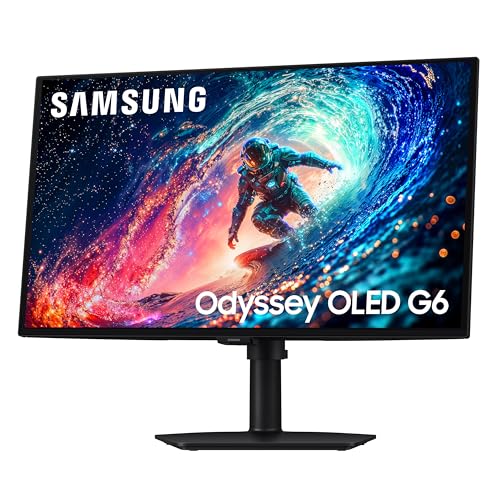
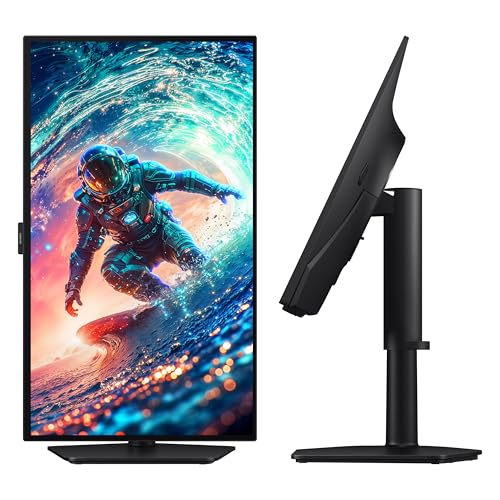
5. Samsung Odyssey OLED G6 (G61SH) 27″ QHD QD-OLED 240Hz

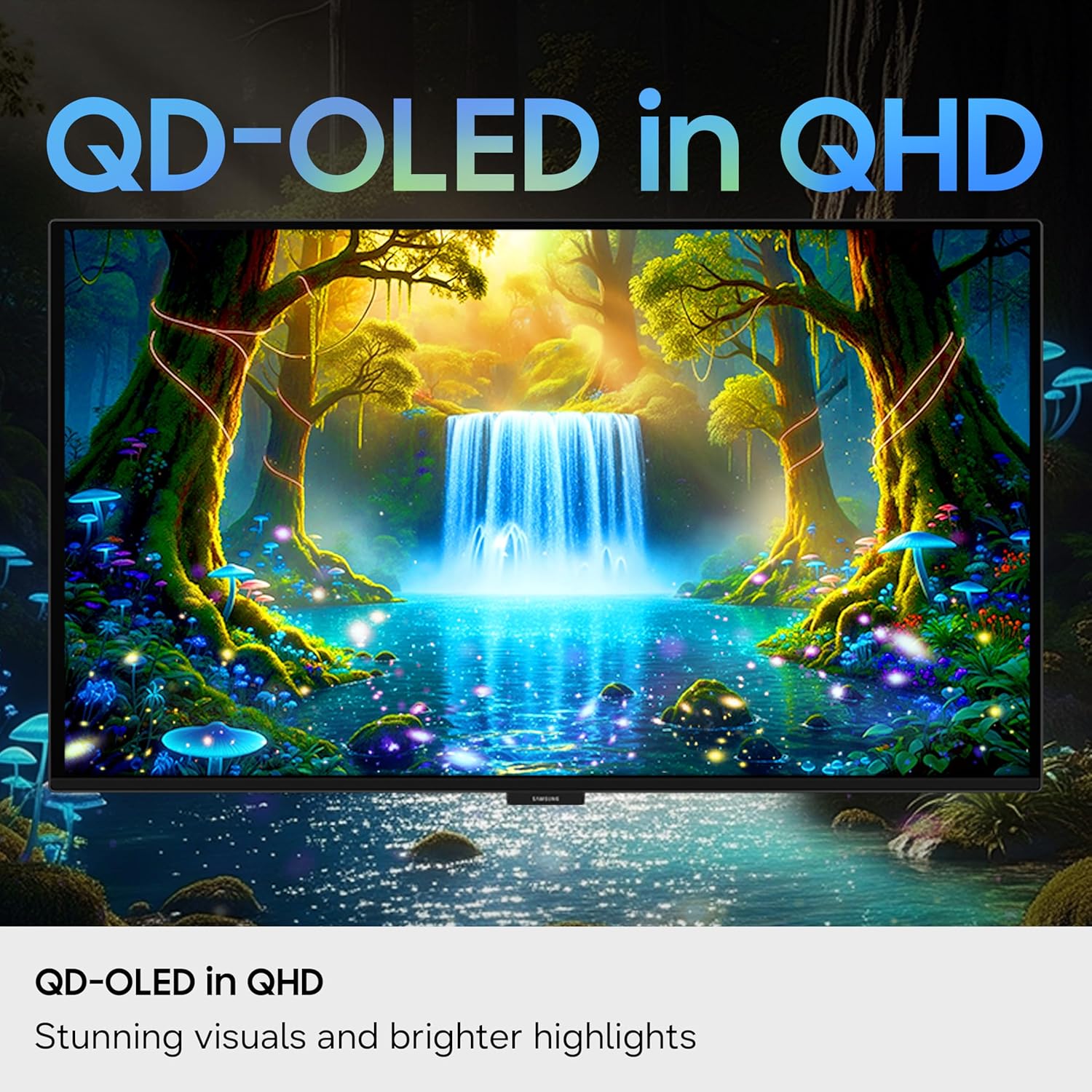
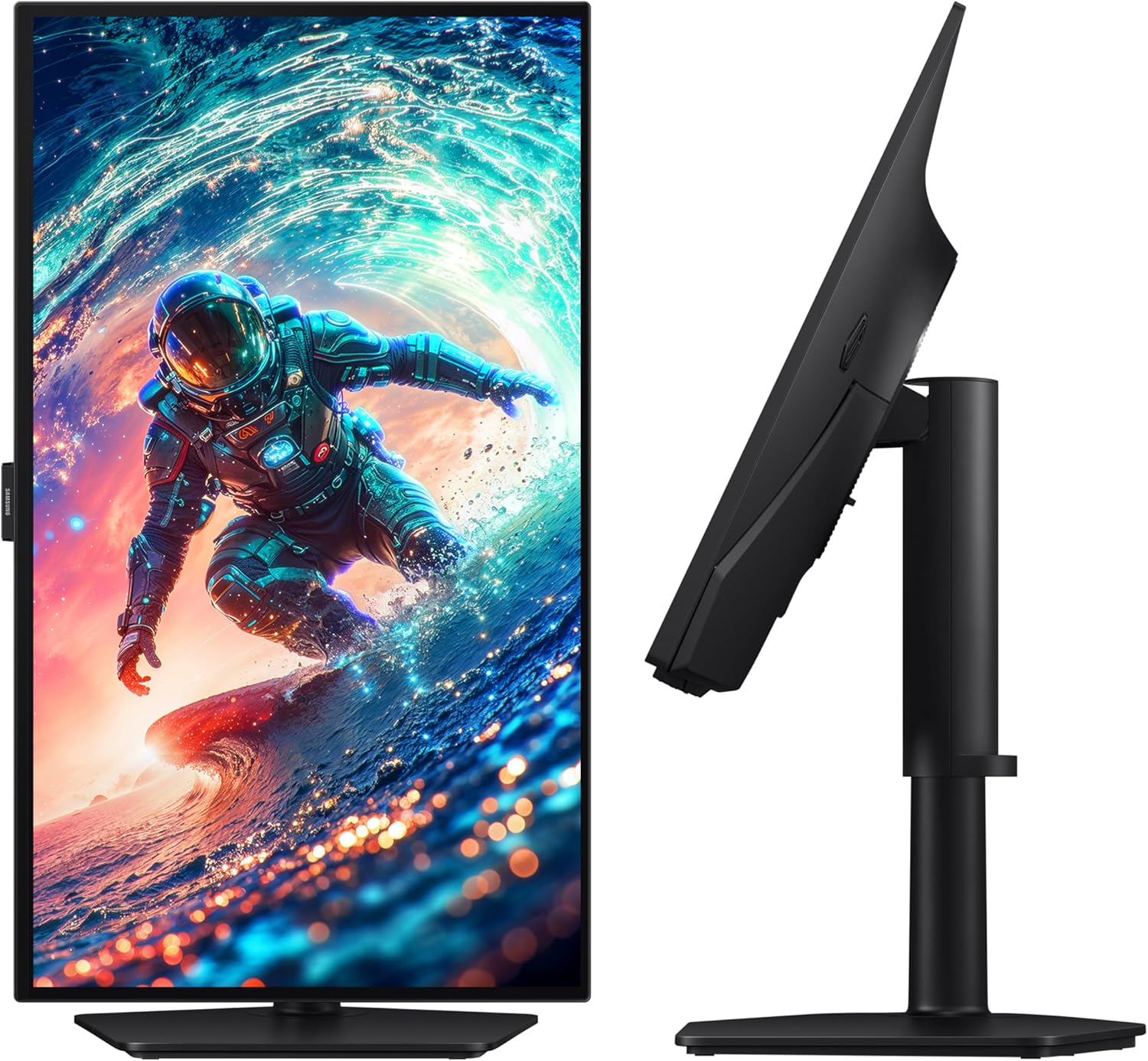
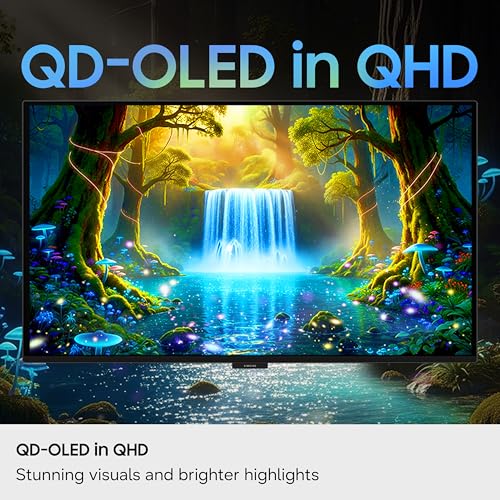
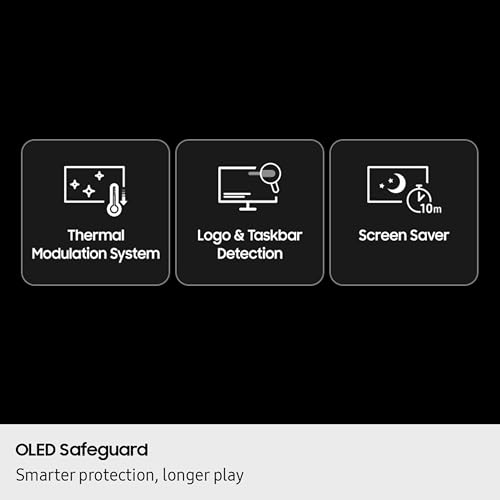
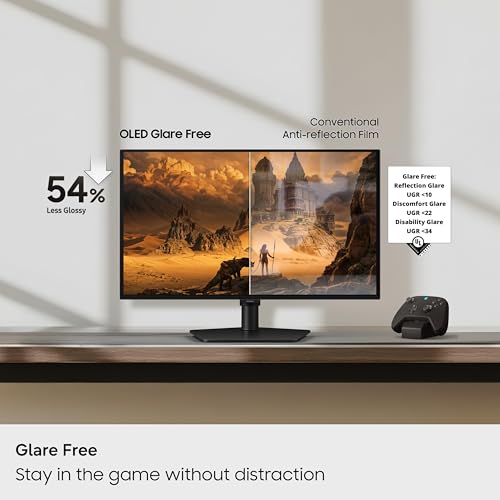
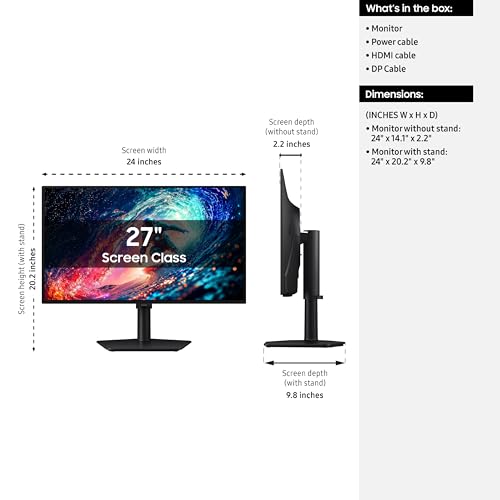
Prime Samsung 27" Odyssey OLED G6 (G61SH) Gaming Monitor - QD-OLED, QHD (1440P), 240Hz, 0.03ms, Glare-Free, Pantone Validated, HDR10, Height-adjustable stand, OLED Safeguard, 3 Year Warranty, LS27HG612SNXZA




As an Amazon Associate we earn from qualifying purchases. Product prices and availability are accurate as of the date/time indicated.
The Samsung Odyssey OLED G6 is the highest-rated monitor in this guide at 4.7 out of 5, and it is the do-it-all 1440p QD-OLED. It steps the G5 up to a full 240Hz refresh while keeping the 27-inch QHD QD-OLED panel and 0.03ms response, so you get Samsung’s excellent Quantum Dot color and contrast paired with a refresh rate that satisfies competitive players as well as immersive ones.
At around $590 it is priced as a premium 1440p OLED, sitting near the ASUS glossy pick, and it justifies that with the higher refresh, strong factory tuning and Samsung’s panel-protection features. The G6 is the sweet spot of the Odyssey OLED range for gaming: fast enough for esports, gorgeous enough for AAA single-player, and from a manufacturer with a deep QD-OLED pedigree. If you want one 1440p OLED that does everything and reviews well, the G6 is the standout.
Pros: Top 4.7/5 rating, 240Hz QD-OLED, perfect blacks, strong Samsung tuning.
Cons: Premium price for 1440p; OLED panel care still required.
6. MSI MPG 321URX QD-OLED 32″ 4K UHD 240Hz

msi MPG 321URX QD-OLED, 32" 4K UHD Quantum Dot OLED Gaming Monitor, 3840 x 2160, 0.03ms, 240Hz, True Black HDR 400, 90W USB Type C, HDMI, DP Port
As an Amazon Associate we earn from qualifying purchases. Product prices and availability are accurate as of the date/time indicated.
The MSI MPG 321URX is the big-screen 4K powerhouse, delivering a 32-inch 3840×2160 Quantum Dot OLED panel at a full 240Hz with the 0.03ms response that makes OLED motion so clean. That combination — 4K resolution, 32-inch size and 240Hz refresh — is the dream specification for a single monitor that handles cinematic single-player detail and fast competitive play on the same screen.
At around $830 it is a premium display, but it undercuts the ASUS 4K flagship while matching its core 4K@240 capability, which makes it a strong value at the high end. The 32-inch QD-OLED panel produces vivid color and perfect blacks across a large canvas, ideal for immersive games and HDR content. You will want a powerful GPU to drive 4K at high frame rates, but if you have the hardware and want a large, fast, beautiful OLED, the 321URX is an outstanding choice to close out this guide.
Pros: 32″ 4K QD-OLED at 240Hz, vivid color, perfect blacks, strong high-end value.
Cons: 4K@240 demands a powerful GPU; premium price.
How to Choose an OLED Gaming Monitor
Begin with QD-OLED versus WOLED. Most current gaming OLEDs, including nearly every pick here, use QD-OLED, which layers Quantum Dots over the OLED emitters to deliver higher color volume and a little more brightness than traditional WOLED. In practice QD-OLED gives punchier, more saturated color and slightly better HDR highlight performance. Both technologies share OLED’s headline strengths — perfect per-pixel blacks, infinite contrast and a 0.03ms response — so either is a huge step up from a backlit IPS or VA panel.
Then choose resolution to match your GPU and use case. 1440p OLEDs like the Acer Predator, ASUS XG27AQDMG and Samsung G6 run high refresh rates, are easy to drive and are the competitive sweet spot. 4K OLEDs such as the MSI 321URX and ASUS XG32UCWMG deliver stunning detail and immersion for single-player games but demand a powerful graphics card to push high frame rates. If you play mostly competitive titles or have a mid-range GPU, pick 1440p; if you want cinematic 4K detail and own a high-end card, the 4K panels are spectacular.
Finally, weigh finish, refresh and panel care. A glossy coating maximises contrast and color pop but wants a room where you can control reflections, while a matte finish tames glare in brighter spaces. Match the refresh rate to what your GPU sustains — 240Hz is ideal but 180Hz on the value Samsung G5 is plenty for most players. Whichever you choose, use the built-in pixel-shift, logo-dimming and panel-refresh routines and vary your content; modern OLEDs manage static-element wear well, so with sensible habits these panels will look brilliant for years. Pick the resolution and finish that fit your GPU and room, and any OLED here will be a transformative upgrade.
Frequently Asked Questions
Is QD-OLED better than WOLED for gaming?
QD-OLED generally offers higher color volume and slightly more brightness than traditional WOLED because of its Quantum Dot layer, which makes saturated game art and HDR highlights look richer. Both share OLED’s perfect blacks, infinite contrast and 0.03ms response, so both are excellent; most current gaming OLEDs, including the picks here, use QD-OLED.
Do I need a 4K OLED or is 1440p enough for gaming?
1440p OLED is the competitive sweet spot: high refresh, easy to drive and gorgeous. 4K OLED delivers more detail and immersion for single-player games but demands a powerful GPU to sustain high frame rates. Choose 1440p if you play competitively or have a mid-range card; choose 4K if you want cinematic detail and own a high-end graphics card.
Should I worry about OLED burn-in for gaming?
With sensible habits, no. Modern QD-OLED panels include pixel-shift, logo-dimming and panel-refresh routines that make burn-in unlikely under normal mixed use. The main risk is static HUD elements at high brightness for very long stretches. Use the built-in care features and vary your content, and these panels will stay healthy for years.
What does the 0.03ms response time on OLED actually mean?
It is the gray-to-gray pixel response — how fast a pixel changes color. At 0.03ms, OLED is hundreds of times faster than even a good 1ms IPS, so there is essentially no motion blur or smearing. That is why OLED motion looks so clean at high refresh rates, which benefits fast competitive games as much as it does cinematic single-player titles.
Glossy or matte finish for an OLED gaming monitor?
Glossy finishes maximise contrast and color pop and look stunning in a room where you can control reflections, which is why panels like the ASUS ROG Strix use them. Matte finishes diffuse glare and suit bright rooms with windows or overhead lights. Choose based on your room’s lighting — a glossy panel in a sunlit room will frustrate you, while matte sacrifices a little pop for usable glare control.
Related Guides
- Best Gaming Monitors
- VA vs OLED Gaming Panels
- Mini-LED vs OLED Monitors
- MSI MPG 321URX vs LG 32GS95UE
- LG 27GR95QE vs Samsung Odyssey G9 OLED
- HDR Tiers Explained
- Best GPUs for 4K Gaming
- Best Gaming CPUs
About the Author
David Park is the Displays Editor at PC Gaming Universe. He has spent eight years testing and calibrating gaming monitors, from 1080p esports panels to high-refresh QD-OLED ultrawides, and pays particular attention to the specs that change how a panel actually plays: real refresh behaviour, response time, panel technology, HDR implementation and the trade-offs between IPS, VA and OLED for competitive and immersive gaming alike.
Affiliate Disclosure: As an Amazon Associate, we earn from qualifying purchases. If you click a link and make a purchase, we may earn a small commission at no extra cost to you. Prices and availability are accurate as of publication and may change.
Ready to decide? Our #1 pick for 2026 is the ASUS ROG Strix XG32UCWMG.
Live price & availability on Amazon.
Top picks from this guide
 LG 27GS93QE 27-inch Ultragear OLED Gaming Monitor QHD 1440p 240Hz…$555 \xc2\xb7 98/100Samsung 27" Odyssey OLED G6 (G61SH) Gaming Monitor - QD-OLED,…$590 \xc2\xb7 98/100Acer Predator Gaming Monitor | 26.5" WQHD 2560x1440 QD-OLED |…$360 \xc2\xb7 97/100AOCAOC 27" QD OLED Gaming Monitor, QHD 2560x1440, 240Hz, 0.03ms…$360 \xc2\xb7 96/100