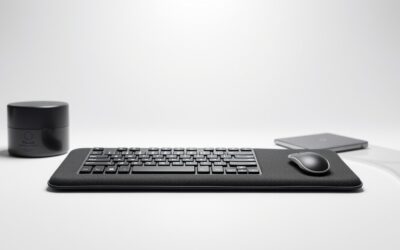
Quick answer: For most people in 2026, the best 60% gaming keyboards is the Ducky One 2 Pro 60% Cherry MX2A Blue — our #1 rated choice. See the full ranked comparison, alternatives and buying advice below.
Top Gaming Keyboards Picks for 2026
Here are our current top gaming keyboards picks, compared on real Amazon owner reviews, price, and features. Live prices update below.


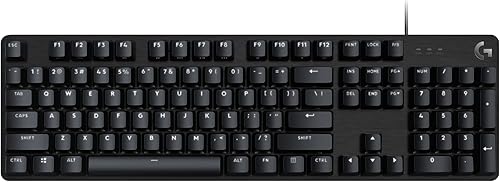
A 60% keyboard cuts a full-size layout down to just 61 keys: no numpad, no function row, no arrow keys and no navigation cluster. What you get instead is the smallest practical mechanical keyboard footprint, which leaves more room for your mouse, looks clean on a small desk, and travels easily. The trade-off is real — every key you would normally press directly now lives on a function (Fn) layer, so arrow keys, F-row commands and media controls require Fn-plus-something. For some users that is a deal-breaker; for others it is a small price for a much tidier setup.
This guide rounds up the best 60% gaming keyboards in 2026 across enthusiast favourites, mainstream brands and premium-budget picks. The list is Ducky-heavy for a reason: Ducky One 3 Mini and One 2 Pro are widely regarded as two of the best 60% boards available, both for build quality and switch feel. The Razer Huntsman Mini provides the best mainstream brand pick with optical switches, the HyperX Alloy Origins 60 covers premium-budget, and a second Razer Huntsman Mini variant gives you the choice between clicky and linear optical switches. Prices run from around $60 to around $110. Below is the six-strong at-a-glance, then per-board notes and a buyer’s guide on whether a 60% layout is actually right for you.
Best 60% Gaming Keyboards at a Glance
| Keyboard | Best For | Standout Spec | Approx Price |
|---|---|---|---|
| Ducky One 2 Pro 60% Cherry MX2A Blue | Enthusiast clicky pick | Cherry MX2A Blue, QUACK dampening | around $87 |
| Ducky One 3 Mini Aura Hot-Swap | Top hot-swap 60% | Cherry switches, hot-swap, Aura | around $110 |
| Ducky One 3 Mini Aura (alt SKU) | Alt color/switch variant | Same One 3 Mini, alt config | around $100 |
| Razer Huntsman Mini Clicky Optical | Clicky optical mainstream | Clicky optical, aluminum top frame | around $75 |
| HyperX Alloy Origins 60 | Premium-budget pick | HyperX switches, doubleshot PBT | around $60 |
| Razer Huntsman Mini Linear Optical | Linear optical mainstream | Linear optical, aluminum top frame | around $75 |
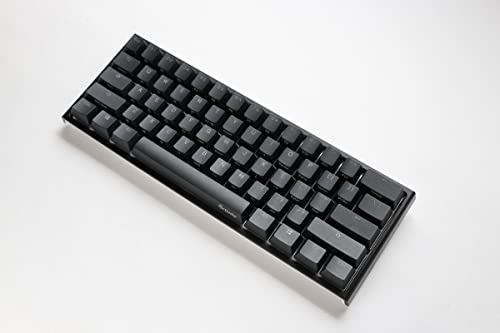
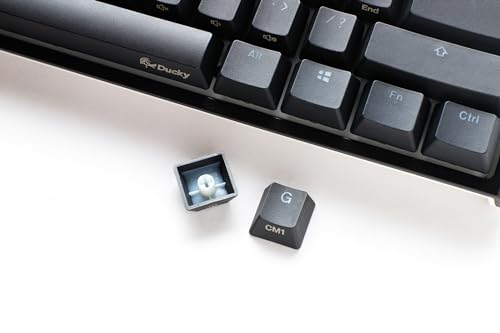
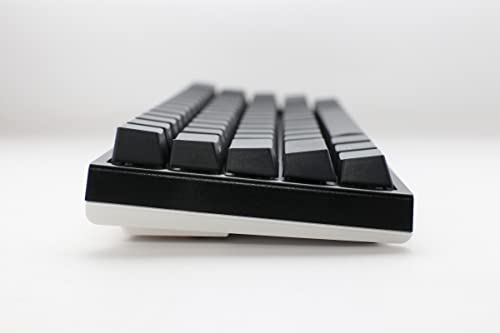
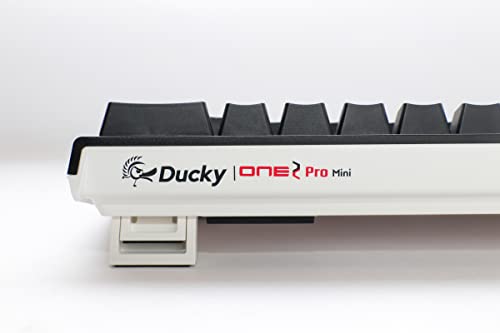
1. Ducky One 2 Pro 60% Mechanical Keyboard, Cherry MX2A Blue with QUACK Dampening

Prime Ducky One 2 Pro 60% Mechanical Keyboard: QUACK Mechanics Dampening, Cherry MX2A Blue Switches, High-Density PBT doubleshot Keycaps, RGB, US, Blackout


As an Amazon Associate we earn from qualifying purchases. Product prices and availability are accurate as of the date/time indicated.
The Ducky One 2 Pro 60% is the enthusiast clicky pick of this list. It pairs Ducky’s well-regarded chassis with Cherry MX2A Blue switches, the latest generation of Cherry’s famous clicky tactile design, and adds Ducky’s QUACK Mechanics dampening to soften the typing feel. At around $87 it is a premium 61-key board for someone who knows they like clicky Cherry feel.
This is the keyboard for the user who specifically wants Cherry MX Blue’s audible click and tactile bump on a 60% layout. Cherry MX2A is the newer, smoother evolution of the original MX line, the QUACK dampening reduces the hollow ping that older Ducky boards sometimes had, and the One 2 Pro chassis is one of Ducky’s most polished. The 61-key 60% layout strips out everything beyond the alpha block, leaving Fn-layer access for arrows, F-row and media commands.
If you want the Cherry MX Blue clicky experience on a top-tier 60%, this is an obvious recommendation. If you do not yet know whether you like clicky switches — they are loud and divisive — try them on a less expensive board first, since the switch type is a much bigger commitment on a 60% than the chassis.
Pros: Cherry MX2A Blue clicky tactile switches, Ducky QUACK dampening, premium One 2 Pro chassis, 61-key 60% layout.
Cons: Clicky switches are loud and divisive; no arrow keys without Fn layer.
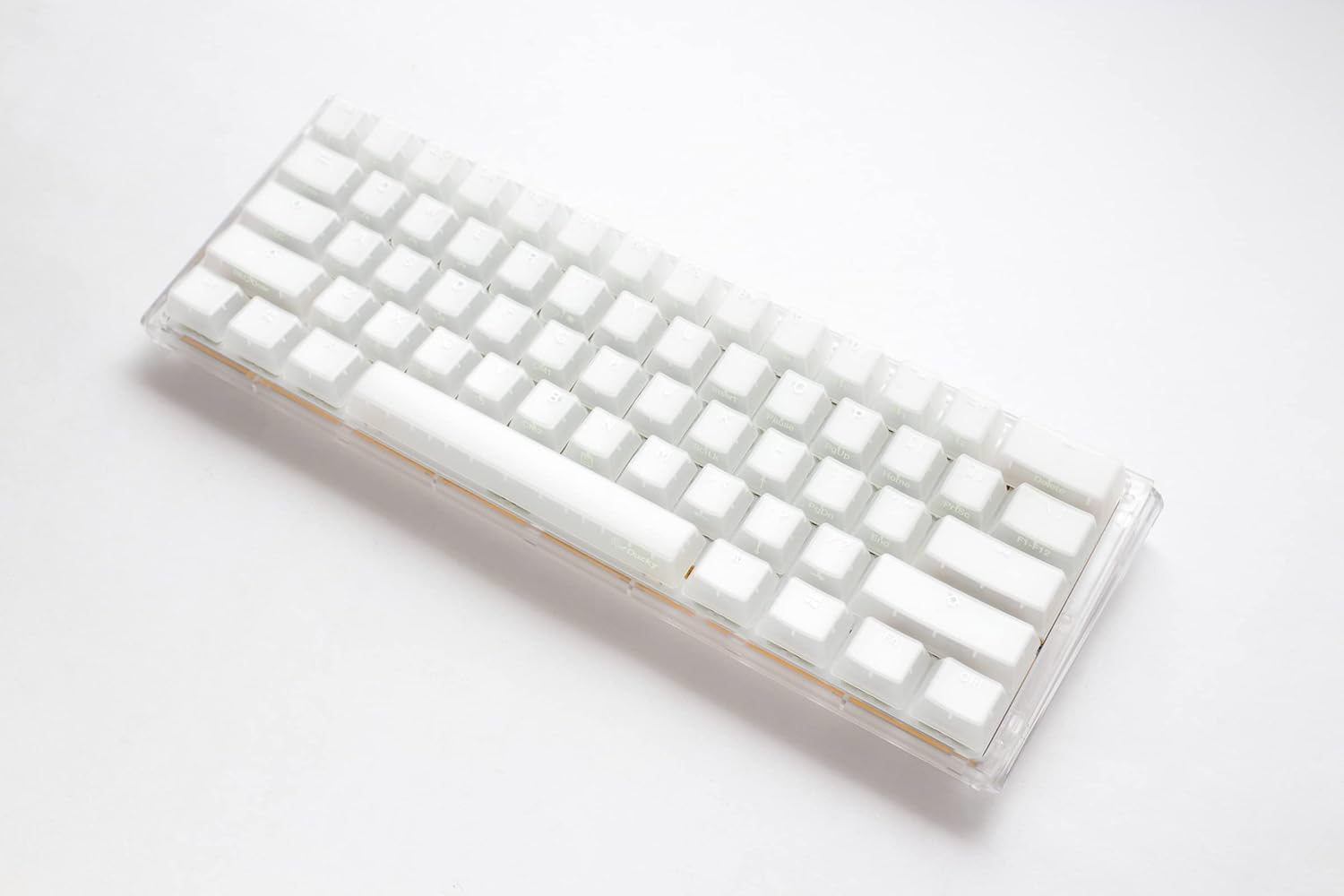
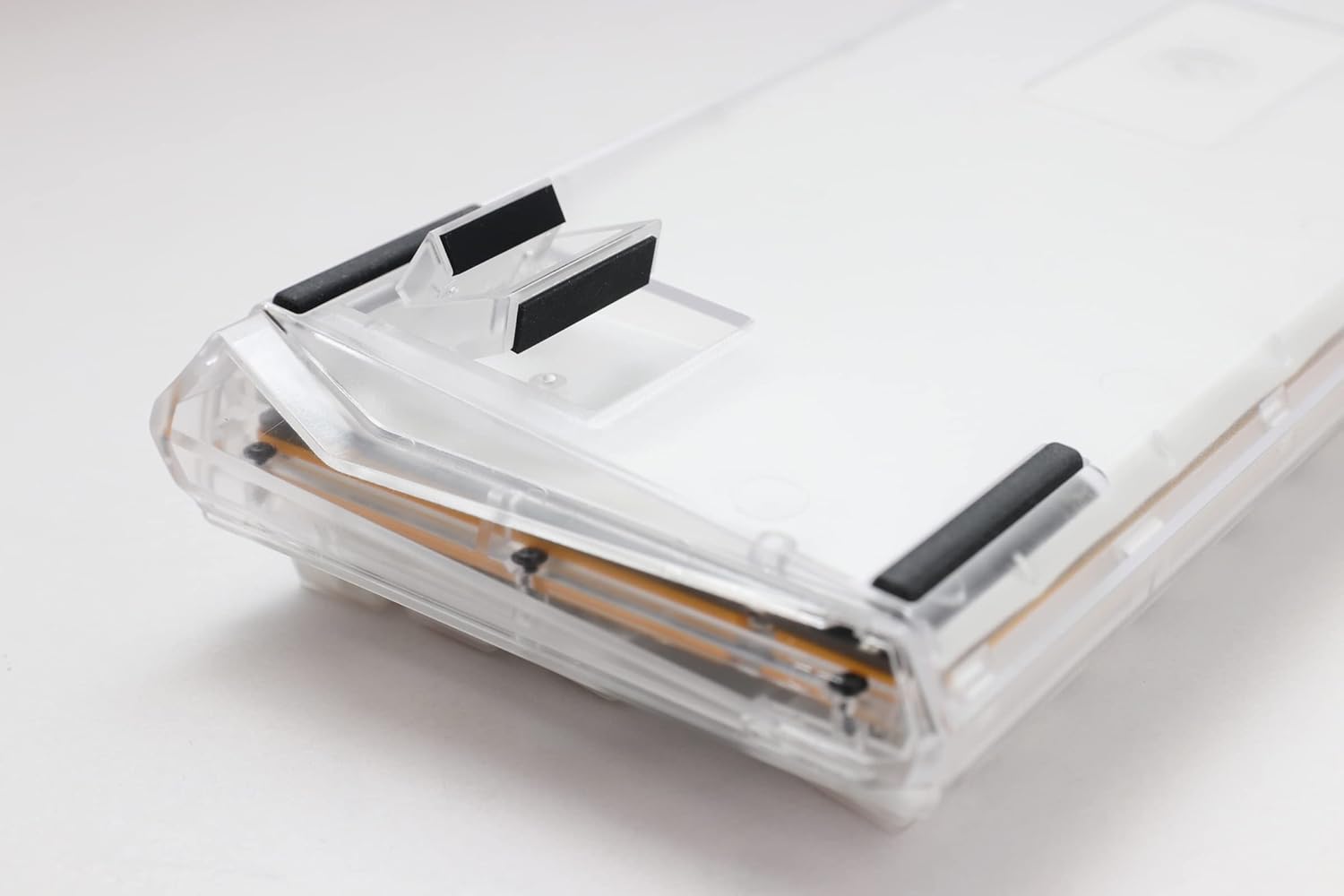
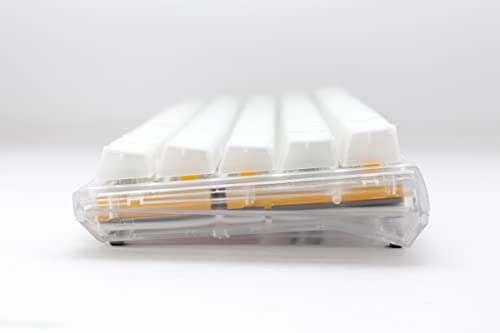
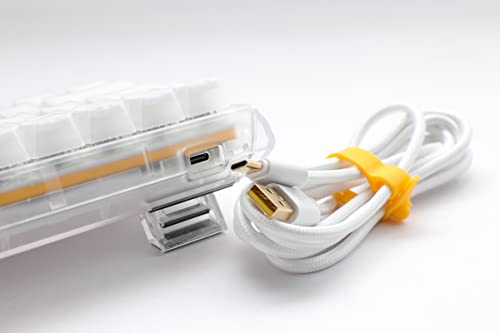
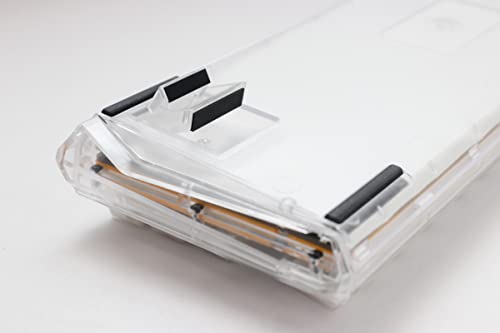
2. Ducky One 3 Mini Aura 60% Mechanical Keyboard, Hot-Swappable

Ducky One 3 Mini Aura 60% Mechanical Keyboard: Quack Mechanics Dampening, Hot-Swappable Cherry MX Red Switches, High-Density PBT Tripleshot Keycaps, RGB, US, White



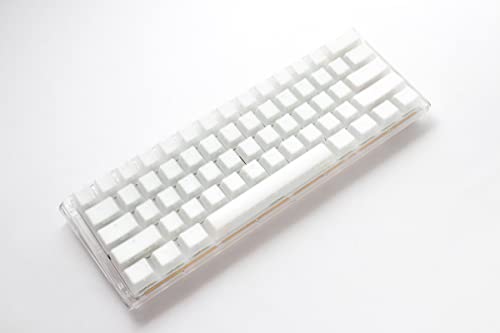
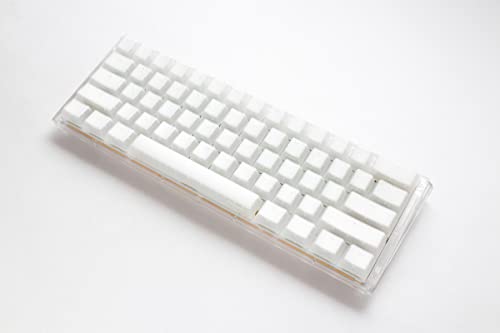

As an Amazon Associate we earn from qualifying purchases. Product prices and availability are accurate as of the date/time indicated.
The Ducky One 3 Mini Aura is the top hot-swap 60% pick. It builds on the well-loved One 3 chassis with QUACK Mechanics dampening, hot-swappable Cherry-style sockets, RGB lighting and per-key customisation. At around $110 it is one of the most expensive boards on this list — and arguably the most beloved 60% in the enthusiast community right now.
This is the keyboard for the buyer who wants the best 60% Ducky makes. Hot-swappable sockets mean you can change switches later without soldering, the Aura model adds particularly clean RGB diffusion, doubleshot PBT keycaps survive years of use without shine, and Ducky’s build feel is at the top of the class. For an enthusiast 60% that lets you tune it over time, the One 3 Mini Aura is the standout pick.
It is expensive, and the value proposition only fully lands if you intend to actually swap switches or care about premium build feel. If you want a 60% mainly because it looks neat on a desk, the cheaper boards on the list cover that intent for less.
Pros: Hot-swappable Cherry-style sockets, Ducky build quality, doubleshot PBT keycaps, polished RGB.
Cons: Highest price here; full value depends on actually using hot-swap capability.
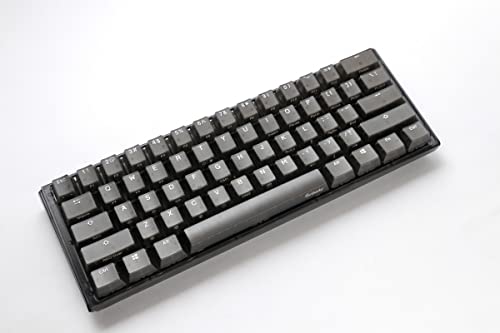
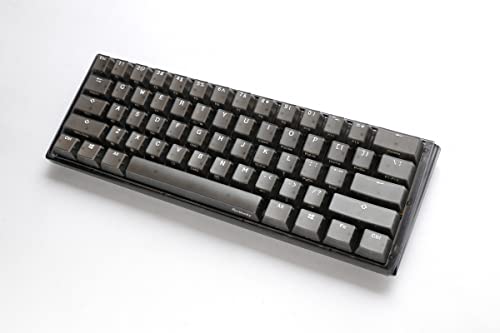
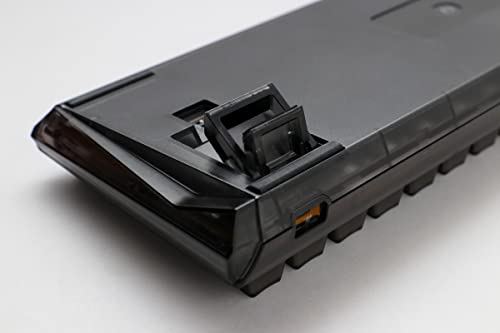
3. Ducky One 3 Mini Aura 60% Mechanical Keyboard (Alternative Configuration)

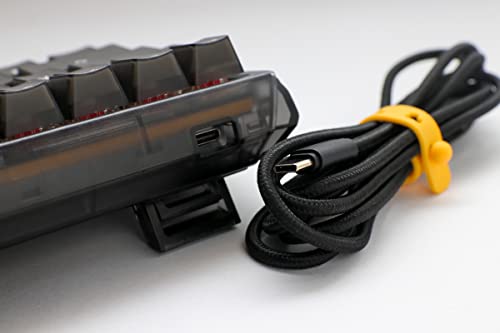
Ducky One 3 Mini Aura 60% Mechanical Keyboard: Quack Mechanics Dampening, Hot-Swappable Cherry MX Slient Red Switches, High-Density PBT Tripleshot Keycaps, RGB, US, Black


As an Amazon Associate we earn from qualifying purchases. Product prices and availability are accurate as of the date/time indicated.
This listing is an alternative configuration of the Ducky One 3 Mini Aura — same chassis, same QUACK Mechanics dampening and hot-swap sockets, different colour or stock switch combination. At around $100 it offers the same enthusiast 60% experience as the primary One 3 Mini Aura listing with whatever specific options this SKU bundles.
This is the keyboard to choose if you love the One 3 Mini design but want the specific colour, keycap set or stock switch that this configuration ships with. The platform underneath is identical, so the hot-swap flexibility means you can swap switches later regardless of what comes in the box.
Same value calculus as the primary One 3 Mini Aura listing — if you are going to use the hot-swap and you care about premium 60% build, it is worth the money. If you just want a compact gaming board, the Razer Huntsman Mini or HyperX Alloy Origins 60 lower in this list cost much less.
Pros: Same Ducky One 3 Mini Aura platform with alternative colour/switch options, hot-swap, premium build.
Cons: Differentiated mostly by SKU options vs the primary One 3 Mini Aura listing.
4. Razer Huntsman Mini 60% Clicky Optical Switches, Aluminum Top Frame
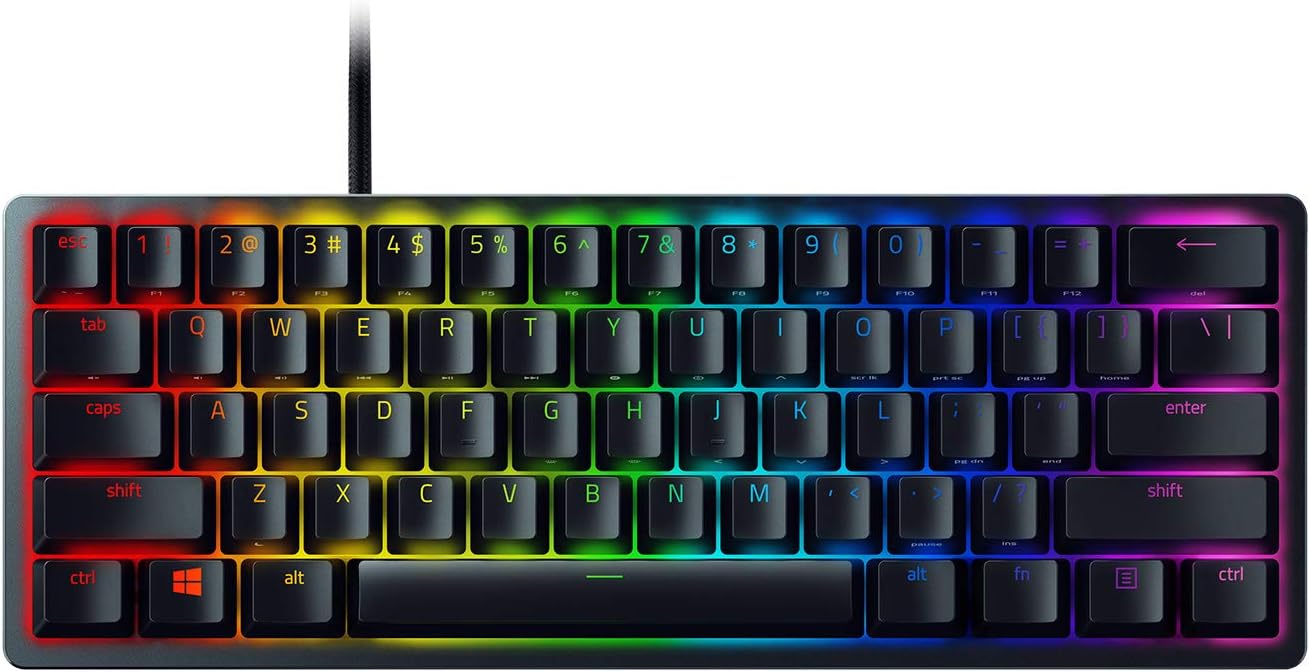
Razer Huntsman Mini 60% Gaming Keyboard: Clicky Optical Switches - Aluminum Top Frame - Chroma RGB Lighting - PBT Keycaps - Onboard Memory - Snap Tap - Black


As an Amazon Associate we earn from qualifying purchases. Product prices and availability are accurate as of the date/time indicated.
The Razer Huntsman Mini in the clicky optical variant is the mainstream brand pick of this list. It pairs Razer’s clicky optical switches — which fire on light through a beam rather than via traditional metal contacts — with an aluminum top frame and full per-key RGB, all on a 61-key 60% layout. At around $75 it is the best big-brand 60% you can buy on a moderate budget.
This is the keyboard for the gamer who wants Razer’s ecosystem and Synapse software support on a 60% board with a fast, lively typing feel. Razer’s clicky optical switches actuate quickly and add an audible click to each press, the aluminium top frame adds rigidity and a quality look, and per-key RGB integrates nicely with Razer’s wider lighting ecosystem. For Razer-stack users this is the natural choice.

Optical switches feel different from traditional metal-contact mechanicals — quicker, lighter, with less spring tension — and that is a matter of taste. If you already use Razer mice and headsets, the brand and software consistency is a real plus.
Pros: Razer brand and Synapse software, clicky optical switches, aluminum top frame, mainstream-friendly 60% pick.
Cons: Optical switches feel different from traditional mechanicals; software preference required.
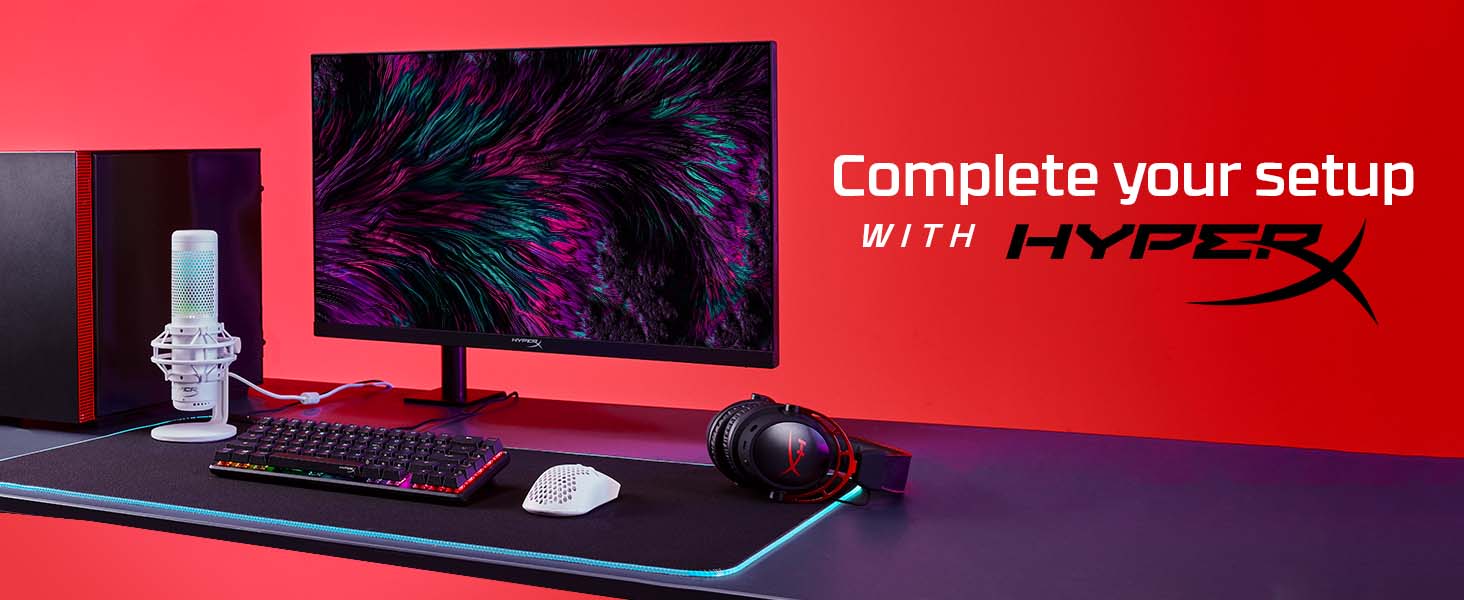
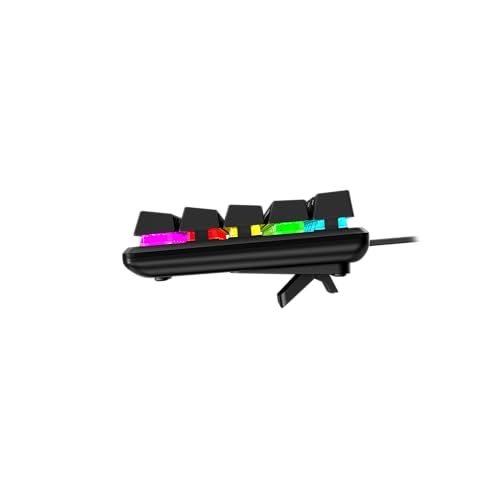
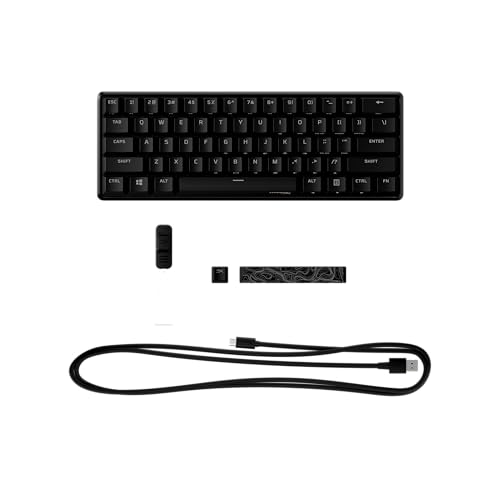
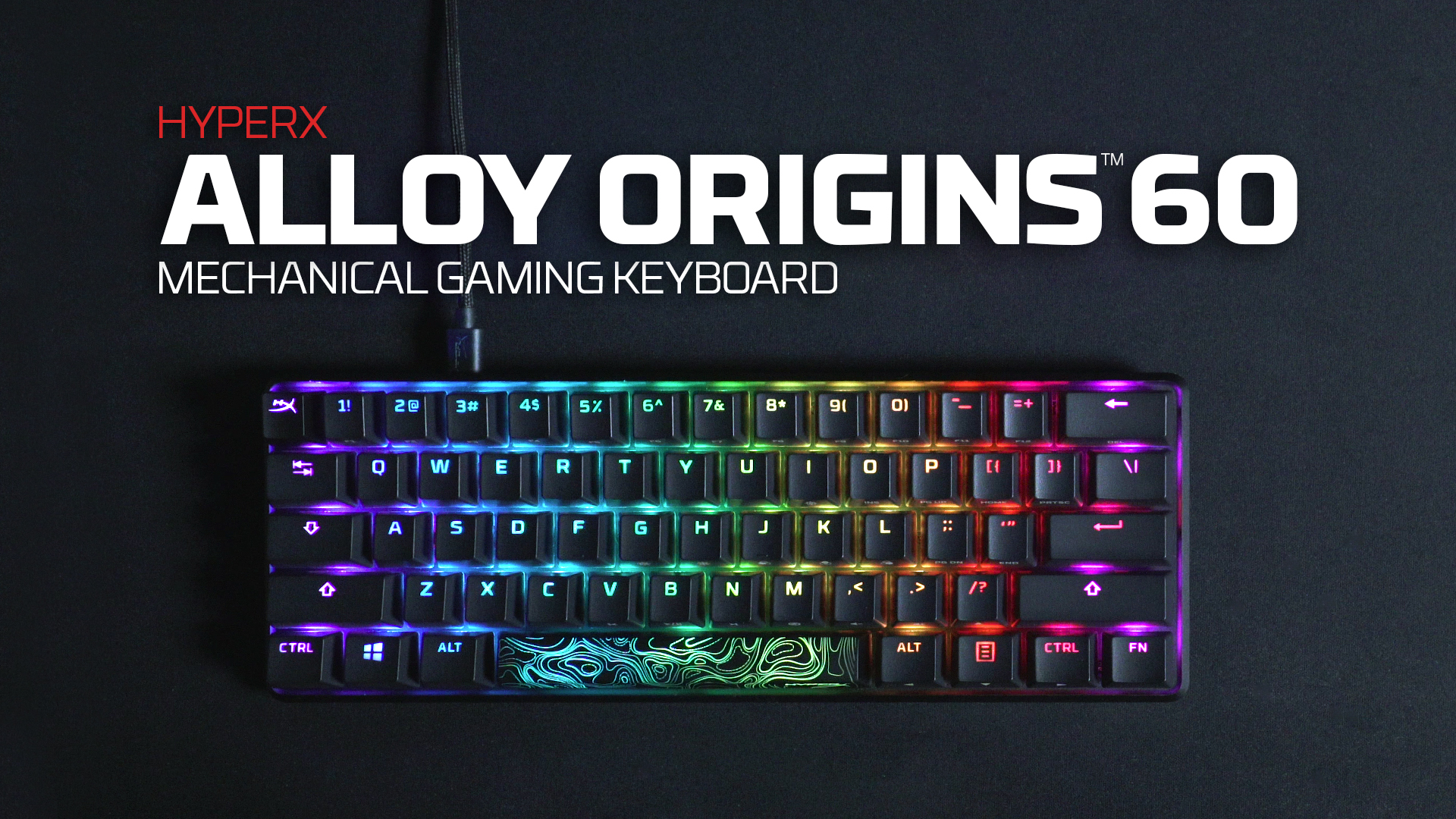
5. HyperX Alloy Origins 60 Mechanical Gaming Keyboard, Doubleshot PBT, 60% Form Factor

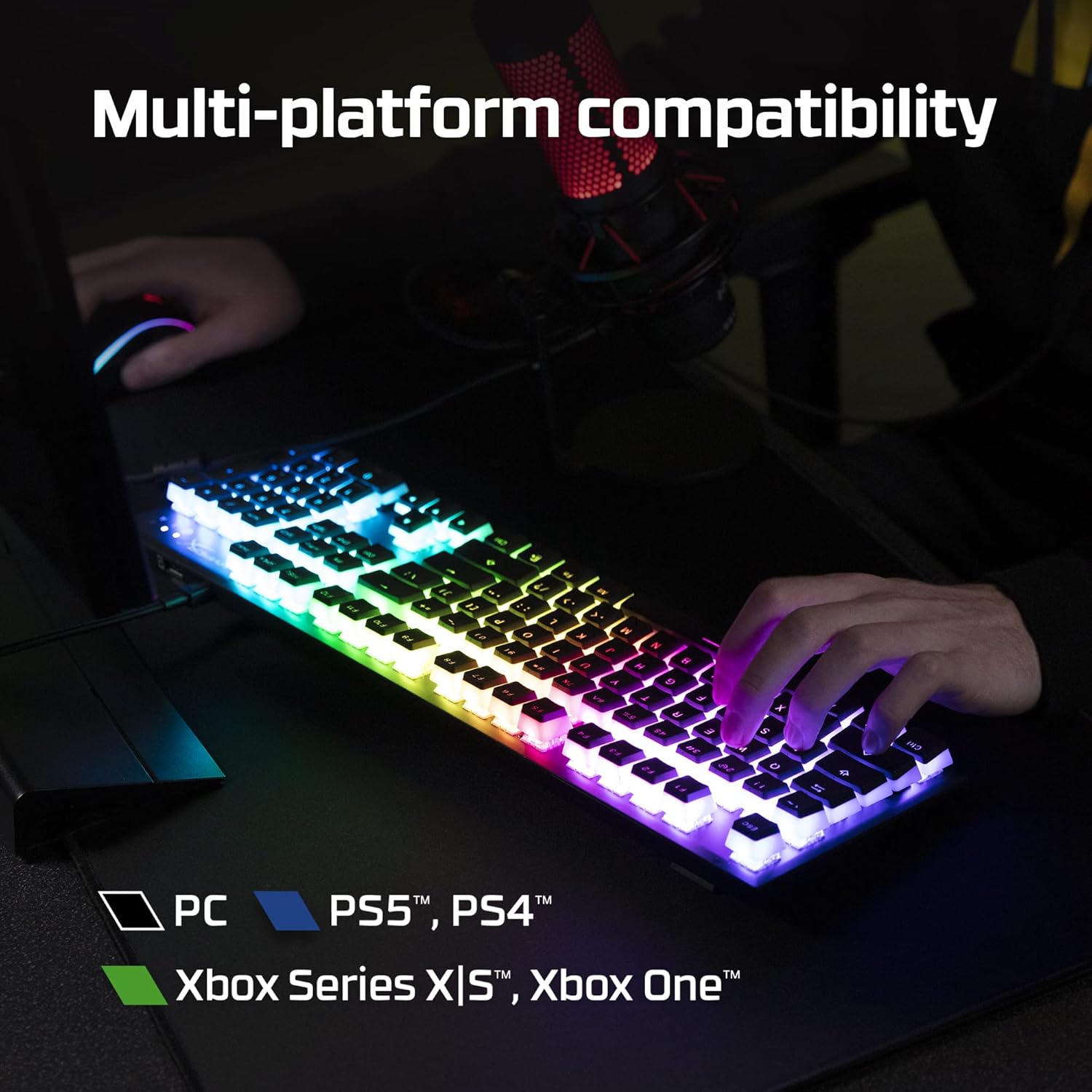
HyperX Alloy Origins 60 - Mechanical Gaming Keyboard, Ultra Compact 60% Form Factor, Double Shot PBT Keycaps, RGB LED Backlit, NGENUITY Software Compatible - Linear HyperX Red Switch,Black








As an Amazon Associate we earn from qualifying purchases. Product prices and availability are accurate as of the date/time indicated.
The HyperX Alloy Origins 60 is the premium-budget pick of this list and outstanding value for the spec. It pairs HyperX’s own mechanical switches with a full aluminum body, doubleshot PBT keycaps and RGB lighting on a 61-key 60% form factor. At around $60 it is the cheapest board on this list and one of the best-value premium-feeling 60%s on the market.
This is the keyboard for the buyer who wants premium build quality without paying enthusiast prices. The aluminum body feels rigid and expensive in the hand, the doubleshot PBT keycaps will not shine or fade the way cheap ABS does, the HyperX switches deliver a satisfying click or linear feel depending on variant, and the 60% layout keeps your desk tidy. For sixty dollars you are not supposed to get this much keyboard.
Software support is more limited than Razer or major enthusiast brands, and the switches are not hot-swappable, but those are sensible compromises at the price. If you want a premium-feeling 60% on a budget and do not need to swap switches, the Alloy Origins 60 is hard to beat.
Pros: Premium aluminum body and PBT keycaps at the lowest price here, established HyperX brand.
Cons: No hot-swap; software ecosystem is more limited than premium brands.
6. Razer Huntsman Mini 60% Linear Optical Switches, Aluminum Top Frame

Razer Huntsman Mini 60% Gaming Keyboard: Linear Optical Switches - Aluminum Top Frame - Chroma RGB Lighting - PBT Keycaps - Onboard Memory - Snap Tap - White


As an Amazon Associate we earn from qualifying purchases. Product prices and availability are accurate as of the date/time indicated.
Rounding out the list is the Razer Huntsman Mini in the linear optical variant. Same chassis as the clicky version: 61-key 60% layout, aluminum top frame, per-key RGB and Razer’s optical switch tech, but with linear switches that press down smoothly with no tactile bump and no audible click. At around $75 it is a direct alternative to the clicky variant for users who prefer smoother, quieter typing.

This is the keyboard for the gamer who likes Razer’s ecosystem and wants linear switches on a 60% board — the natural pick for many FPS players, who often prefer smooth linears for rapid repeated keypresses. The optical implementation keeps the actuation quick and consistent, the aluminium top frame still looks the part, and the layout and software story matches the clicky variant.
Like the clicky Huntsman Mini, the choice between this and the Ducky boards or HyperX Alloy Origins 60 comes down to brand preference, software ecosystem and switch type. For the Razer-stack user who wants linears, this is the obvious pick on the list.
Pros: Razer brand and Synapse software, smooth linear optical switches, aluminum top frame, 60% layout.
Cons: Smooth linear feel is divisive; quieter but no tactile feedback.
How to Choose a 60% Gaming Keyboard
Before buying any 60% board, be honest about the trade-off. A 60% has 61 keys: the alpha block (letters, numbers and symbols) plus modifiers, but no numpad, no function row, no arrow keys and no navigation cluster. Everything you would normally press directly — arrow keys, F-row commands, media controls — now lives on a Fn layer and requires a Fn-plus-key combo. If you use arrow keys heavily for editing, or you live in spreadsheets, or you frequently use function keys, a 60% will frustrate you. If you mostly type, code with hotkeys, or game with WASD and a clean desk, a 60% is freeing.
Switch type is the next decision and is more important on a 60% than on a larger board, because you cannot easily try the switch first. Cherry MX switches, used in the Ducky One 2 Pro, are the long-time benchmark — Blue is clicky and tactile (loud), Red is smooth linear (quiet and fast), Brown is tactile non-clicky (a middle ground). Razer’s optical switches (Huntsman Mini variants) actuate on light rather than metal contact and feel slightly different — faster and lighter — and come in clicky and linear flavours. HyperX’s own switches sit between the two. If you have never tried mechanicals before, linears are usually the safest first choice; if you know you like clickies, the Ducky One 2 Pro is excellent.
Hot-swap and build determine how the keyboard ages. Hot-swappable boards like the Ducky One 3 Mini Aura let you change switches later without soldering — valuable if you want to experiment, less so if you know what you like. Aluminum top frames (Razer Huntsman Mini, HyperX Alloy Origins 60) add rigidity and a premium look. Doubleshot PBT keycaps (Ducky boards, HyperX) survive years of use without shine, while cheap ABS keycaps develop a glossy sheen quickly. For a board you will own for years, build matters as much as switch.
Finally, weigh ecosystem and price. All the boards on this list are wired, all are 61-key 60% mechanicals, and the price range runs from around $60 (HyperX) to around $110 (Ducky One 3 Mini Aura). If you already use Razer peripherals, the Huntsman Mini variants slot neatly into Synapse software and lighting ecosystems. If you want enthusiast feel and hot-swap, Ducky is the obvious choice. If premium build on a budget is the priority, the HyperX Alloy Origins 60 punches above its price. Match the layout trade-off to your work, the switches to your taste, the build to how long you plan to keep the board, and pick accordingly.
Frequently Asked Questions
How many keys does a 60% keyboard have?
Exactly 61 keys. A 60% layout keeps the alpha block — letters, numbers, symbols and modifiers — and removes the numpad, function row, arrow keys and navigation cluster. All boards on this list are 61-key 60% mechanicals.
Is a 60% keyboard good for gaming?
For many gamers, yes. Removing the numpad frees desk space for big mouse swings, valuable for low-DPI FPS players. WASD-based games rarely need anything outside the 61-key block. If you play games relying on arrow keys, function keys or numpad input, a 60% will frustrate you.
How do you use arrow keys on a 60% keyboard?
Through a function (Fn) layer. Most 60% boards map arrow keys to Fn combos — typically Fn-plus-WASD or Fn-plus-IJKL. If you do a lot of text editing, coding navigation or spreadsheet work, a TKL or 65% layout with dedicated arrow keys may suit you better.
Which 60% keyboard should I buy first?
For premium build on a budget, start with the HyperX Alloy Origins 60 at around $60. If you want the best 60% and intend to swap switches, the Ducky One 3 Mini Aura at around $110 is the enthusiast standout. If you use Razer peripherals, a Razer Huntsman Mini is the natural pick.
Related Guides
- All Keyboards Reviewed
- Best Gaming Mice
- Best Gaming Headsets
- Best Gaming Monitors
- Best Gaming Desks
- Best Gaming Chairs
- Best Gaming PCs
About the Author
Sarah Mitchell is the Peripherals and Audio Lead at PC Gaming Universe. With six years of competitive esports play across CS and Valorant and a long background reviewing keyboards, mice and headsets, she focuses on what actually changes how a setup feels in long sessions — switches, polling rates, build quality and the small ergonomic details that separate a good peripheral from a great one.
Affiliate Disclosure: As an Amazon Associate, we earn from qualifying purchases. If you click a link and make a purchase, we may earn a small commission at no extra cost to you. Prices and availability are accurate as of publication and may change.
Related Articles
Looking for more on this topic? Browse the hand-picked guides below — each one applies the same scoring rubric used in this review.
Ready to decide? Our #1 pick for 2026 is the Ducky One 2 Pro 60% Cherry MX2A Blue.
Live price & availability on Amazon.
Top picks from this guide
DuckyDucky One 2 Pro 60% Mechanical Keyboard: QUACK Mechanics Dampening,…$87 \xc2\xb7 99/100DuckyDucky One 3 Mini Aura 60% Mechanical Keyboard: Quack Mechanics…$110 \xc2\xb7 99/100DuckyDucky One 3 Mini Aura 60% Mechanical Keyboard: Quack Mechanics…$100 \xc2\xb7 99/100AULAAULA F75 Pro Wireless Mechanical Keyboard,75% Hot Swappable Custom Keyboard…$66 \xc2\xb7 98/100