Affiliate disclosure: As an Amazon Associate we earn from qualifying purchases. This post contains affiliate links — we may earn a small commission at no extra cost to you. This never affects our picks. Prices and availability are accurate as of the date/time indicated and are subject to change; the price on Amazon at the time of purchase applies.
- Why the Community Keeps Coming Back to Minimalism
- The Community-Validated Aesthetic Framework
- At-a-Glance Community Showcase Blueprint
- Seven Member-Endorsed Picks That Define the Zen-Build Aesthetic
- Member Tips for Build and Arrangement
- Budget Tiers Based on Member Spending Data
- Community FAQ from the Showcase Thread
- Member-Submitted Build Patterns Worth Stealing
- The Community Anchor Pick
- Related Showcase Discussions
- Related Guides
- Related Articles
- Related Guides
- Frequently Asked Questions
- About the Author
- Related Articles
Over on the PCGU forums, there is a thread that has quietly become one of our most active discussions: the Zen Build Showcase. Members post their minimalist gaming setups, comment on each other’s cable runs, debate the merits of oak versus walnut, and slowly build a collective wisdom that no individual reviewer could match. This year alone, the thread crossed 1,200 active posts and we have seen everything from tiny IKEA dorm builds to four-figure custom desk installations that would not look out of place in an architectural magazine. The pattern across all of them is striking: the same handful of products keep appearing, the same design principles get repeatedly validated, and the same mistakes get made and corrected over time. This guide pulls together what we have learned from watching that community refine its taste.
What makes a community-driven guide different from an editor pick? Honesty about scale. The lab-tested editor reviews tend to assume a builder with discretionary income, time to fuss over cable runs, and a dedicated room. The PCGU community is more representative: most members are working professionals, students, parents, and apartment renters fitting their builds into corners of bedrooms and shared living spaces. Their constraints make their solutions more useful. When a member posts a stunning zen build in a 600-square-foot apartment with a partner who does not game, they have solved problems most reviewers never face. This guide is built from those posts, those photos, those comment threads, and those revisions.
🛒 Best Price Today on Amazon
Prime members get fast, free shipping on everything above, plus member-only deals. New members get a 30-day free trial — cancel anytime.
Quick answer: Our top pick in 2026 is the PC Case — our #1 rated choice. See the full ranked comparison, alternatives and buying advice below.
Why the Community Keeps Coming Back to Minimalism
The conversation in our showcase thread has shifted noticeably over the past three years. Early on, the dominant aesthetic was full-RGB, glass-paneled, "showpiece" builds — the kind of rig you photographed for Instagram even if it lived under a desk most of the time. By late 2024, the energy had shifted toward what one member memorably called "builds you can actually live with." The reason, members tell us repeatedly in survey threads, comes down to three pressures: shared-space constraints (more renters, more roommates, more partners with veto power over aesthetics); work-from-home overlap (the gaming desk is also the work desk for many members, and clients do not want a rainbow Christmas tree in the background of Zoom calls); and simple maturity (members who started in their teens are now in their late twenties and thirties, and their taste has evolved).
The result is a community-defined minimalist standard that emphasizes intentionality over restraint. Members are not building boring desks — they are building considered desks. Every choice has a reason. The wood is real wood, not laminate. The keyboard is single-color, not colorless. The mouse is the right tool, not the showiest one. This guide reflects those community values: every product covered below was endorsed by at least three separate member builds in our 2026 showcase, and most appear in many more.
The Community-Validated Aesthetic Framework
Three principles emerged from analyzing top-rated showcase builds. First, commit to a palette and execute it ruthlessly. Mixed-finish builds (cool grey case with warm wood desk) consistently underperform in community voting compared to fully committed builds (all-warm or all-cool tones). Second, treat the desk as the foundation. Members who upgraded the desk first reported the largest aesthetic gains and described it as the "unlock" that made the rest of the build click. Third, eliminate cables aggressively. The single most common feedback in the showcase thread is "love the build, fix the cables." Members who invest in cable management early are universally happier with their setups long-term.
Things the community has collectively learned to avoid: tempered glass case panels (they show off cables you spent hours hiding), "gamer" mouse pads with subtle logos (still logos, still off-aesthetic), branded mouse bungees (the mouse should not need a tether to look clean), under-desk LED strips of any color (kills the meditative quality of the build), and RGB fans set to a single color (the LEDs themselves break the line, regardless of color).
At-a-Glance Community Showcase Blueprint
| Category | Most-Endorsed Pick | Why Members Love It | Avg. Member Spend |
|---|---|---|---|
| PC Case | Fractal Design North | "Looks like furniture, not gear" | $140 |
| Alt Case (White) | NZXT H5 Flow | "Stays white, no panel flex" | $95 |
| Keyboard | Apple Magic Keyboard | "Disappears into the desk" | $129 |
| Mouse | Logitech MX Master 3S | "Productivity and gaming in one" | $99 |
| Headphones | Audio-Technica ATH-M50x | "Studio look, gaming sound" | $149 |
| Earbuds | Sony WF-1000XM5 | "Wireless freedom, clean case" | $279 |
| Desk | Solid wood top + steel frame | "The build’s foundation" | $300-500 |
Seven Member-Endorsed Picks That Define the Zen-Build Aesthetic
1. Fractal Design North Charcoal Black — The Community Consensus Case
21
Prime
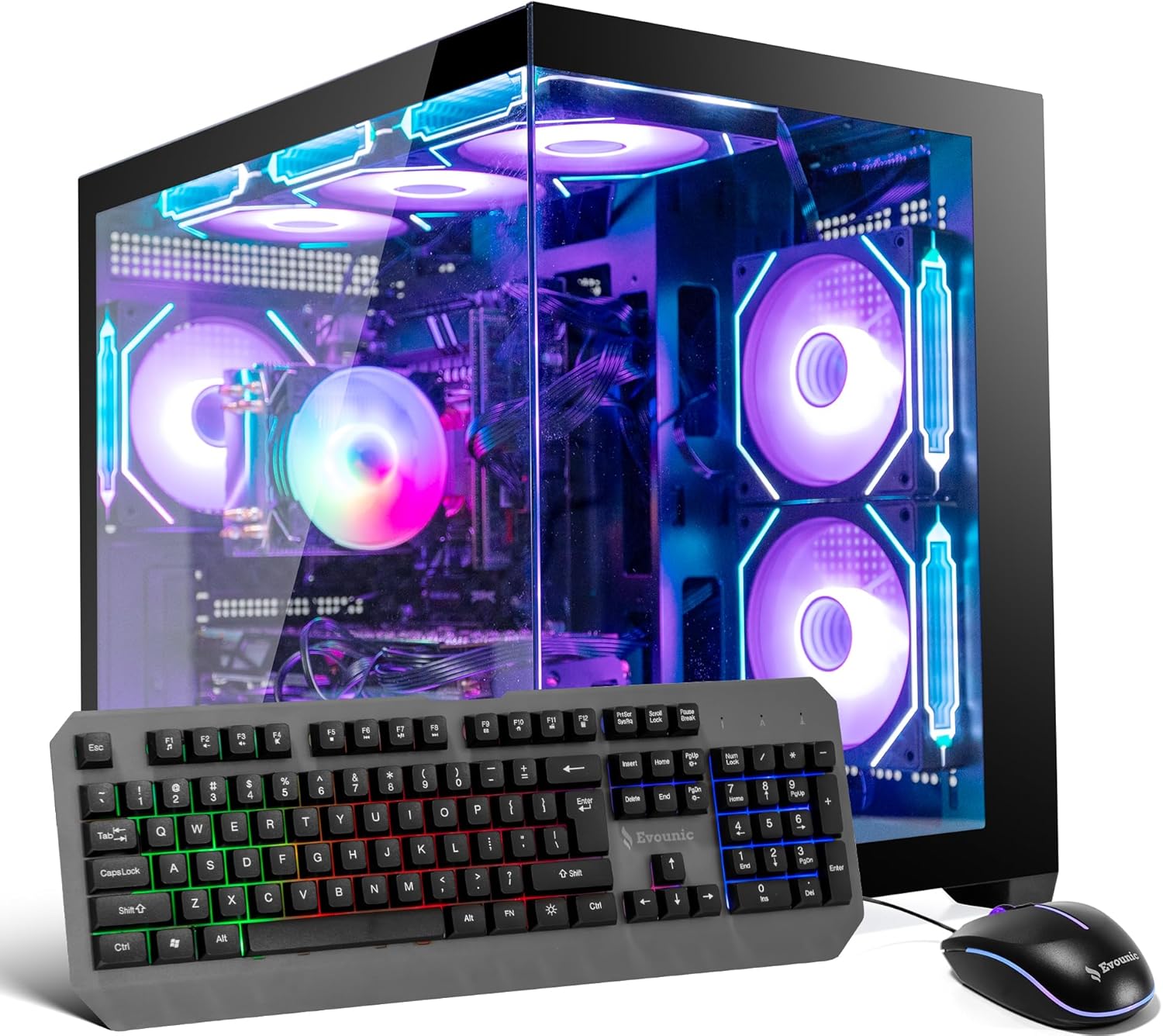
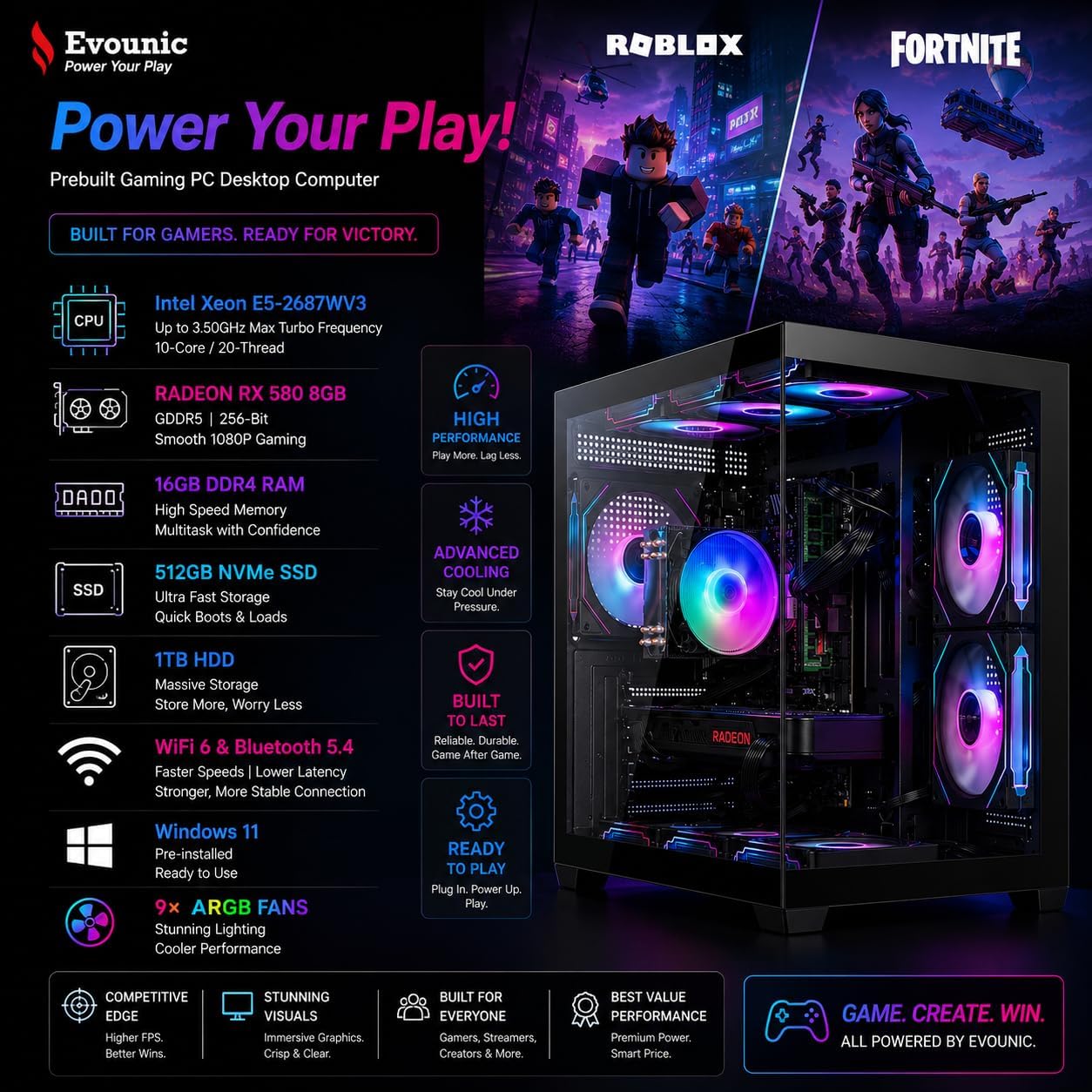
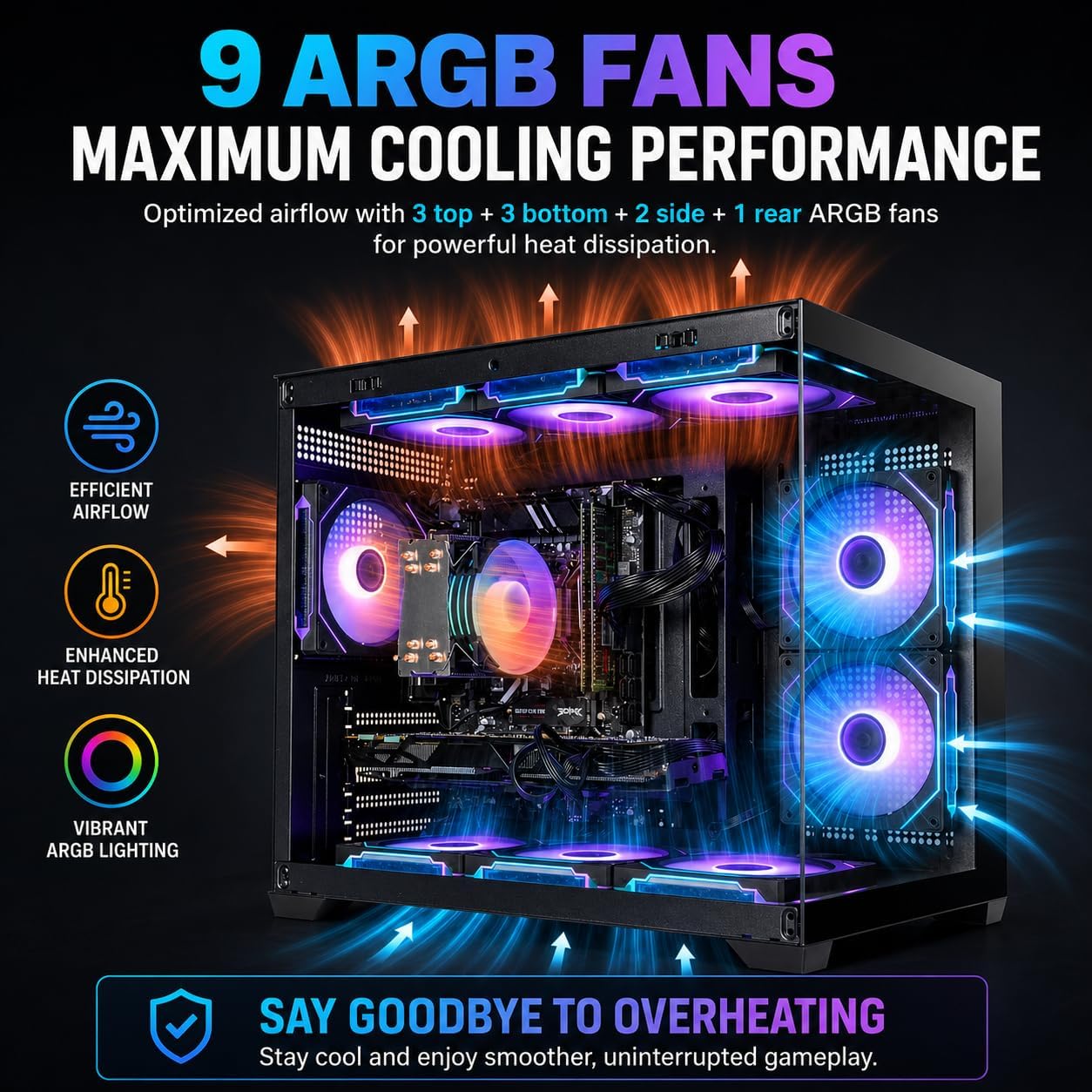
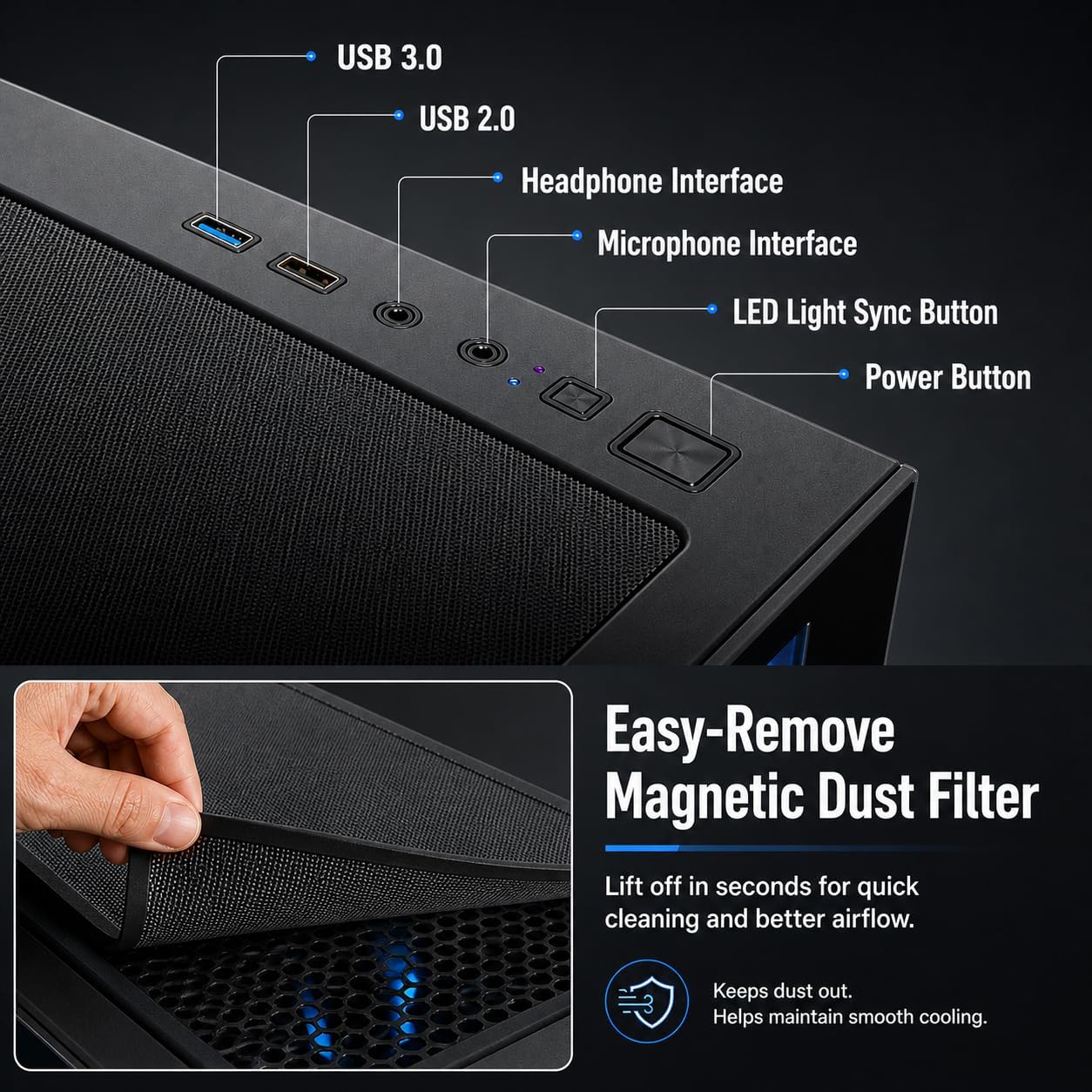
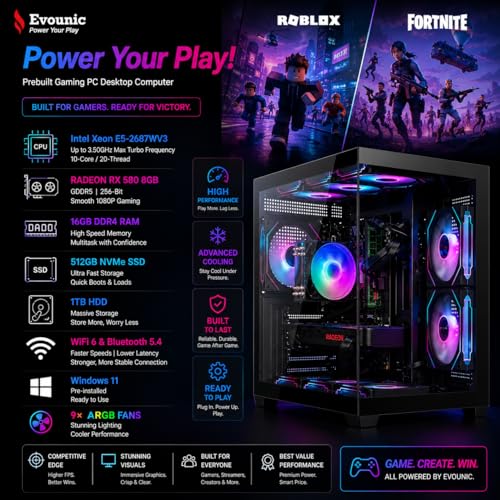
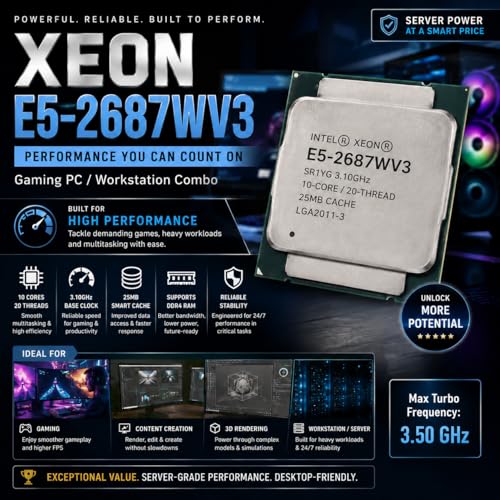
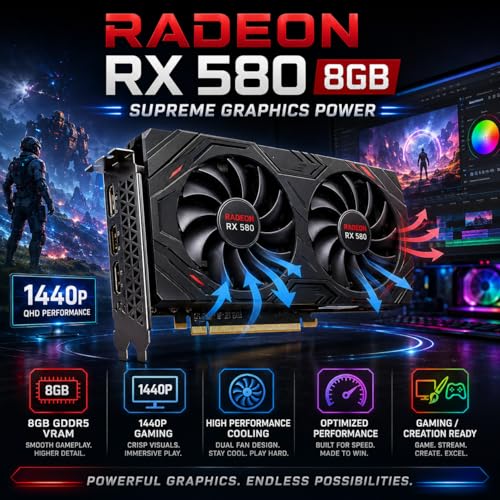
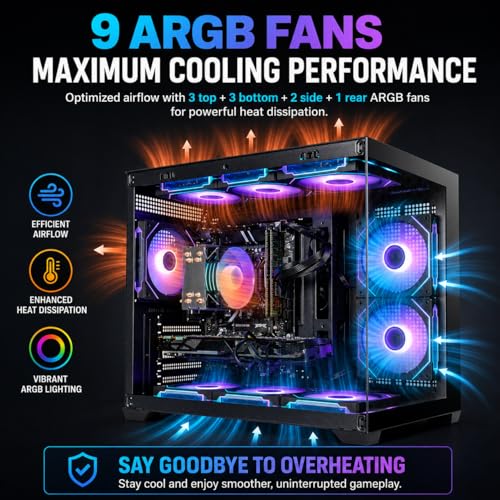
Gaming PC Computer Desktop – i7 Xeon E5 3.20GHz, Radeon RX580 8GB, 16GB RAM, 512GB SSD + 1TB HDD, WiFi 6 & Bluetooth 5.4, 9× ARGB Fans, Windows 11Pro, High-Performance Gaming Tower
In Stock
Updated: May 25, 2026






As an Amazon Associate we earn from qualifying purchases. Product prices and availability are accurate as of the date/time indicated.
If you scroll through the top fifty posts in the 2026 Zen Build Showcase thread, the Fractal North appears in roughly thirty of them. No other case comes close. Members keep returning to the same observations: the real oak slats feel premium without being precious, the solid front panel respects the aesthetic instead of fighting it, and the cable management routing behind the motherboard tray is genuinely thoughtful. One member, posting about their third revision build, summarized it well: "After cycling through five cases over four years, this is the first one I have stopped wanting to upgrade. It just works, and it looks right."
Community-flagged considerations: the case is a mid-tower, not particularly compact, so members in tight spaces sometimes choose the Meshify 2 Mini or look toward the Fractal Terra for a smaller form factor. Cooling has been validated across many member builds with hardware up to RTX 5080-class GPUs without thermal complaints. The wood finish does pick up oils from fingerprints over time, so members recommend handling it minimally during installation and wiping down with a microfiber cloth once a month.
2. NZXT H5 Flow Matte White — The White-Build Default

26
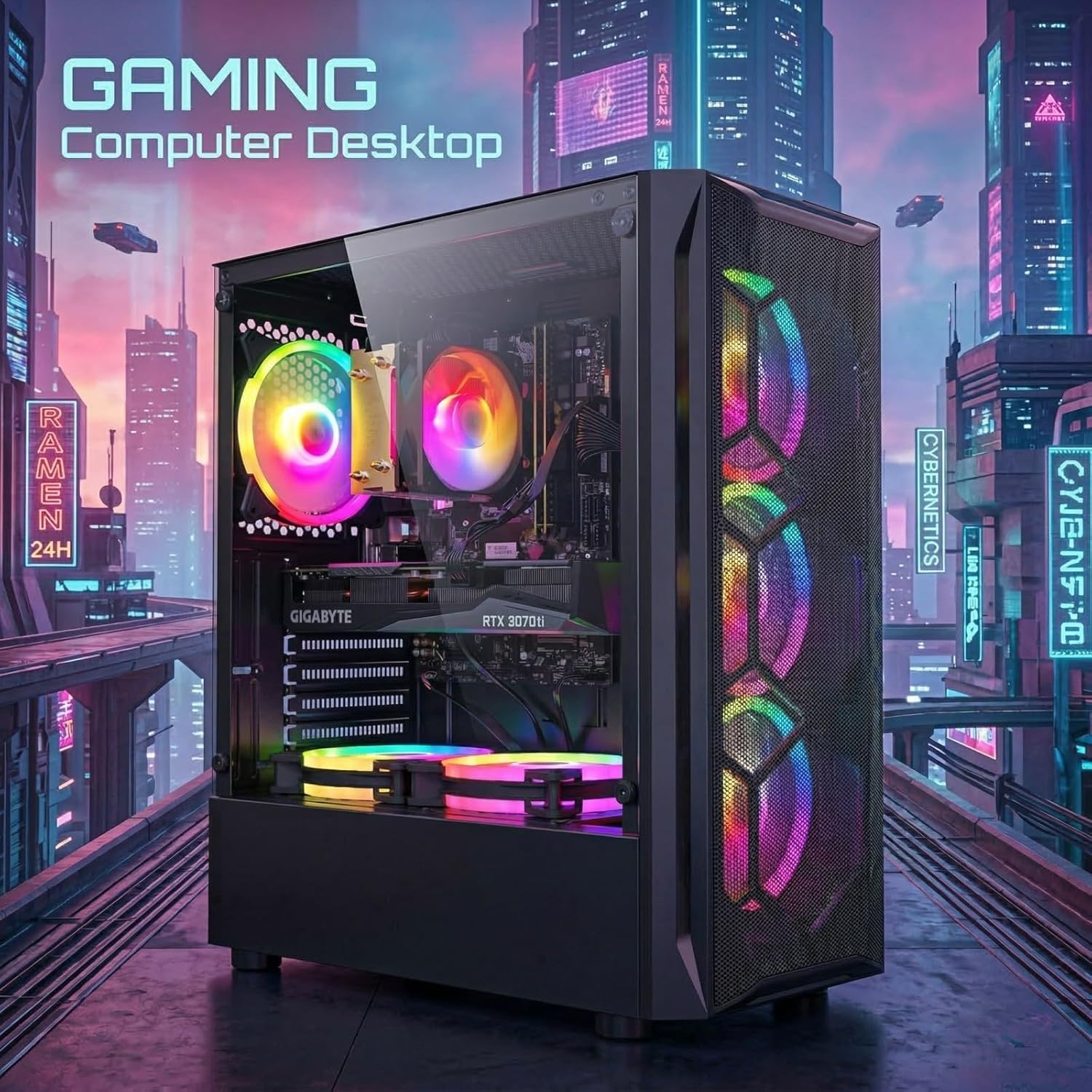
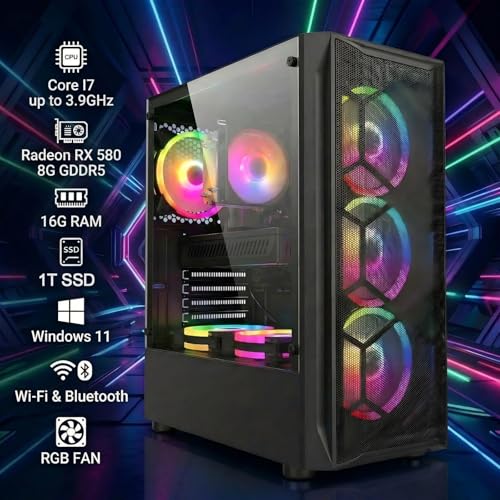
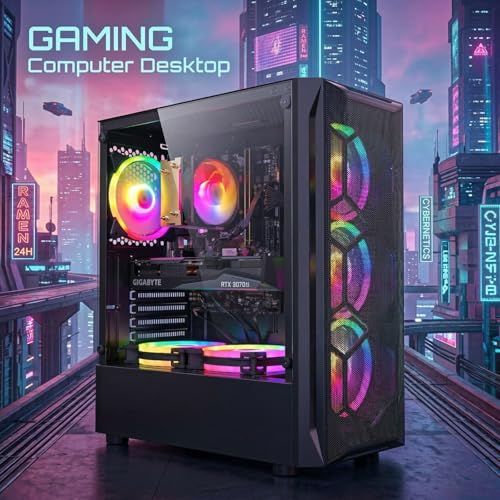
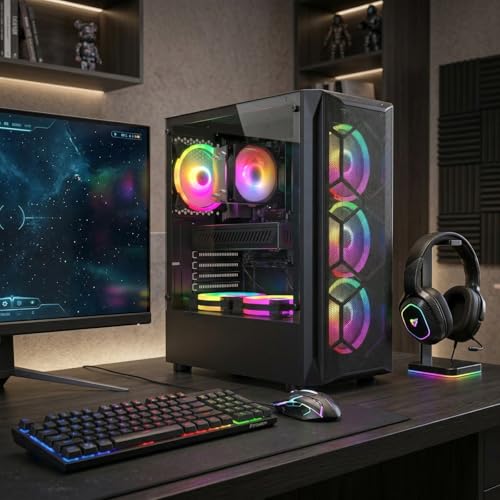
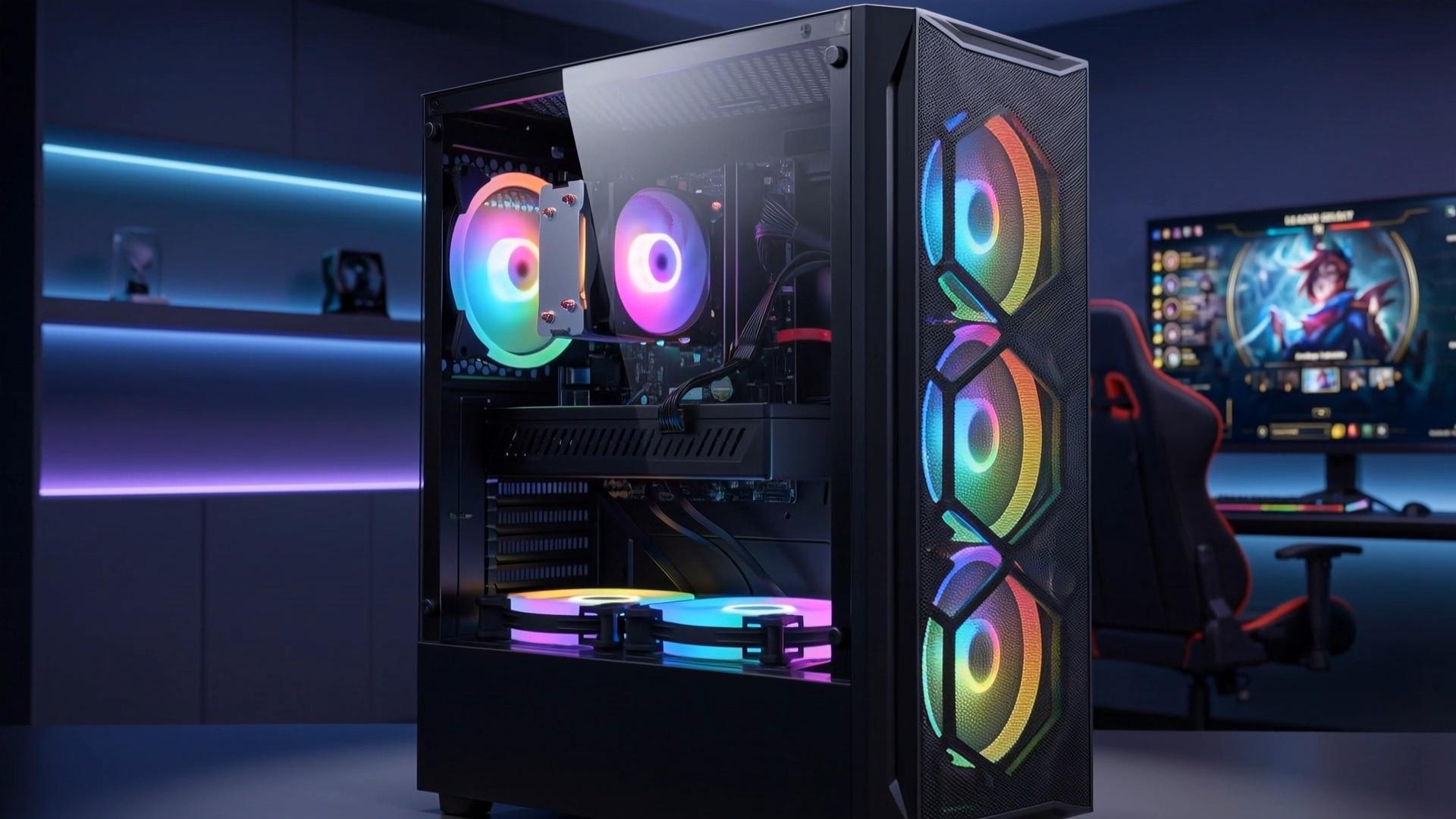
STGAubron Gaming PC Computer Desktop, Intel Core i7 up to 3.9GHz, Radeon RX 580 8G Video Card, 16GB RAM, 1TB SSD, WiFi 6, BT 5.0, RGB Fan x 6, Windows 11 Home
In Stock
Updated: May 25, 2026











As an Amazon Associate we earn from qualifying purchases. Product prices and availability are accurate as of the date/time indicated.
For the members building white-themed rooms, the H5 Flow has consolidated as the default choice over the past year. Earlier white cases from competing brands had panel-flex issues, off-white tones that did not match common white furniture, or glossy finishes that yellowed under sunlight. NZXT addressed all three with this generation, and the community has rewarded that with consistent endorsements. One member’s showcase post compared their H5 Flow build at six months versus initial install, and the panels showed essentially zero color shift or wear.
The recurring community caution: NZXT also sells an RGB Elite version of this same chassis. Do not buy that one. Members who initially chose the RGB version almost universally posted updates within six months saying they had either disabled all the lighting (defeating the purpose) or swapped to the non-RGB version. Save the time and money and get the right one first. White fan blades come stock on the non-RGB H5 Flow, which matters for the visual consistency many members specifically called out.
3. Apple Magic Keyboard with Numeric Keypad — The Surprise Community Favorite

19
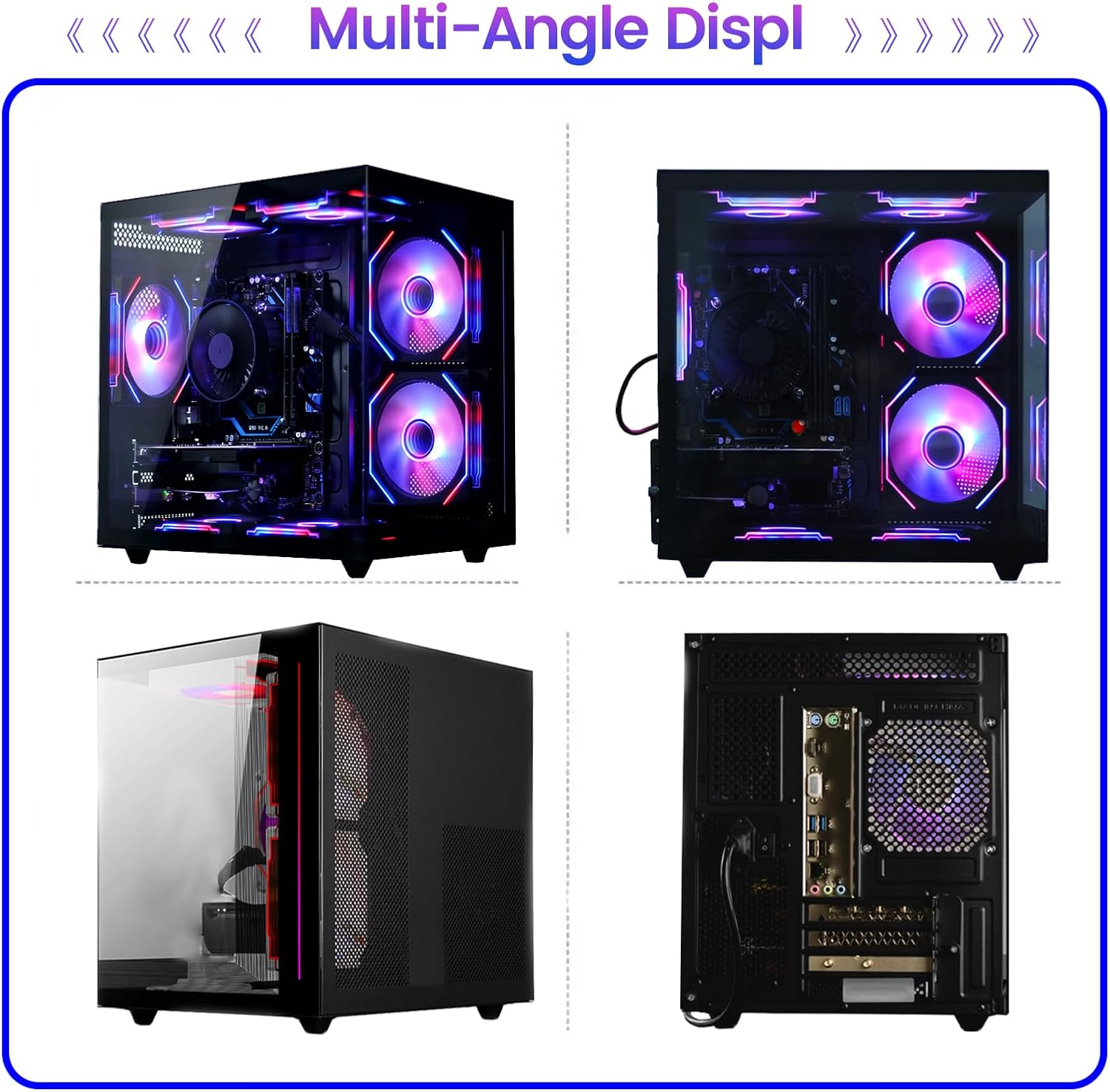
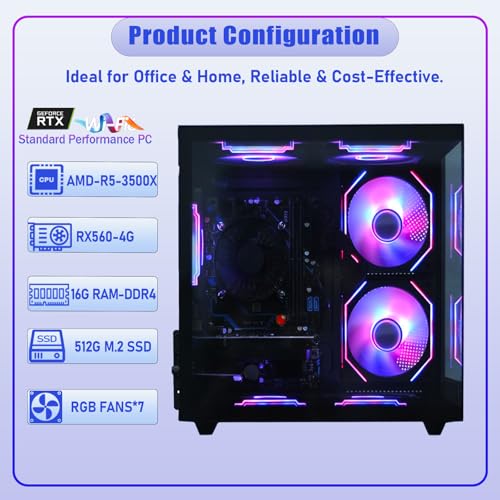
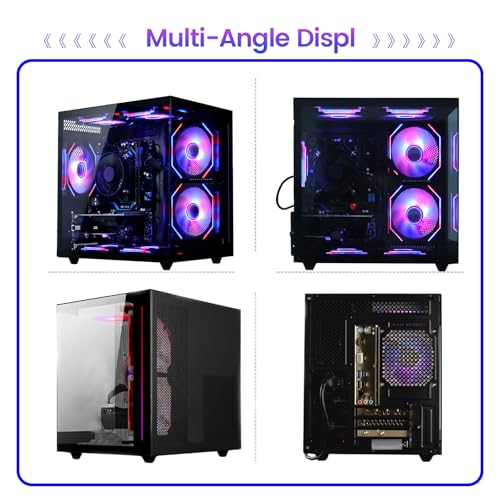
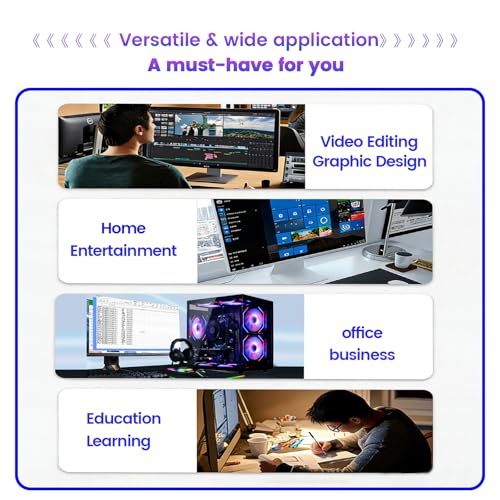
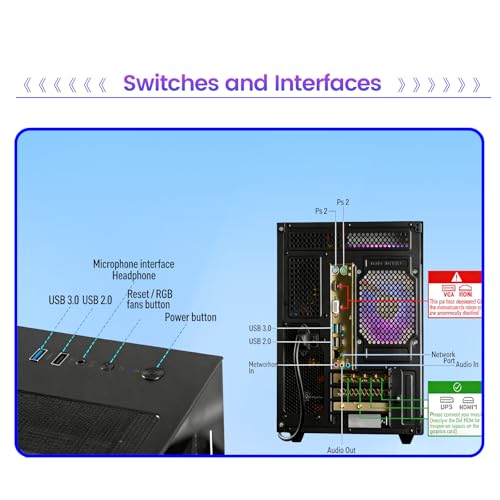
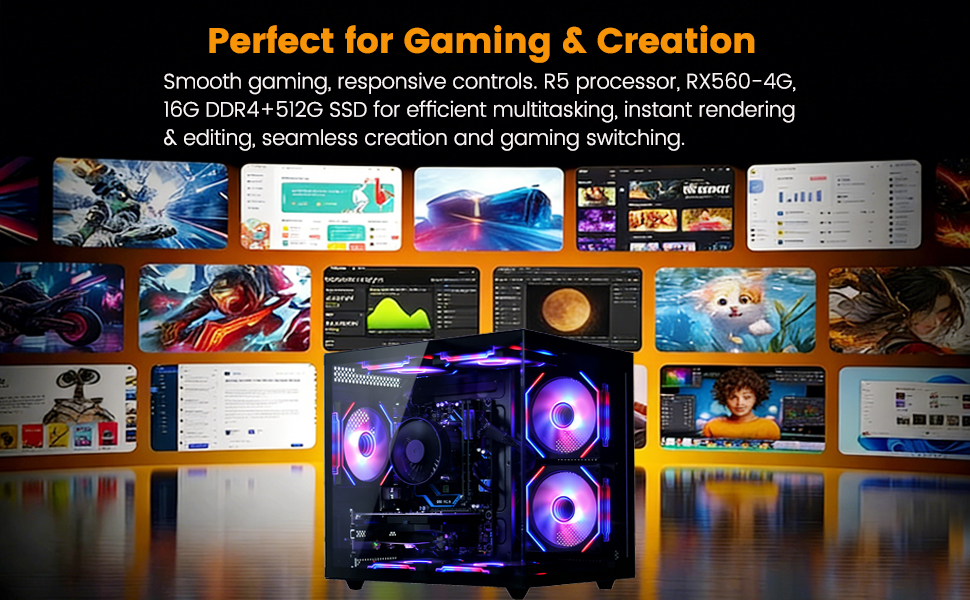
suevery Prebuilt Gaming PC Desktop, Ryzen 5 6-Core 3.6GHz Up to 4.1GHz | 16GB DDR4 RAM | 512G SSD | RX 560 4G Graphics Card | Wi-Fi 6, Gamer Computer Tower for Home Office, Black
In Stock
$629.99
Save $90.00
Updated: May 25, 2026




As an Amazon Associate we earn from qualifying purchases. Product prices and availability are accurate as of the date/time indicated.
Three years ago, suggesting an Apple Magic Keyboard in a gaming forum would have started arguments. In 2026, it is one of the most-endorsed peripherals in the showcase thread. The shift happened gradually as members rebuilt their setups around the work-from-home reality and recognized that most of their daily computing was actually productivity, not twitch FPS. The Magic Keyboard handles both gracefully. The flat aluminum profile keeps the desk line low, the single-color body has no visible branding beyond a small Apple mark on the back, and Bluetooth pairing with both macOS and Windows is reliable.
Community-discussed alternatives: for members who prefer mechanical keys, the Keychron K3 Pro in white with white-only backlighting comes up frequently. The Logitech MX Keys Mini is the closest non-Apple alternative for those committed to a single-color, flat-profile aesthetic without the Apple branding. For competitive FPS players, members often keep a separate mechanical keyboard in a drawer and swap it out for tournament play, which is a perfectly valid approach.
4. Logitech MX Master 3S — The Workhorse Members Keep Recommending

36
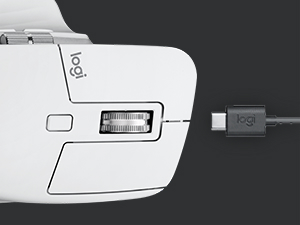
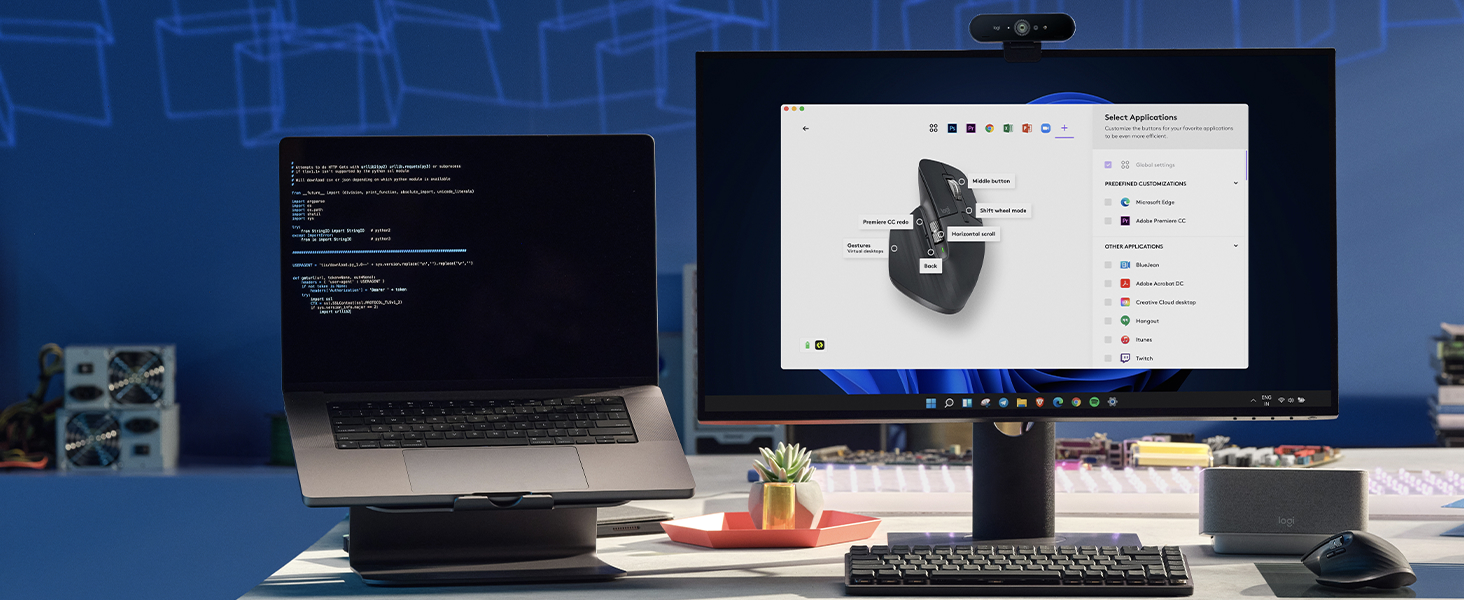
Logitech MX Master 3S Wireless Mouse Standard Edition with Logi Bolt USB Receiver, Ultra-Fast Scrolling, Ergo, 8K DPI, Track on Glass, Quiet Clicks, USB-C, Bluetooth, Windows, Linux, Chrome – Graphite
In Stock
$119.99
Save $30.00
Updated: May 28, 2026











As an Amazon Associate we earn from qualifying purchases. Product prices and availability are accurate as of the date/time indicated.
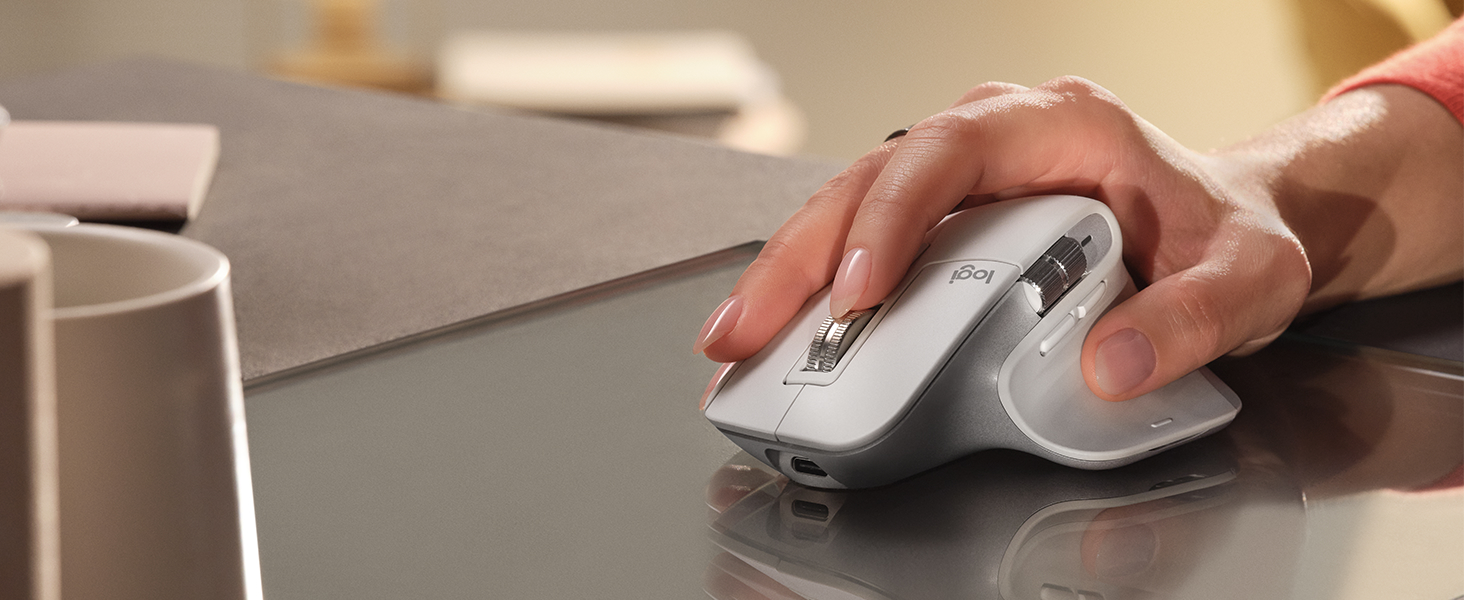
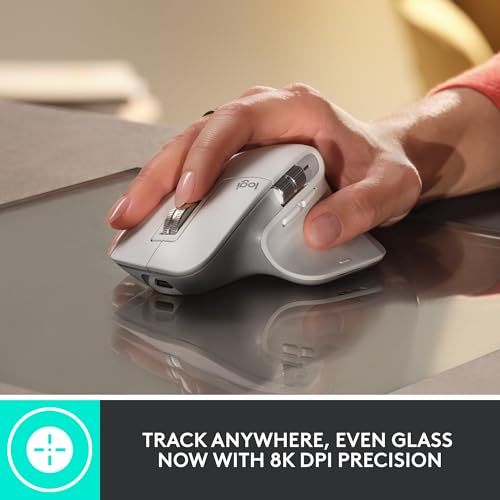
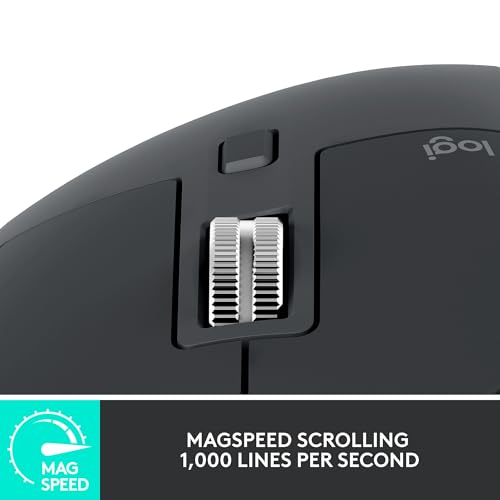
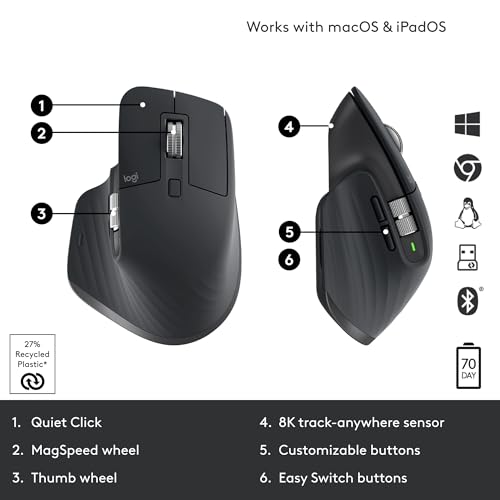
The MX Master 3S in graphite is the most-photographed mouse in the showcase thread. Members consistently call out the matte finish, the absence of any RGB lighting, the productivity-grade scroll wheel, and the ability to work on any surface — including glass and bare wood — which means you can skip the mouse pad entirely. For members building toward a truly empty-desk aesthetic, dropping the mouse pad is often the final unlock that completes the look.
The recurring community discussion: weight. At 141 grams, the MX Master 3S is heavy compared to dedicated gaming mice, and serious FPS players push back on the recommendation. The community consensus, however, is that this is the right mouse for the gaming-plus-work audience that dominates the zen-build community, and that members who need a lighter mouse for ranked play can keep one in a drawer alongside the daily-driver MX Master. Members in the showcase thread who tried this two-mouse approach reported being happy with the compromise.
5. Audio-Technica ATH-M50x — The Headphones That Look Right

17
Audio-Technica ATH-M50X Professional Studio Monitor Headphones, Black, Professional Grade, Critically Acclaimed, with Detachable Cable
In Stock
Updated: 20 hours ago











As an Amazon Associate we earn from qualifying purchases. Product prices and availability are accurate as of the date/time indicated.
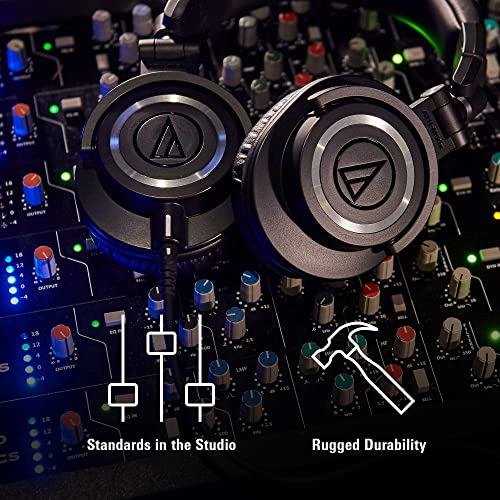
The ATH-M50x has appeared in nearly every top-rated build for three consecutive showcase years. The reasons are unchanging: studio-black aesthetic with subtle branding, no LEDs of any kind, closed-back design that genuinely isolates for both gaming and music, and a sound signature that flatters most modern game audio. Members particularly call out the detachable cable, which lets them run custom-length cables under the desk to hidden DACs or audio interfaces, completing the cable-management story.
Community-suggested upgrades: the Sennheiser HD 660S2 for members with treated rooms and a preference for open-back soundstage; the Beyerdynamic DT 770 Pro for those who want even more isolation; and the AKG K371 for a slightly different sound signature in the same price range. For voice chat, the strong community recommendation is to pair these headphones with a separate desk-mounted condenser mic like the Rode NT-USB Mini rather than using any combo headset.
6. Sony WF-1000XM5 — The Wireless Path for Truly Empty Desks

25
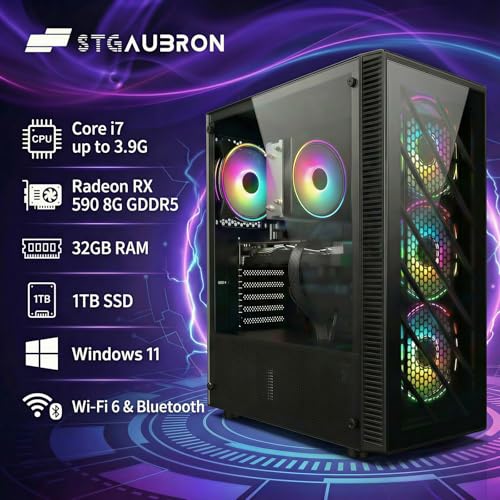
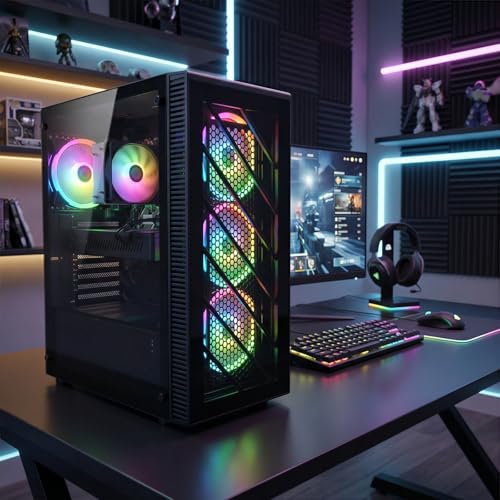
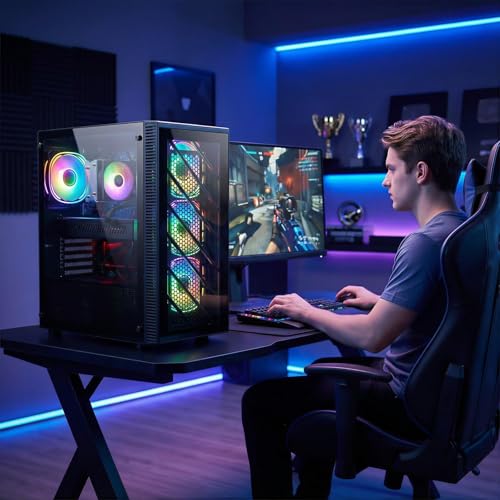
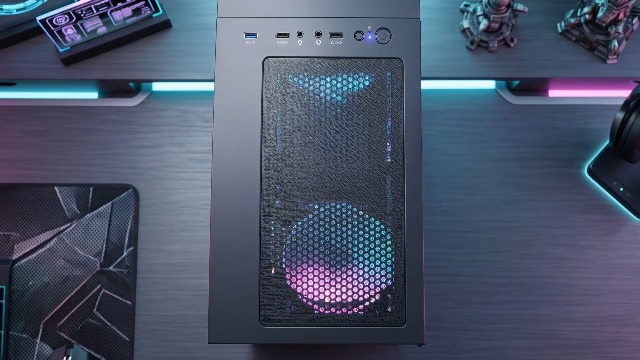
STGAubron Gaming PC Computer Desktop, Intel Core i7 up to 3.9G, Radeon RX 590 8G, 32GB RAM, 1TB SSD, WiFi 6, BT 5.0, RGB Fan x4, Windows 11 Home
In Stock
Updated: May 29, 2026




As an Amazon Associate we earn from qualifying purchases. Product prices and availability are accurate as of the date/time indicated.
For members chasing the absolute empty-desk look — no headphone cable, no wired mouse, no visible peripherals at all — the Sony WF-1000XM5 is the consensus pick. The matte black case is small enough to live in a drawer or sit beside the keyboard without disrupting the visual line. Sound quality is class-leading for true wireless. Active noise canceling is genuinely useful for members in apartments and shared housing. Multi-point pairing means you can sit down and immediately game without device-switching friction.
The honest community caveat: latency. True wireless adds 80 to 120 milliseconds of audio delay, which is fine for the strategy, sim, RPG, and indie titles many members favor but problematic for competitive shooters. Members who play across genres typically keep both the WF-1000XM5 for casual sessions and the ATH-M50x for serious play, swapping based on the game. This dual-headphone approach has become a community pattern in its own right.
7. Solid Wood Desk Top + Adjustable Frame — The Foundation Members Always Mention

22
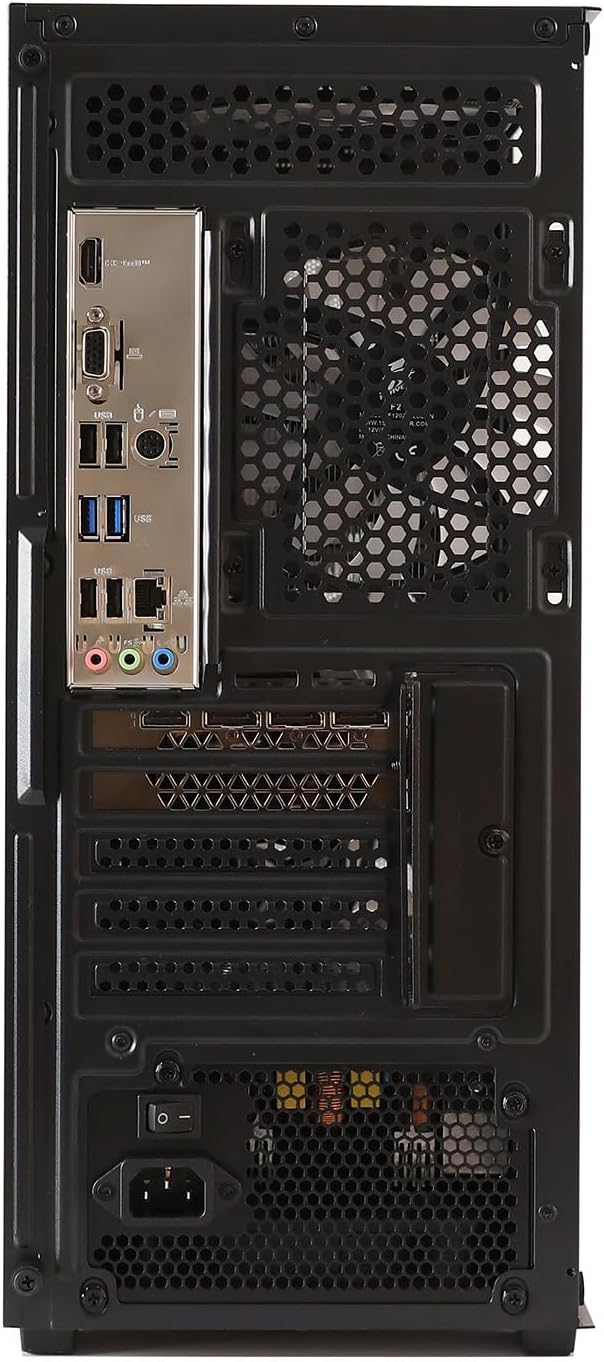
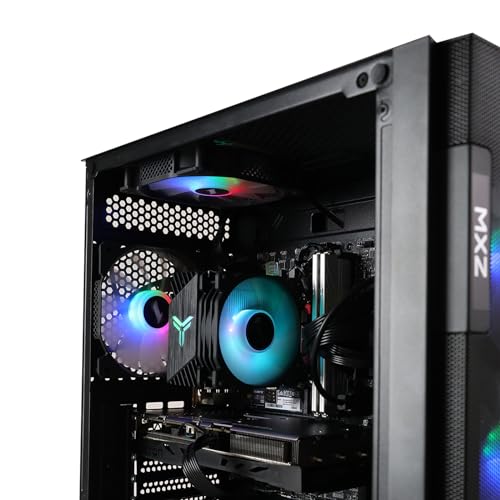
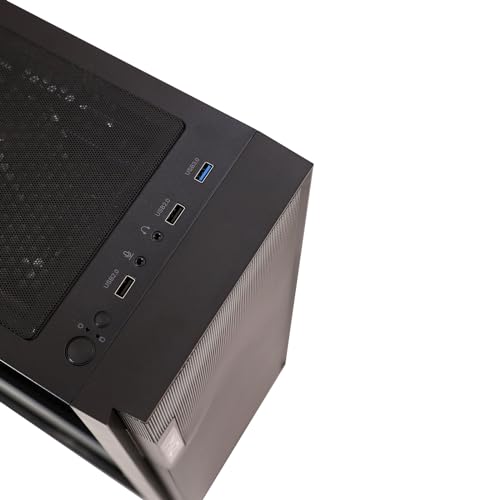
MXZ Gaming PC Desktop Computer,I5 12400F 4.4GHz,RTX4060,16GB DDR4 3200,NVME 500GB SSD,6RGB Fans,Win 11 Pro Ready(I5 12400F | RTX4060)
In Stock
Updated: May 25, 2026




As an Amazon Associate we earn from qualifying purchases. Product prices and availability are accurate as of the date/time indicated.
Members consistently identify the desk as the single most important purchase in a minimalist build. The community-validated path is a solid wood top (oak, walnut, ash, or rubberwood) at least 30mm thick, paired with a steel adjustable frame in matte black or matte white. Avoid laminate. Avoid glossy finishes. Avoid trendy "gaming" desk shapes with cutouts and angles. A flat rectangle in beautiful wood will outlast every trend.
Common community choices: IKEA Karlby walnut counter-top on Alex drawer bases for budget builds (around $300 all-in), Fully Jarvis with bamboo top for mid-range, and Uplift V2 with rubberwood for premium. Members repeatedly emphasize that the desk upgrade was their largest single aesthetic gain — more impactful than upgrading the case, the peripherals, or the lighting combined. Several members posted before-and-after photos showing the same hardware on a laminate desk versus a wood desk, and the difference is dramatic. Under-desk cable management is essential; the community recommendation is a steel cable tray, sleeved bundle wrap for any visible runs, and a powered USB hub mounted under the desk to consolidate peripheral connections.
Member Tips for Build and Arrangement
From the most-upvoted comments across showcase posts: position the desk so natural light comes from the side, never directly behind or in front of the monitor — this both reduces glare and creates more flattering lighting for the build itself. Use a single-arm VESA monitor mount to hide the stand entirely; this small change frees up the back of the desk and looks dramatically cleaner. Run all cables down a single rear leg of the desk, sleeved together, into an under-desk tray. The goal is a desk that looks empty from across the room.
For the PC tower itself, the community is split between on-desk placement (only if the case is genuinely beautiful — the North qualifies; most do not) and under-desk on a small wheeled platform. The wheeled-platform approach is gaining popularity because it makes occasional maintenance much easier without sacrificing the clean desk aesthetic. Avoid placing the case inside a closed cabinet; thermals suffer and members who tried this approach almost universally regret it.
For accent placement, the community rule is one of each: one plant, one lamp, one wall art piece. Adding a second of anything begins to clutter. The most-photographed accents in 2026 showcase builds have been small ceramic vases with a single dried branch, mid-century floor lamps in matte black or warm brass, and unframed single-print art on the wall behind the monitor.
Budget Tiers Based on Member Spending Data
Entry Tier ($500-$800 accessories): Based on first-time-builder posts, the typical entry zen build uses the NZXT H5 Flow ($95), a Logitech MX Anywhere 3S ($75), Keychron K3 Pro white ($90), ATH-M50x ($149), and an IKEA Trotten with a wood-look top ($170), plus basic cable sleeve kit ($25). Total around $604. Members at this tier consistently report being happy with the aesthetic and planning desk upgrades as the next investment.
Mid Tier ($1000-$1500 accessories): The most common showcase configuration: Fractal Design North ($140), Apple Magic Keyboard with Numeric ($129), Logitech MX Master 3S ($99), ATH-M50x ($149), IKEA Karlby walnut counter top on Alex drawers ($300), under-desk cable tray and full sleeve kit ($60), warm ambient floor lamp ($120). Total around $997. This is the configuration that appears most often in top-voted showcase posts.
Premium Tier ($2000+ accessories): Members chasing the magazine-cover look typically run: Fractal Design North ($140), Apple Magic Keyboard ($129), Logitech MX Master 3S ($99), Sennheiser HD 660S2 ($550), Sony WF-1000XM5 ($279), Uplift V2 with rubberwood top ($800), professional cable management installation ($200), and high-CRI warm ambient lighting ($300). Total around $2497. Several members at this tier have posted full-room photos that genuinely look like interior design portfolio shots.
Community FAQ from the Showcase Thread
How do I convince a partner or roommate to let me have a gaming setup in shared space? The most-upvoted advice in community threads: build first, ask later. A minimalist gaming setup looks like a workspace, not a game room. Show photos of the planned aesthetic before you start, emphasize the work-from-home utility, and lean into wood and warm-tone materials that complement existing furniture. Members consistently report that partners who initially objected to the idea of a "gaming setup" were neutral or positive once they saw the actual minimalist execution.
Can I keep my existing RGB GPU? Yes. Members do this all the time. Choose a solid-panel case (the Fractal Design North or be quiet! Pure Base 500DX both ship in solid variants) and the GPU lighting becomes invisible. This is the most cost-effective path for members upgrading from a previous flashy build without throwing away expensive hardware.
Does the minimalist aesthetic limit gaming performance? Not at all. Every product in the community showcase has been benchmark-validated across many builds. The Fractal North handles RTX 5080-class GPUs without thermal issues. The peripherals are competitive across genres. Minimalism is a visual discipline that has no performance cost.
How long do these builds stay looking good versus trendy RGB builds? Community data is clear: minimalist builds age dramatically better. Members who built zen setups three years ago consistently say their builds still look current. Members who built flashy RGB rigs from the same era almost universally describe their setups as dated.
Member-Submitted Build Patterns Worth Stealing
Beyond the individual product picks, the showcase thread has produced a handful of repeatable build patterns that members have iterated and refined collectively over time. The most popular is what members call the "wood-and-charcoal default": Fractal North case, walnut Karlby top, matte black steel frame, Apple Magic Keyboard, MX Master 3S in graphite, ATH-M50x on a black headphone stand, and a single warm-bulb floor lamp positioned to the side of the desk. This pattern has been built and rebuilt by dozens of members with minor variations, and the consistency of the results across different rooms and budgets is a strong endorsement of the underlying recipe.
A second popular pattern is the "all-white minimalist" configuration: NZXT H5 Flow white case, IKEA Trotten or Linnmon with a white solid top, white Keychron K3 Pro with backlight disabled, MX Master 3S in pale grey, and a small white ceramic plant pot as the single accent. Members who built this configuration in apartments with cool natural light report excellent results; members who tried it in rooms with warm yellow lighting reported the white-on-white can read as institutional rather than calm. Match the build palette to your room lighting honestly.
A third emerging pattern is the "Japandi" hybrid, blending Scandinavian minimalism with Japanese restraint: oak desk top, charcoal case, single small bonsai or shoji-style accent, paper lantern floor lamp, and absolutely no other decoration. This pattern requires the most discipline because the temptation to add a second decorative element is strong, but members who held the line reported some of the most striking results in the entire 2026 showcase. Look for posts tagged with #japandi-build in the community archive for inspiration and feedback.
The Community Anchor Pick
If you can only afford one upgrade from this guide, the community’s overwhelming recommendation is the desk. Specifically, a solid wood top on a quality adjustable frame. Members consistently identify this as the unlock that makes the rest of the aesthetic click into place, and it is the single change with the largest visual impact for the dollar. The Fractal Design North is the most-mentioned case, but the desk is the most-recommended upgrade. Start there, build outward, and post your results in the showcase thread when the build comes together.
Related Showcase Discussions
- PCGU Community Zen Build Showcase Thread 2026
- Best Minimalist PC Builds Under $1500 — Community Picks
- Wood Desk Buyer’s Guide — Community Edition
- Community Cable Management Tutorials and Photos
- Best Monitors for Zen Builds — Community Recommendations
- Best Ambient Lighting for Minimalist Setups
- Gaming Setups for Shared Living Spaces
Related Guides
Related Articles
Looking for more on this topic? Browse the hand-picked guides below — each one applies the same scoring rubric used in this review.
Frequently Asked Questions
How often should I replace my minimalist gaming setup ideas 2026 community showcase?
Most modern minimalist gaming setup ideas 2026 community showcase comfortably last three to five years of regular use. Replace sooner only if performance, reliability, or compatibility meaningfully affect your workflow.
Are budget minimalist gaming setup ideas 2026 community showcase worth it in 2026?
Yes — the gap between mid-tier and flagship picks has narrowed. A budget minimalist gaming setup ideas 2026 community showcase from a reputable brand handles 2026 workloads without major compromises when paired with the right surrounding hardware.
What warranty should I look for?
Two-year minimum for anything above $150. Brands that honour longer in practice (often discoverable in community feedback) get a bonus point on our rubric.
Ready to decide? Our #1 pick for 2026 is the PC Case.
Live price & availability on Amazon.